17
Your meter comes with the time, date, memory deletion, voice vol-
ume and language preset. If you need to change the time or replace
the batteries, you may have to enter the setting mode and reset.
Please set the time, date, memory deletion, voice volume and
language according to the following steps.
To set the time, you must rst enter the setting mode. Start with
the meter off. Then press the set button located in the battery
compartment. The meter is now in the setting mode.
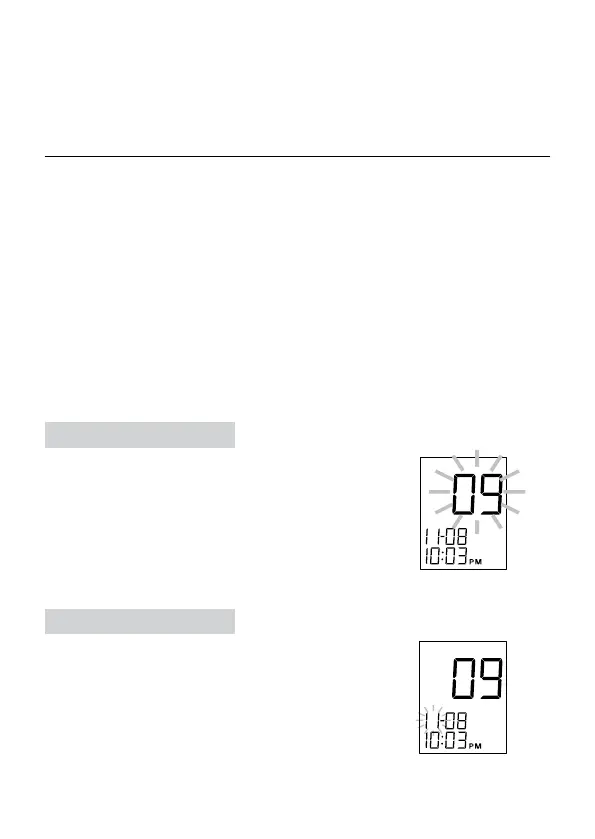
STEP 1 Set the Year
The year appears rst, with the number ashing.
Press and release the M button to advance one
year. To move faster, hold the M button down.
With the correct year on the display, press the set
button and the date will appear on the display with
the month ashing.
STEP 2 Set the Month
Press and release the M button until the correct
month appears. To move faster, hold the M
button down. With the correct month on the dis-
play press the set button and the date will start
ashing.
Setting the Meter and Deleting the Memory



 To Next Page