35
·Recall the Stored Test Results
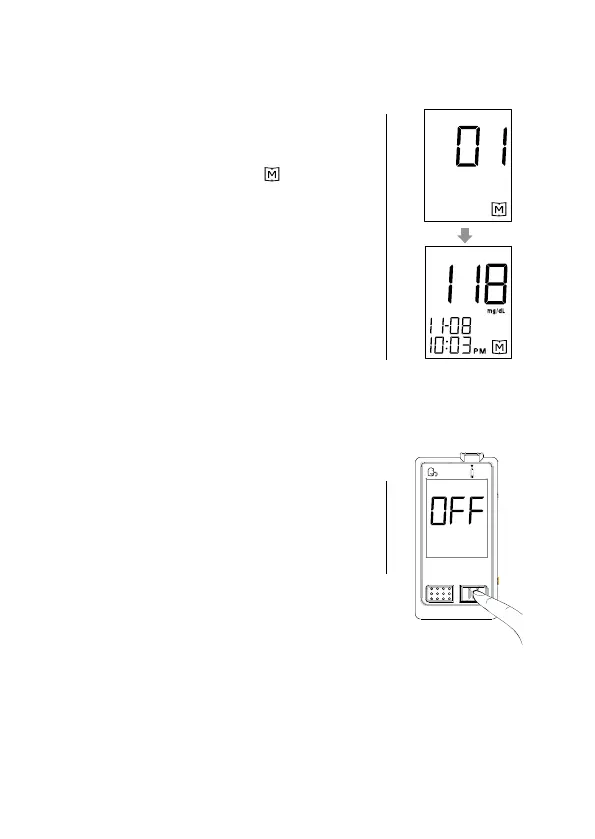
1. When the meter is off, press and release the
M button. The screen shows “ ”. Press
the M button again, “01” appears rst and
then the latest glucose result along with date
and time will be shown on the screen.
2. Press the M button once by once to recall
the test results stored in the meter consecu-
tively.
3. After the last test result, press the M button
again and the meter will be turned off.
·Exit the Memory Mode
You can also exit memory mode by pressing
M button for 5 seconds to turn off the meter.



 To Next Page