5100ex Calibration Manual
Exporting Calibration Settings
51
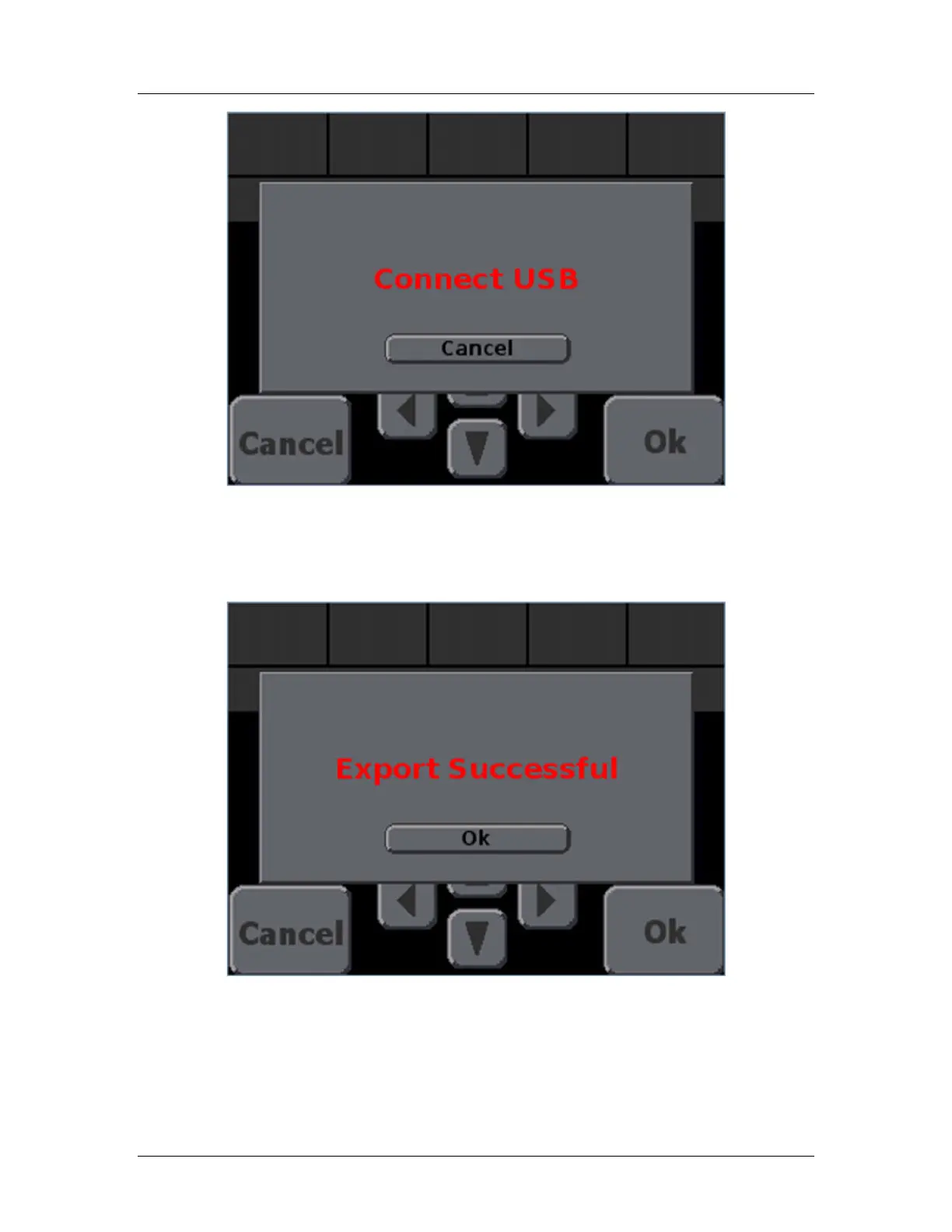
Figure 18: Export Settings screen with “Connect USB” message
STEP 5: Connect the USB drive to the USB port on the left-hand side of the 5100ex.
STEP 6: Wait for the Export to complete. Figure 19 will appear.
Figure 19: Export Successful Screen
STEP 7: Once the export is complete, press OK and you will be returned to the Calibration
menu.


 To Next Page