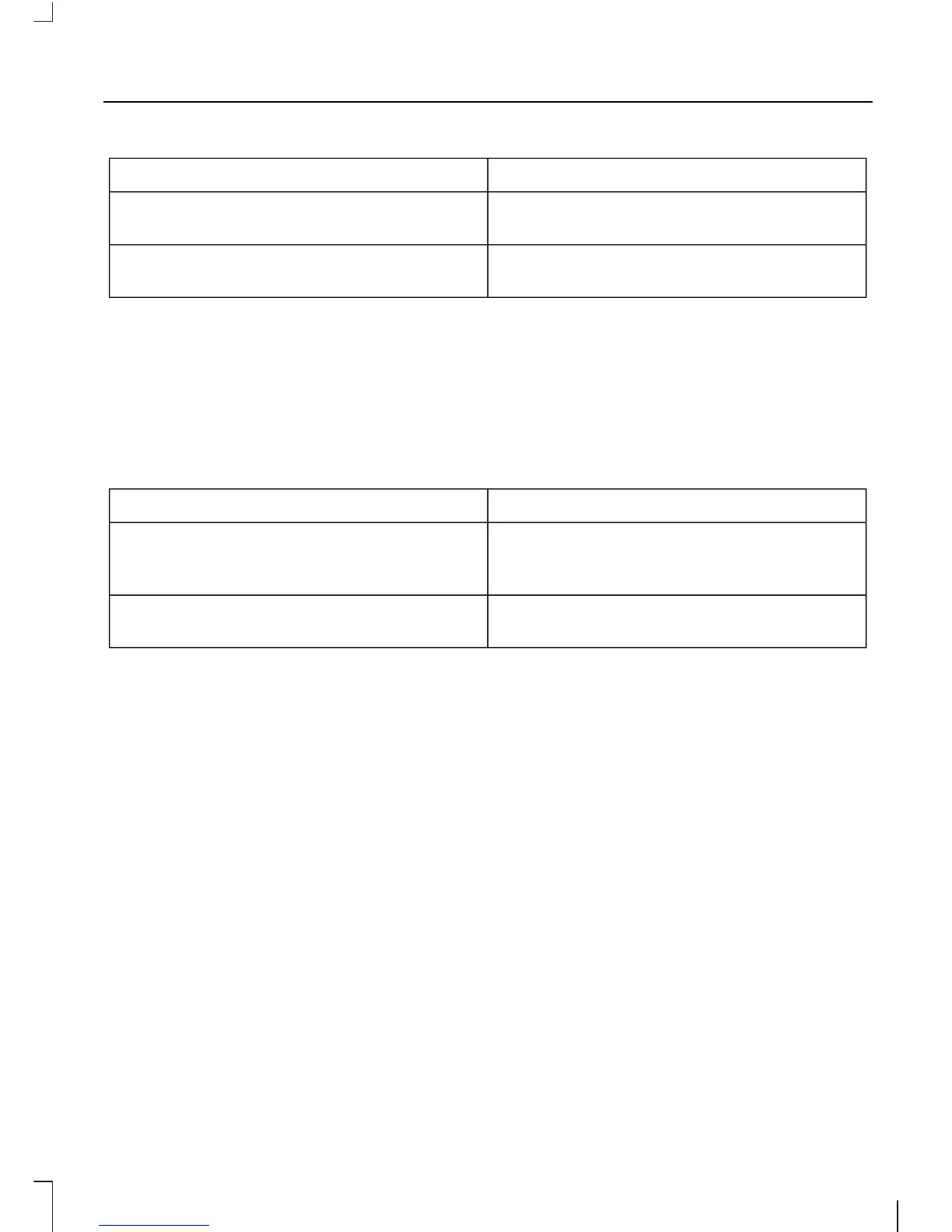
The SystemWhen You Say
Provides less audible interaction and more
tone prompts.
"INTERACTION MODE ADVANCED"
Provides more detailed interaction and
guidance.
"INTERACTION MODE STANDARD"
The system defaults to the standard interaction mode.
Confirmation prompts are short questions
the system asks when it is not sure of your
request or when there are multiple possible
responses to your request. For example,
the system may ask "Phone, is that
correct?".
The SystemWhen You Say
Makes a best guess from the command;
you may still occasionally be asked to
confirm settings.
"CONFIRMATION PROMPTS OFF"
Clarifies your voice command with a short
question.
"CONFIRMATION PROMPTS ON"
The system creates candidate lists when
it has the same confidence level of several
options based on your voice command.
When turned on, you may be prompted
with as many as four possibilities for
clarification.
For example say, "1" after the tone to call
John Doe at home or "2" after the tone to
call Johnny Doe on mobile or "3" after the
tone to call Jane Doe at home.
The same logic applies to media content.
For example say: "1" after the tone to play
John Doe or "2" after the tone to play
Johnny Doe or "3" after the tone to play
Jane Doe.
9
SYNC



 To Next Page