Forma Scientific, Inc._____________________________________________Service
6-8
6.3 37°C Control Calibration
If the digital display indicates a temperature other than 37°C when the
chamber temperature has stabilized and the temperature select switch is set to
37°C, it may be necessary to calibrate the adjustment.
To calibrate:
Make a note of how much the display varies from 37°C.
Locate the 37°C calibration adjustment on the control panel. (See Figure 3-2
in Section 3.)
Using the calibration screwdriver, turn the calibration screw one turn
clockwise for every half degree that the display is below 37°C. Turning the
screw counterclockwise will lower the temperature.
Allow the temperature to stabilize, and check the display again. If it still
varies significantly, repeat Steps 1 through 3.
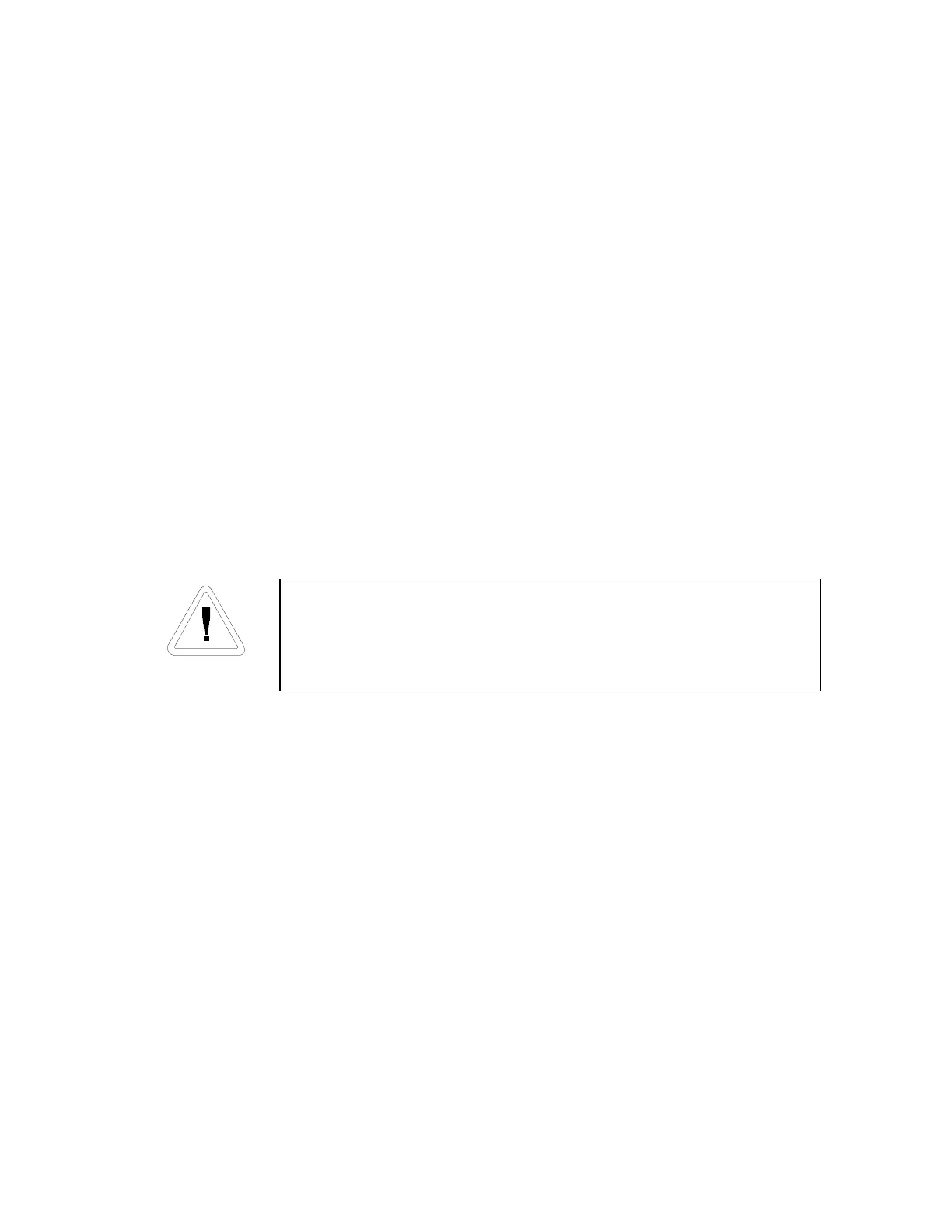
Servicing should be performed by qualified service
personnel only. Disconnect the incubator from the power
source before starting service procedures.
6.4 Replacing the CO
2
Sensor
Turn the incubator off and disconnect it from the power source.
Remove shelves, duct sheets, and blower channel from the chamber.
Locate CO
2
sensor, and remove wing nuts. The sensor will drop down.
There is a clip that connects sensor wiring to incubator wiring. To open the
clip, pull out slightly on the clip tab to release the sensor.
Remove the O-ring, and place it on the new sensor.
Clip the new CO
2
sensor onto the incubator wiring and return the sensor to
its original opening. Tighten the wing nuts securely to properly seal the
O-ring.


 To Next Page