10
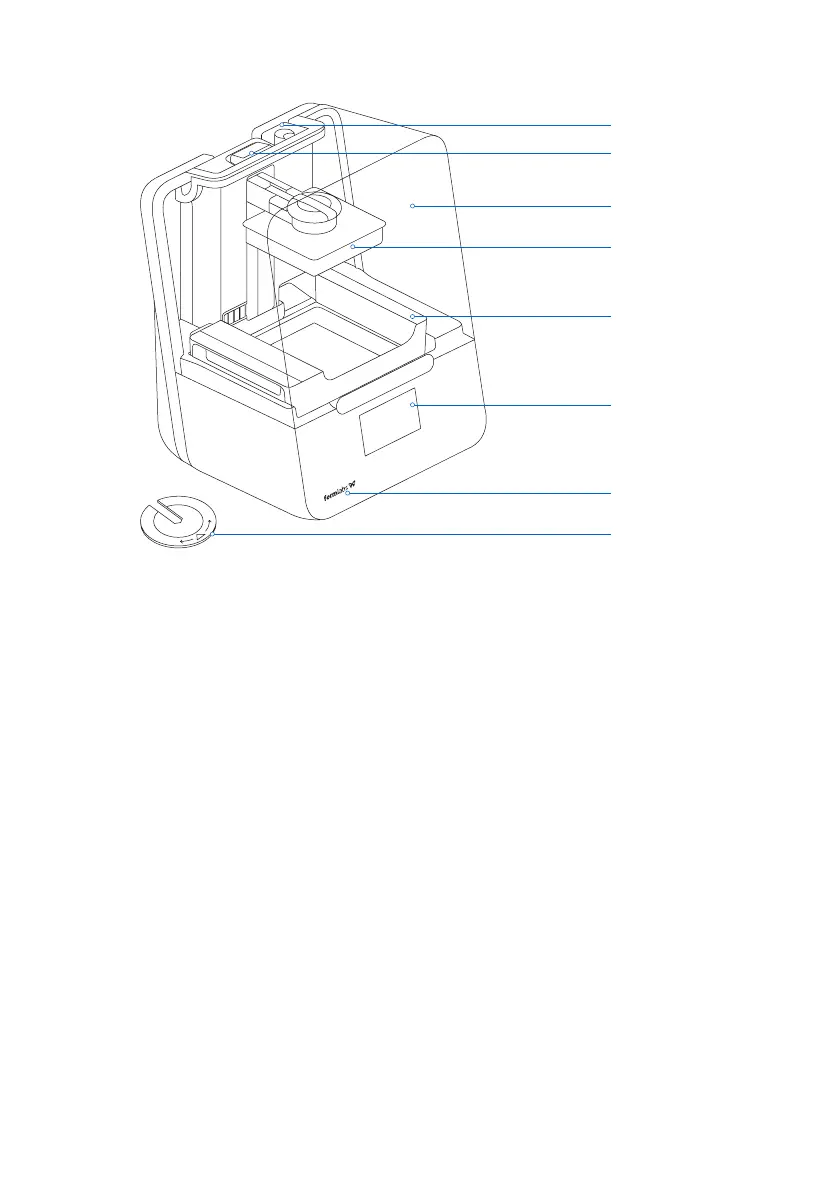
2.3 Product Elements
2.4 Understanding the Display
The Form 3 display includes a touchscreen and status lights.
The touchscreen displays print information, settings,anderror messages. It serves as the user
interface for the Form 3.
The status lights indicate the printer’s state. Refer to messages on the touchscreen to
understand the meaning of the status lights.
For detailed guidance and visual assistance, search on support.formlabs.com.
Resin Tank
Touchscreen
Status Light
Leveling Disc
Resin Cartridge
Status Light
Cover
Build Platform



 To Next Page