NT8 User's Guide | Chapter 6: Initial Setup
Adding the Wash Tip Command
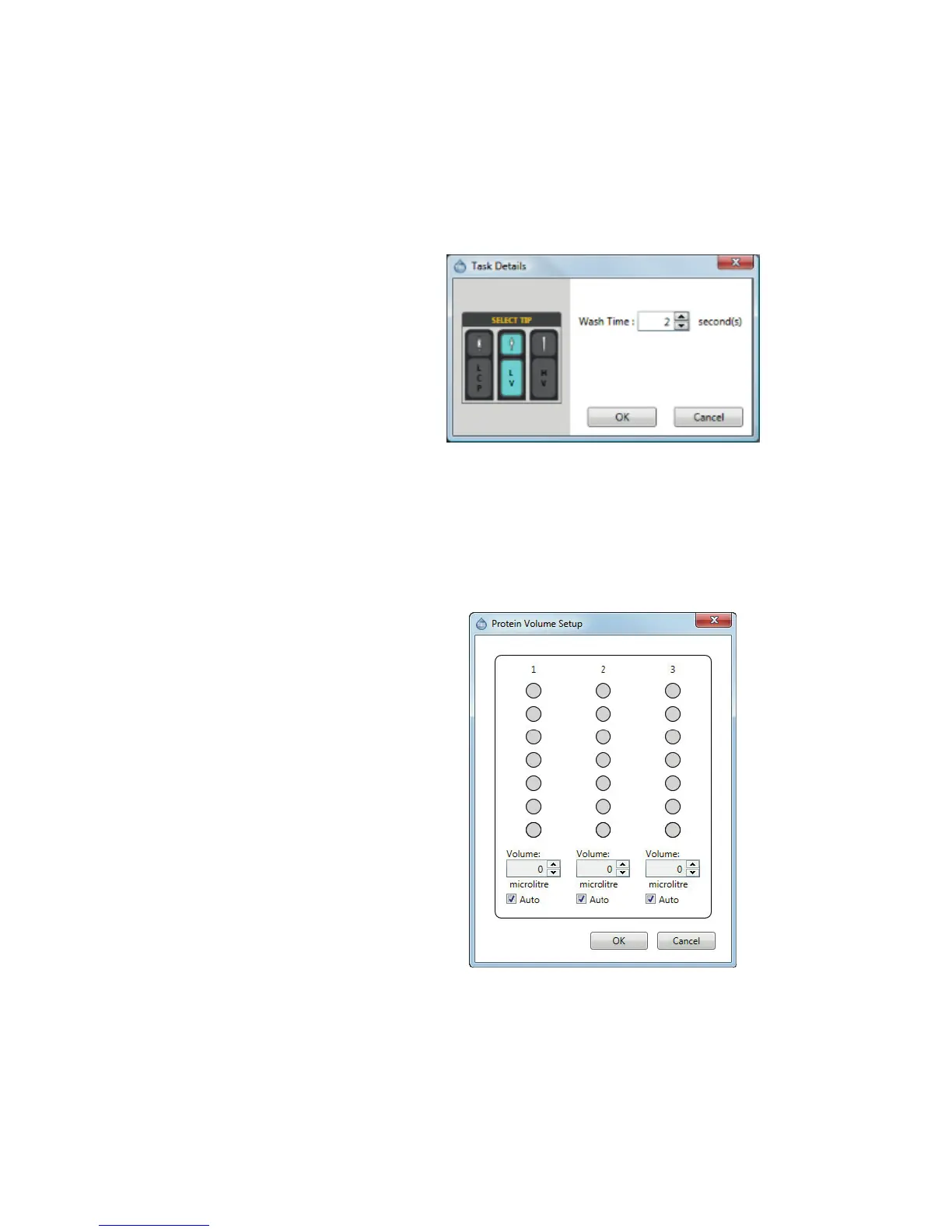
1. Double-click the Wash Station.
2. Double-click the Wash Tip command on the Task List and type a new value into the
corresponding field, or click the up or down arrows to increase or decrease the wash
time.
Setting the Protein Volume
1. Right-click the protein station and select Set Protein Volume.
2. Select the location of your protein sample in the protein station. This should
correlate to where your protein sample will be in the protein block.
3. Enter or select a volume in the Volume box.
4. Click OK.



 To Next Page