The LCP option includes an LCP mixer, used for combining the monoolein with the protein
sample. This tutorial explains how to set up mixing in the software and hardware.
Set up the NT8 software:
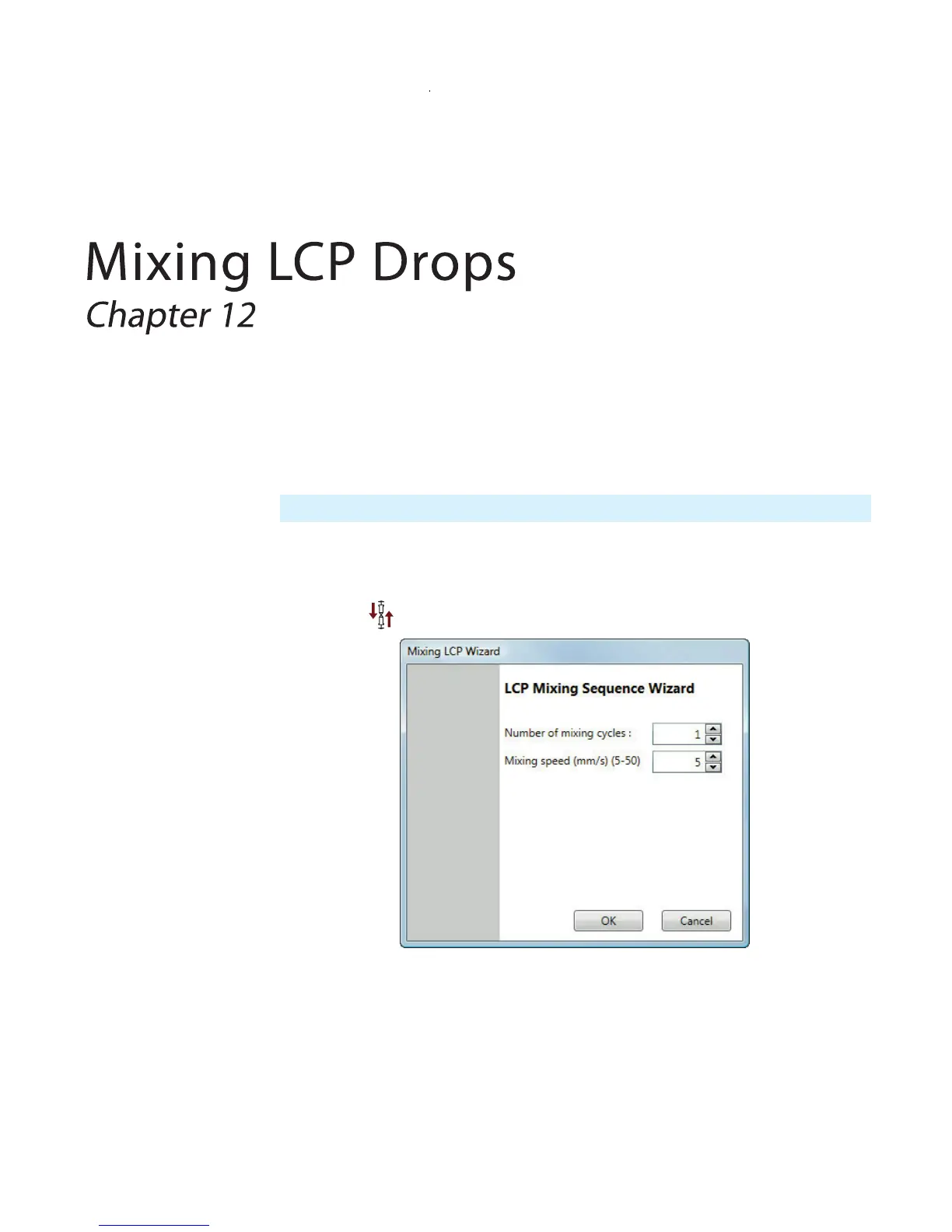
1. Click . The Mixing LCP Wizard dialog displays (see below).
● Number of mixing cycles: Sets number of mixing cycles to be performed by the
NT8.
● Mixing speed: Sets the mixing speed to be performed by the NT8.
2. Specify the settings on the LCP Mixing Wizard as needed.
Important: The maximum total volume of the two syringes to be mixed should be 70 µL.



 To Next Page