NT8 User's Guide | Chapter 12: Mixing LCP Drops
7. Install the syringe on the mixer by inserting it to the mixer
slots. When you insert the syringe, make sure it reaches
the stopper.
Mix the LCP drops
After you are done setting up the NT8 software and hardware, you are now ready to mix the
LCP drops. To mix the LCP drops, follow these steps:
1. In the software, click OK to confirm that you have connected the syringe to the mixer
station. The system mixes the syringe.
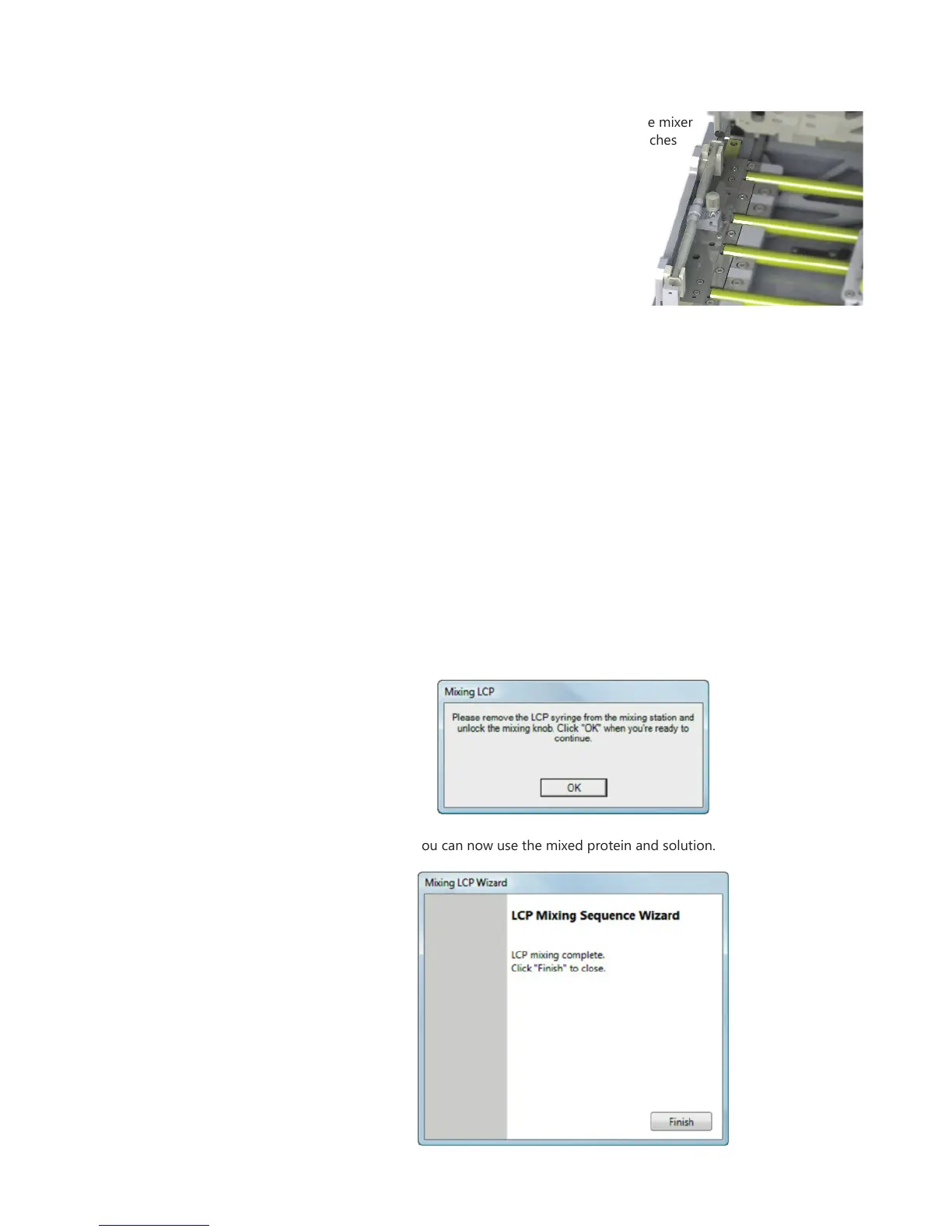
2. After the mixing is finished, a new dialog displays and notifies you to remove the LCP
syringe from the stage.
3. Push the plunger to the other syringe position. Detach the conjoined syringes. Attach
the needle to the syringe that will be used in your experiment.
4. Disconnect the mixer plunger from the stage: Push down on the locking knob and
turn it clockwise.
5. Click OK.
6. Click Finish. You can now use the mixed protein and solution.



 To Next Page