P a g e | 10
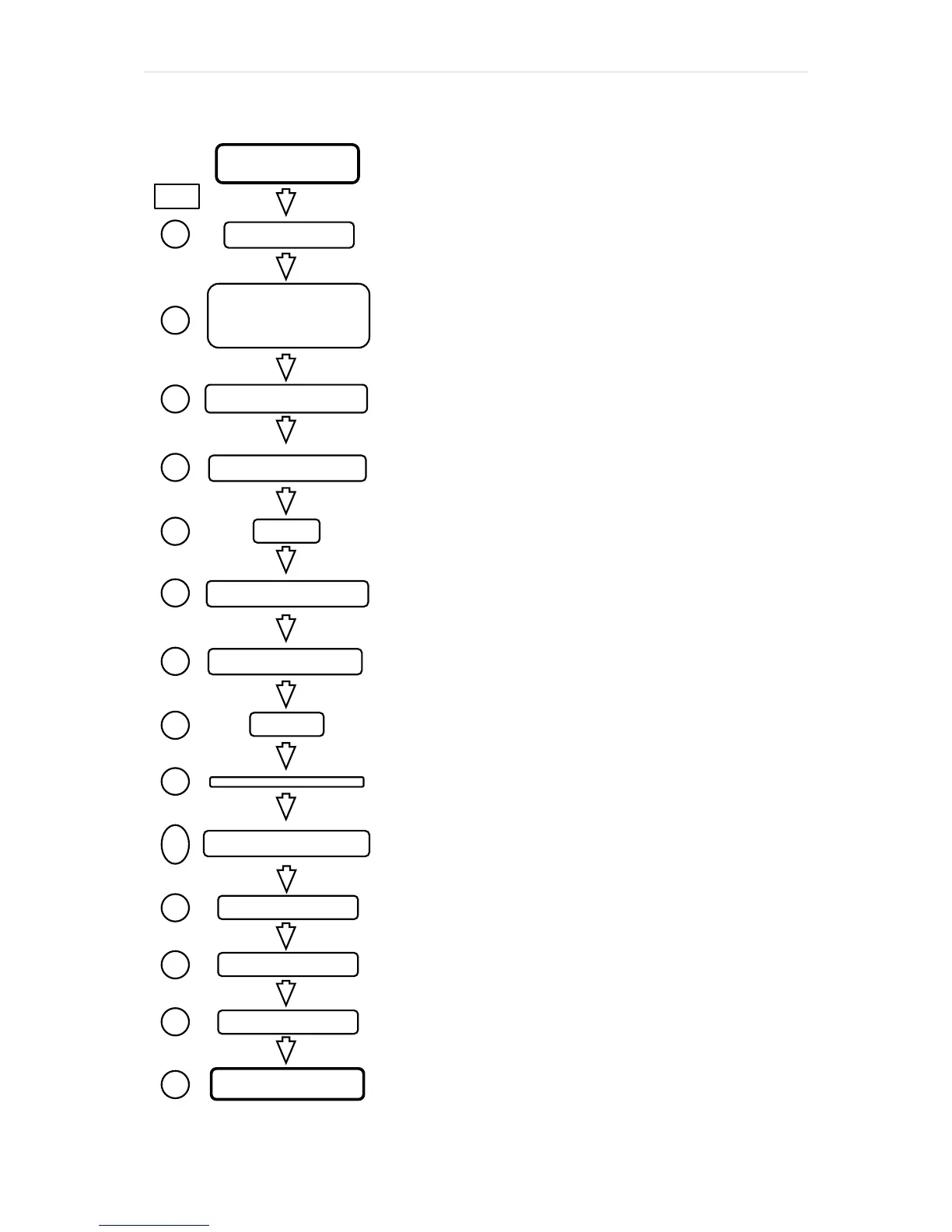
Machine operation
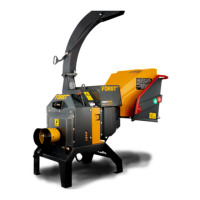
Ensure Tactor and Chipper
Ensure tractor horsepower and lift arm
capacity match that of the chipper
Allow engine to run for 30 seconds then
open throttle to 540rpm
For forward feed, touch green button
twice
To stop, touch red button or push trip bar
To reverse feed, touch green button
once
Touch red button or push trip bar
Close throttle to minimum on the Tractor
Switch off ignition and remove key
Before transporting machine
Sweep out debris from hopper
Close hopper tray by lifting fully up
against stops and engage latch


 To Next Page