EasyManua.ls Logo

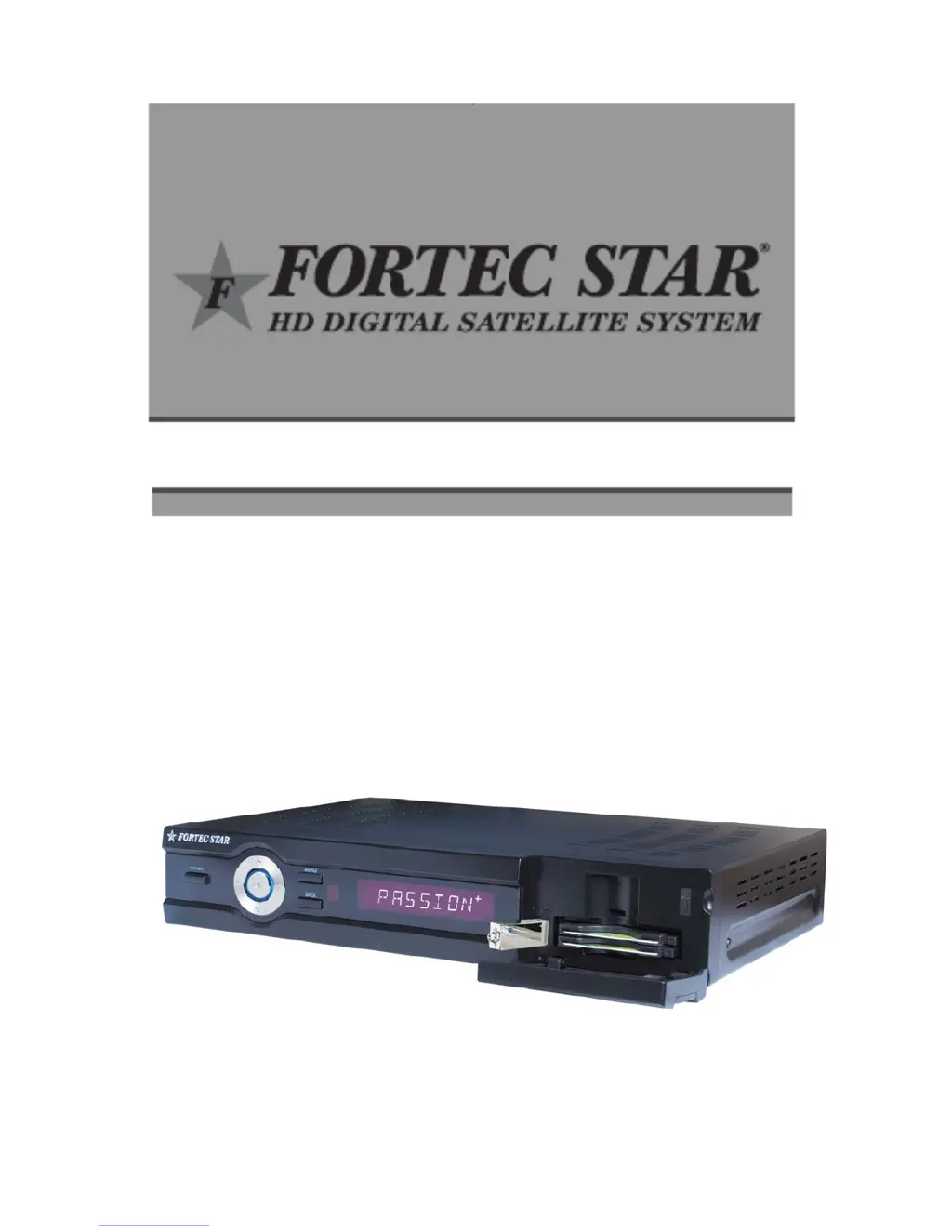
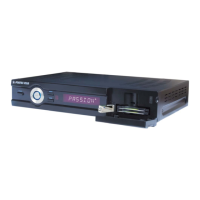
Fortec Star PASSION+ - User Manual

Fortec Star PASSION+
62 pages
Print Icon
To Next Page IconTo Next Page
Loading...
USER’S GUIDE
PASSION
+

Table of Contents

Questions and Answers

  • D
    Dustin BeanJul 30, 2025
    What to do if the remote control does not operate my Fortec Star PASSION+?
    • J
      Jackie WardJul 30, 2025
      If the remote control for your Fortec Star Receiver isn't working, first, ensure you're aiming the remote directly at the receiver. Then, check and replace the batteries. Finally, press the STB button on the remote.
  • M
    Michelle GuzmanAug 3, 2025
    What to do if my Fortec Star PASSION+ has no picture?
    • N
      natalie54Aug 3, 2025
      If your Fortec Star Receiver shows no picture, make sure that the receiver is switched on and check all connections to the receiver.
  • A
    Amy HernandezAug 7, 2025
    Why does my Fortec Star PASSION+ Receiver have no sound?
    • M
      Maureen MartinezAug 7, 2025
      If your Fortec Star Receiver has no sound, check the volume levels on both your TV and the receiver. Also, ensure that neither device is muted. Finally, check the connection of the audio cable.
  • D
    Daniel PalmerAug 11, 2025
    What to do if my Fortec Star PASSION+ service is not running or scrambled?
    • C
      Colin FowlerAug 11, 2025
      If the service on your Fortec Star Receiver is not running or appears scrambled, verify that the common interface module and smart card are correctly inserted. Also, confirm that the smart card is appropriate for the selected service.
  • J
    Jason MorrisAug 16, 2025
    How to improve poor HD picture quality on Fortec Star PASSION+ Receiver?
    • C
      Christopher GreenAug 16, 2025
      To improve poor HD picture quality on your Fortec Star Receiver when connected by YpbPr or HDMI, change the HD output resolution in the TV Setting Menu.
  • A
    Adam PhillipsAug 20, 2025
    What to do if my Fortec Star PASSION+ has poor picture quality?
    • A
      Amy ParsonsAug 20, 2025
      If you are experiencing poor picture quality with your Fortec Star Receiver, check the signal level. If it's too low, try adjusting the alignment of your dish.
  • C
    christopherchambersAug 25, 2025
    How to fix no display VFD on the front panel of Fortec Star Receiver?
    • A
      Ashley OdomAug 25, 2025
      If there is no display on the VFD on the front panel of your Fortec Star Receiver, connect the power cord properly into the power outlet and turn on the front panel AC power switch.

Summary

Main Features

For Your Protection

FCC Warning and Compliance

Important Safety Information

Power Sources and Grounding

Guidelines for safe power source usage and proper grounding of outdoor antennas.

Power Lines and Overloading Safety

Precautions against hazards from power lines and overloaded electrical outlets.

Objects, Liquids, Servicing, and Safety Checks

Safety advice on avoiding foreign objects, liquids, and proper servicing procedures.

Precautions

Universal Remote Control Functions

How to Program the Universal Remote Control

Front and Rear Panel Controls

Front Panel Controls

Identification and description of buttons and connectors on the front panel.

Rear Panel Connections

Connection Diagrams

Connecting the STB to a Satellite Dish

Installation

Welcome and Antenna Setup

Initial setup, language selection, and basic antenna configuration steps.

Antenna Settings and DiSEqC;USALS

Detailed configuration for DiSEqC 1.2 and USALS systems for antenna positioning.

Satellite and Transponder Editing

Managing satellite entries and editing Transponder (TP) information.

Channel Edit

Channel Lists and Editing

Managing channel lists, editing, sorting, locking, skipping, and renaming channels.

Parental Control and Locks

Setting up parental controls, access locks, menu locks, and changing passwords.

System Setting

Basic Function

Favorites, Sleep Timer, and USB Functions

Managing favorite channels, sleep timer, and USB file operations (recording, audio).

Power Search and PVR Functions

Rescanning satellites and using PVR features like recording and file management.

Troubleshooting

Technical Specifications

Tuner & Demodulator Specifications

Technical details of the receiver's tuner and demodulator components.

MPEG Transport Stream A;V Decoding

Specifications related to MPEG transport stream and A/V decoding capabilities.

Main System Specifications

Details on the receiver's main processor, memory, and flash storage.

A;V & Data Input;Output Ports

List and description of all audio, video, and data input/output connectors.

Power Supply and Physical Specifications

Fortec Star PASSION+ Specifications

General IconGeneral
BrandFortec Star
ModelPASSION+
CategoryReceiver
LanguageEnglish

Related product manuals