14
6. Front and Rear Panel Controls
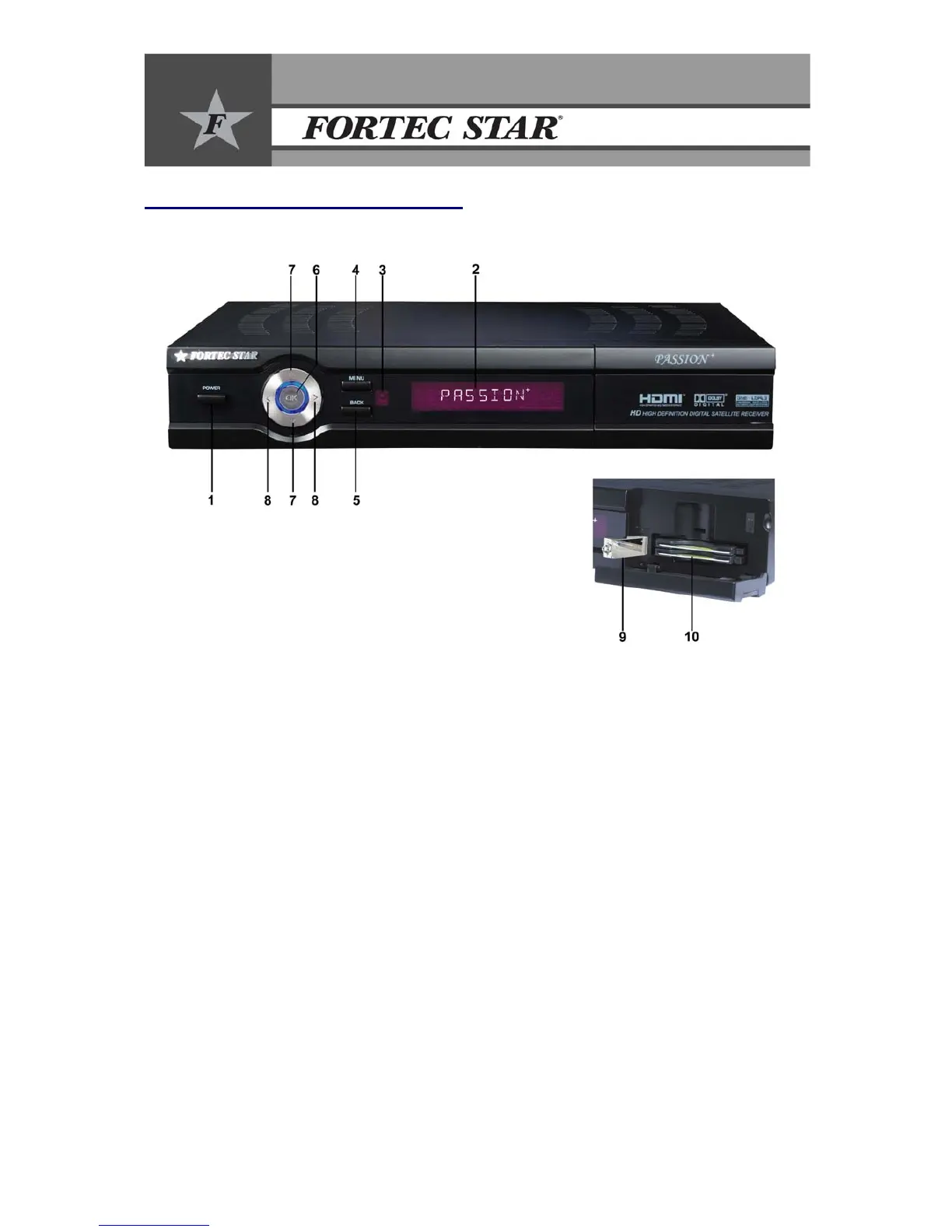
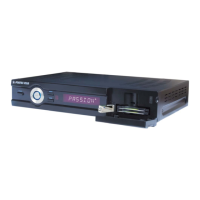
6.1 Front Panel
1. Power Button: Turns the receiver ON/OFF.
2. 10 Digit VFD Display: Displays the current channel number, channel name or time.
3. IR Sensor: Receives the Remote Control Unit signal.
4. Menu/Exit Button: Displays the main menu on the screen and returns to viewing the TV (Exit
All).
5. Back Button: Returns to previous status.
6. OK Button: Confirms selection and shows the TV/Radio screen.
7. Up / Down Buttons: Moves the cursor up/down in the menus. Changes channel to next or
previous in viewing mode.
8. Left / Right Buttons: Changes the volume level or moves the cursor left / right in the menus.
9. USB front Connection: To connect external USB memory for software update, play A/V
files and record (connect USB hard drive)
10. Conditional Access Module Slots (CAM): 2 slots for common interface CAM.


 To Next Page