31
10.5.2 System Update
Never transfer software or data from a different model receiver or from a source other then
the official Fortecstar websites. If transferring software to the receiver using your PC, be
sure to use the correct file. Software for most Fortec Star receivers can be found on
Fortec’s Web site at www.fortecstar.com.
If required, the receiver can be upgraded with the latest version of software in three different ways:
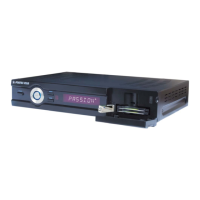
from USB memory stick, PC, or other Fortec Star Passion
+
receiver.
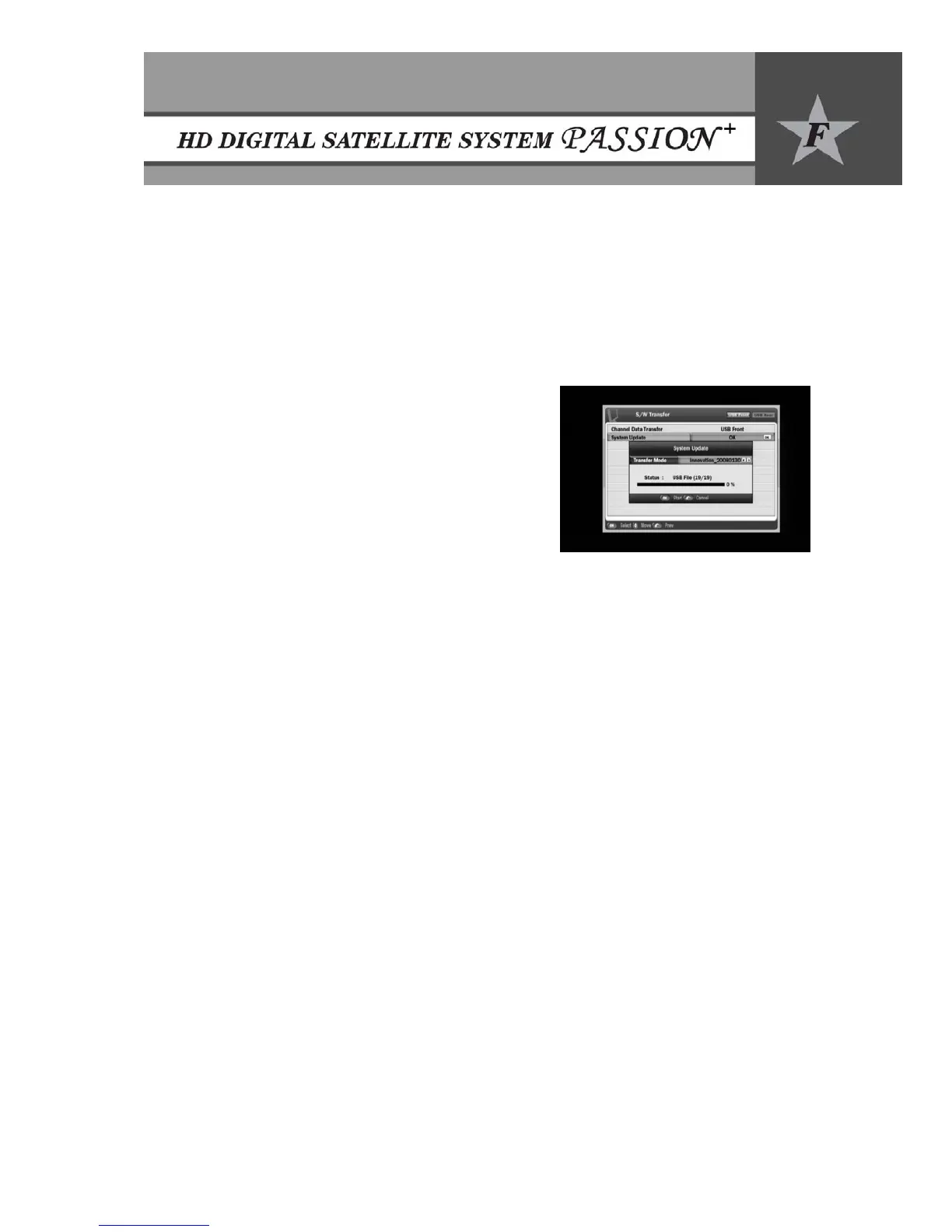
y Press OK button to enter the S/W Transfer sub menu.
y To select USB, PC to STB, or STB in transfer mode
using e/f buttons.
y When using a USB memory stick:
x Insert the USB memory stick into the USB
connection on the front panel.
x Press OK and select the file you want to use for
upgrading with e/f buttons.
x Note: The file has to be out of any folders in the
main directory of the USB stick.
x Press OK button to start the upgrade.
x Remember to disconnect the USB stick after the process is finished.


 To Next Page