34
11.4.6 VFD Display
y Select the display option using the e/f buttons. Choose from displaying the channel name
only, the channel name and the channel number, or the time.
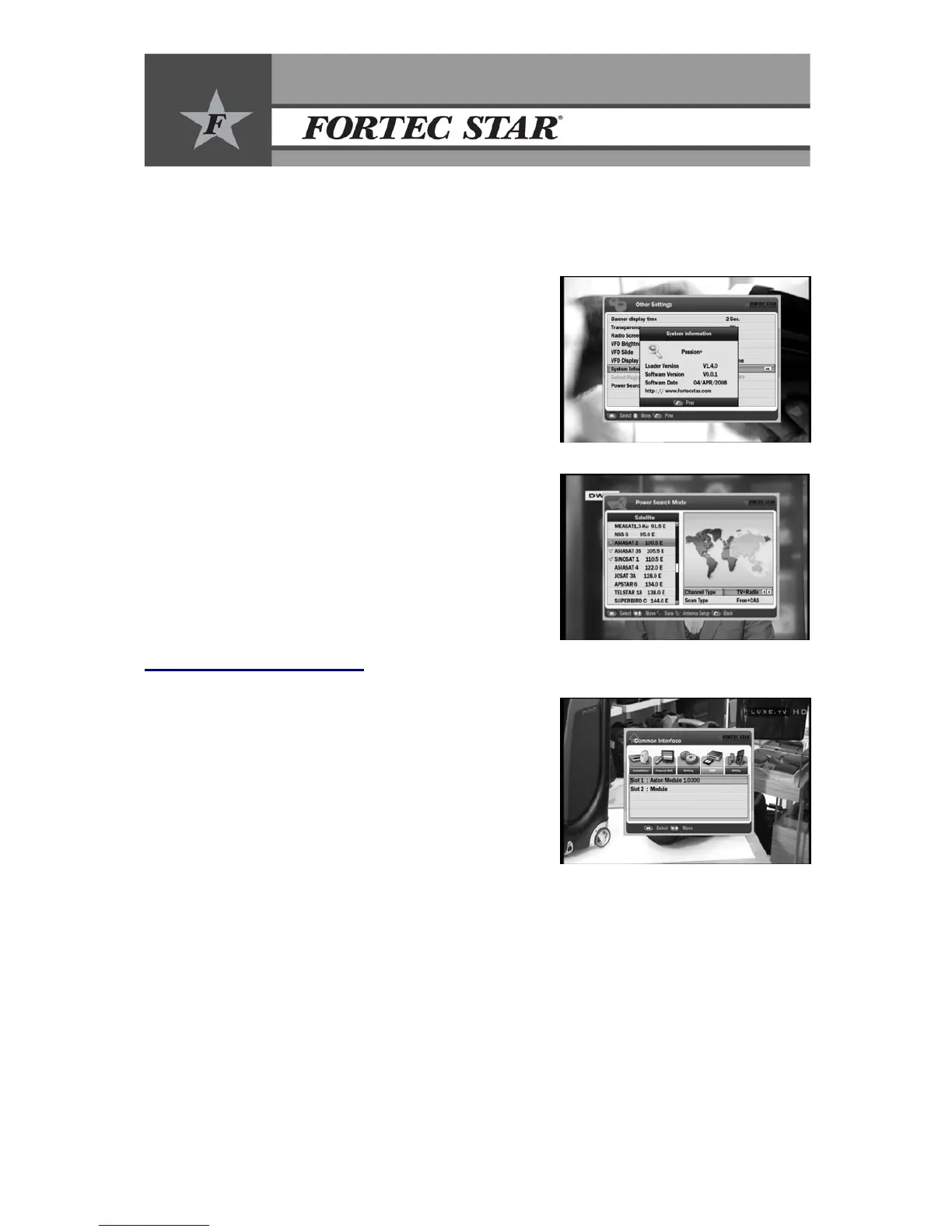
11.4.7 System Information
y This shows the information for the current software
status.
y Use this to check the software version or release date
of the current software before upgrading.
y Display the system information: Model name, Loader
Version, Software Version, and Software date.
11.4.8 Select Region
• To select the location using e/f buttons.
• To change default channel based on Region.
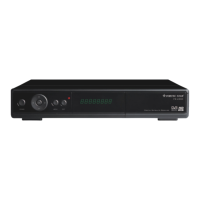
11.4.9 Power search mode
• To select On/Off from power search mode using
e/fbuttons.
• To reference the details on Power Search in 14.16 .
12. Common Interface
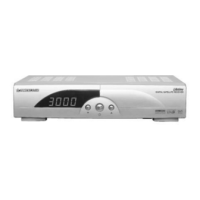
12.1 CI Slot
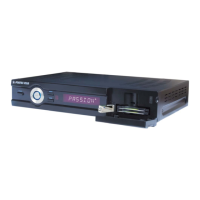
This HD receiver has 2 CI (Common Interface) slots for using
CA modules.
y To read the information about the installed CA module
and Smart Card, select the CI slot you are using and
press OK.


 To Next Page