23
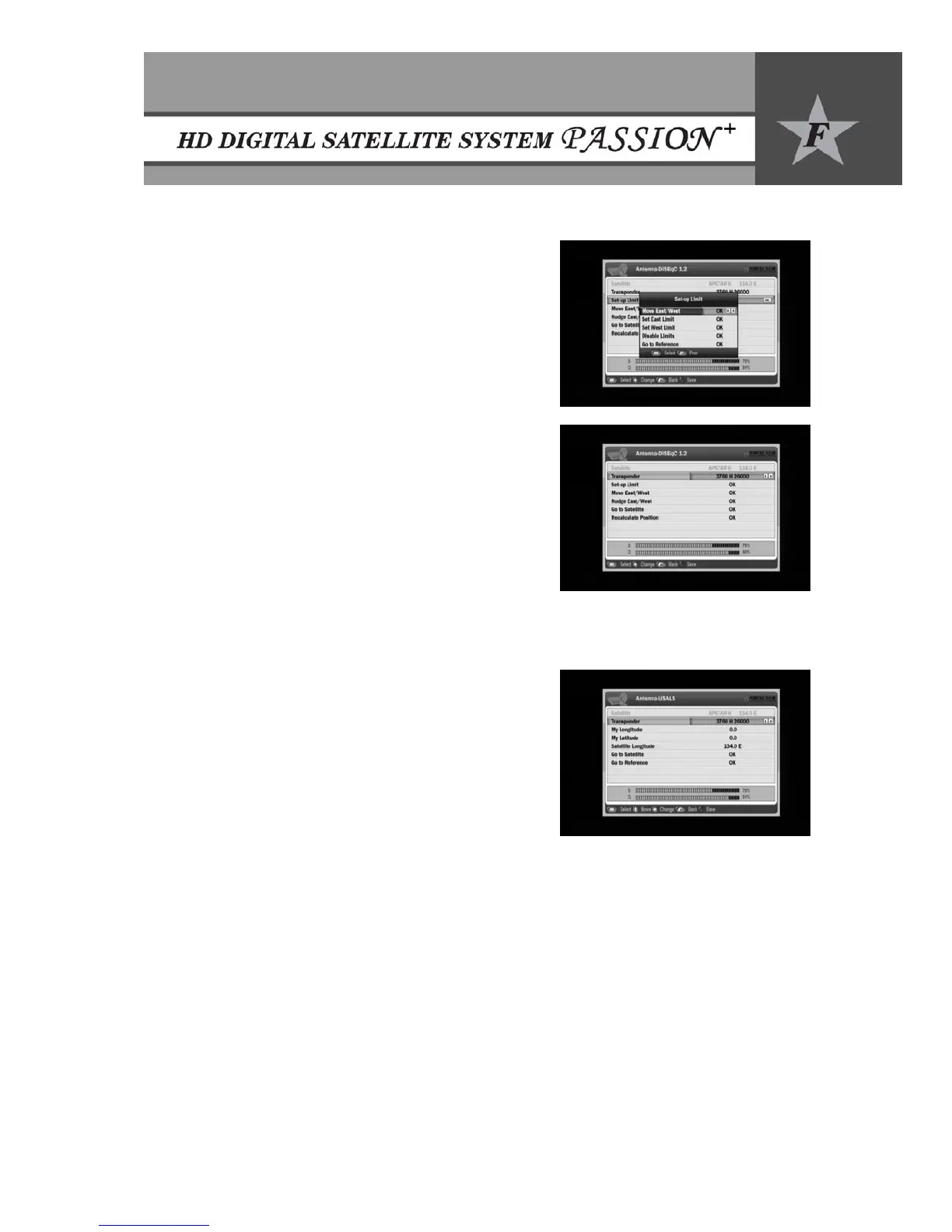
9.2.2 DiSEqC 1.2
y Select Antenna-DiSEqC 1.2 using e/f buttons in
Antenna Setup mode.
y Press OK to access the DiSEqC 1.2 set up menu.
y To define the Set-up limits, press OK on the
corresponding row.
x Move East/West: Press e/f buttons to move
the motor.
x East Limit: Press OK button to fix East Limit.
x West Limit: Press OK button to fix West limit.
x Disable Limits: Press OK button to disable
East/West Limits.
x Go to Reference: Press OK button to move the
motor to center (0) position.
y Press f button to move west or e button to move east
on the corresponding row. Press OK button to stop.
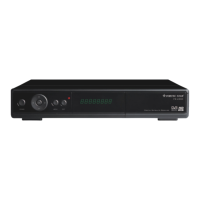
y Nudge East/West: Fine tune the position using e/f
buttons by adjusting 1 step.
y Go to Satellite: Press OK button to move to the stored
satellite position.
y To recalculate the satellite positions, move to the
corresponding row and press OK button.
y Press the RED button on the remote control to save the current settings.
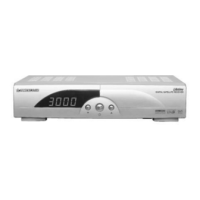
9.2.3 USALS
y Select USALS in Positioner Setup and press OK.
y Select an active transponder using f button.
y Set your Longitude using 0~9 buttons and specify
East/West using e/f buttons.
y Set your Latitude using 0-9 buttons and specify
South/North using e/f buttons.
y Move to ‘Go to Satellite’ and press OK button to move
the motor to the satellite position.
y To move the motor to the center (0) position, move the
cursor to the ‘Go to Reference’ row and press OK.
y Press the RED button to save the current setting.


 To Next Page