40
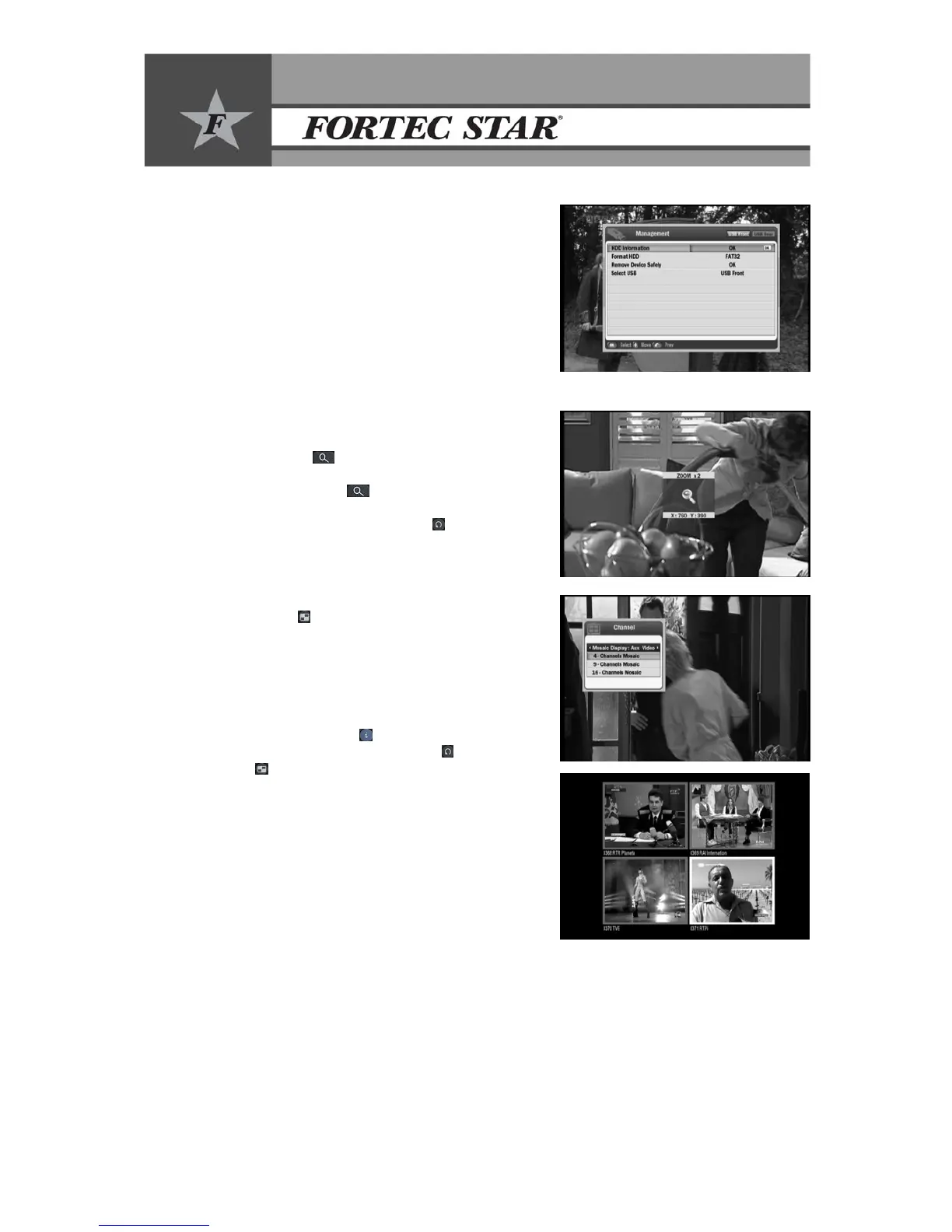
14.13.3 Management
• HDD Information: To read information on External
memory.(total size, used size, free size)
• Format HDD: To format external memory with
FAT32.
• Remove Device Safely: To select “Remove device
safely” before remove external memory.
Note: If external memory is removed without
Selection of “Remove Device Safely” there will
be damages on external memory
• Select USB: To select USB front and USB rear by using e/fbuttons
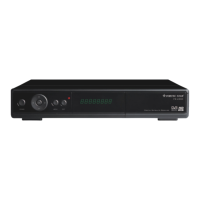
14.14 Zoom Function
y Press the Zoom ( ) button on the remote control.
y Select the position using ▲/▼ and e/f buttons.
y Press BLUE or Zoom (
) button to change Zoom
x2, x4, x8, x16 and press OK button to confirm.
y To exit from Zoom, press the Back (
) button.
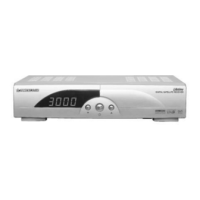
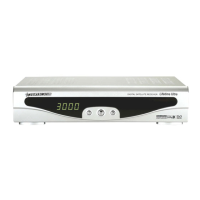
14.15 Mosaic Function
y Press Mosaic ( ) button to display the Mosaic menu.
y Select the mosaic channel number you want (4 or 9 or
16 channel) using ▲/▼ and press OK button.
y Select the channel to be live using ▲/▼/e/fbuttons.
y Change the Live channel using the PIP CH (+/-)
button.
y Re-tune the mosaic function to the next group of
channels using the Info (
) button.
y To exit from Mosaic, press the Back (
) or the
Mosaic (
) button again.
y Please note that if you are using SCART or RCA
connection to your TV, you have to select Mosaic
Display: Aux Video. If you are using other video
outputs, you have to select Mosaic Display: Main
Video.


 To Next Page