32
11. System setting
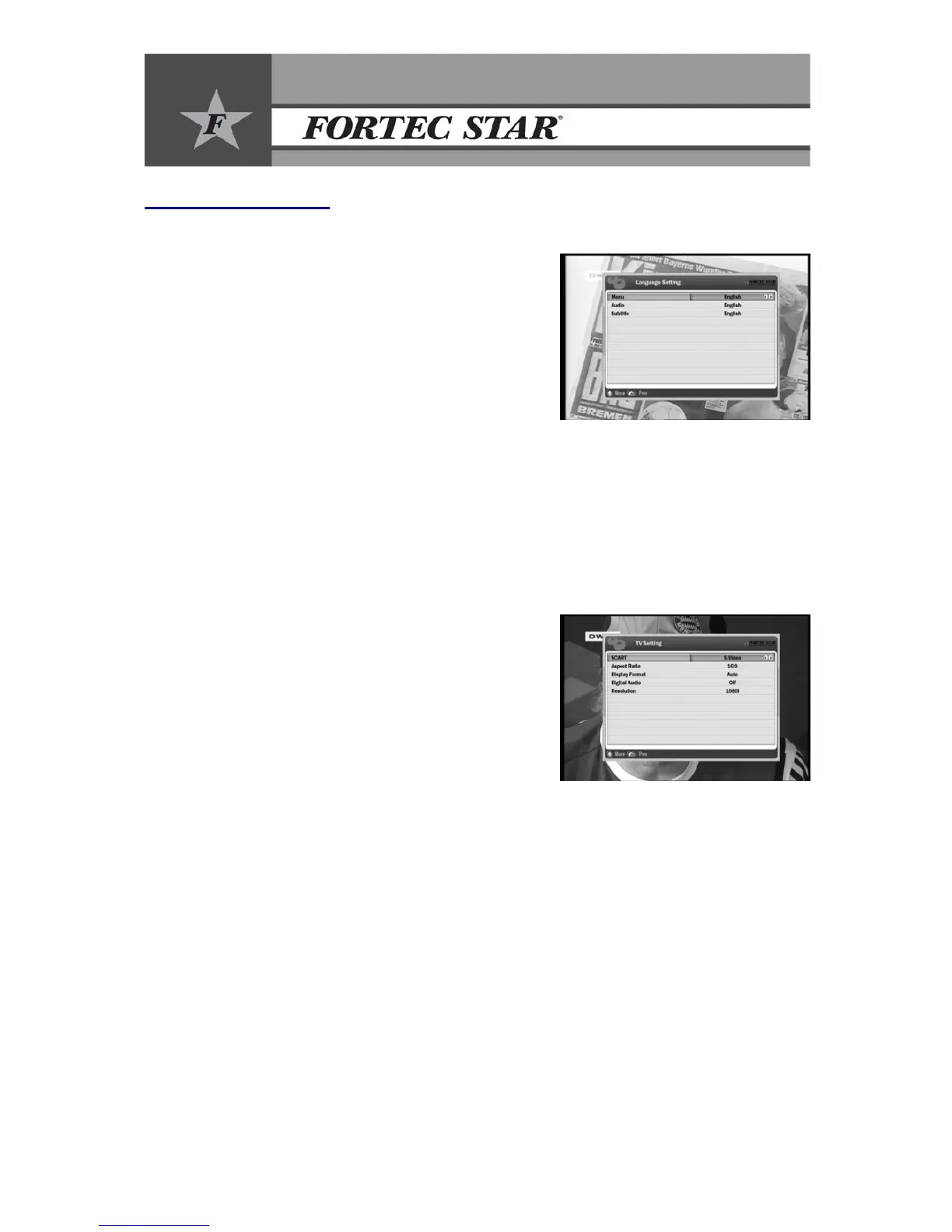
11.1 Language Setting
11.1.1 Menu Language
• Press thee/f buttons to see a list with the available
languages.
• Select your language and confirm it with OK.
• The selected menu language will be applied to the
entire menu.
11.1.2 Audio Language
y Press thee/fbuttons to see a list with the available languages.
y Select your language and confirm it with OK.
11.1.3 Subtitle Language
y Press thee/fbuttons to see a list with the available languages.
y Select your language and confirm it with OK.
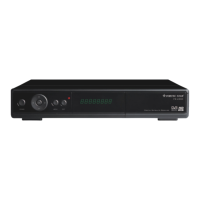
11.2 TV Setting
11.2.1 Video Output
• Select the TV output options for TV SCART using
e/fbuttons (CVBS, S-Video, RGB).
11.2.2 TV Aspect Ratio
• In accordance to the type of your TV, you can adjust
the screen aspect ratio.
• Select your TV screen type using e/f buttons (4:3 or
16:9).
11.2.3 TV Display Format
y Select the TV Display Format using e/fbuttons.
y In case of 4:3 format: Select your TV Display format (Letterbox, Center mode, Auto).
y In case of 16:9 format: Select your TV Display format (Pillar Box, Full Mode, Auto).
11.2.4 Digital Audio
y Turn the Digital Audio output through the optical and coaxial jack ON or OFF using
e/fbuttons.
11.2.5 Resolution
y Select the correct resolution for your TV set.


 To Next Page