WWW.FOSCAM.COM FI8908/FI8908W User Manual
crashed by the firmware which loose frame.
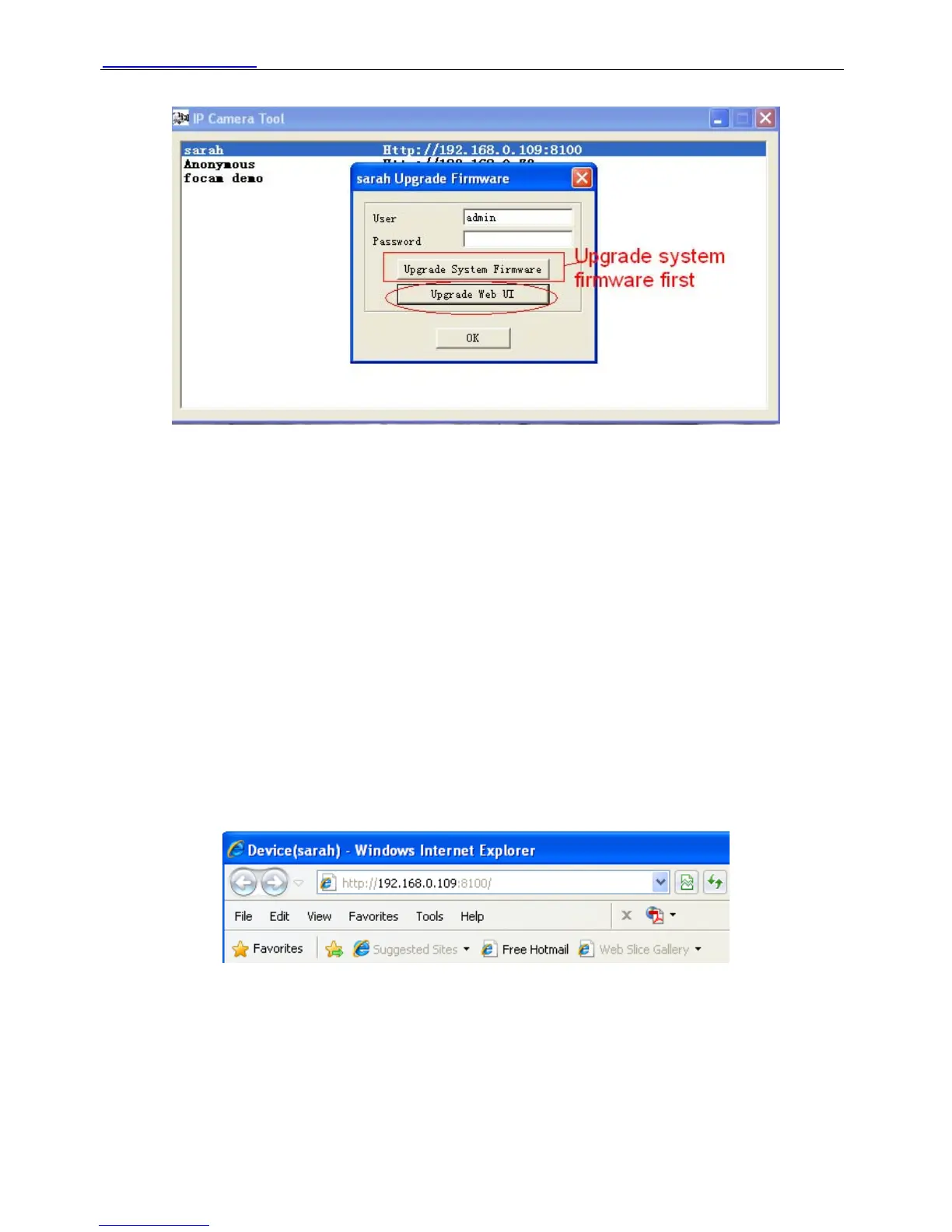
Figure 2.6
z Refresh Camera List
Refresh camera list manually.
z Flush Arp Buffer
When wired and wireless of the camera both are fixed IP address. There is a problem you may
encounter is can search the camera IP but can’t open the camera webpage. You may try to use
flush Arp buffer.
z About IP Camera Tool
Choose here and you can see the version of the IP Camera Tool.
2.2 Camera Login
You can access the camera through IP Camera Tool or IE, Firefox, Google chrome, safari or
other stand browser directly.
(1) Double click the IP address of the IP Camera listed (Figure 2.1).The browser you use will be
opened automatically and display the camera login page. (Figure 2.8)
(2) Access the camera by IE browser directly, type in the camera’s IP address. For example:
Figure 2.7
ShenZhen Foscam Intelligent Technology Co., Ltd
Tel: 86 755 2674 5668 Fax: 86 755 2674 5168
10



 To Next Page