WWW.FOSCAM.COM FI8908/FI8908W User Manual
ShenZhen Foscam Intelligent Technology Co., Ltd
Tel: 86 755 2674 5668 Fax: 86 755 2674 5168
40
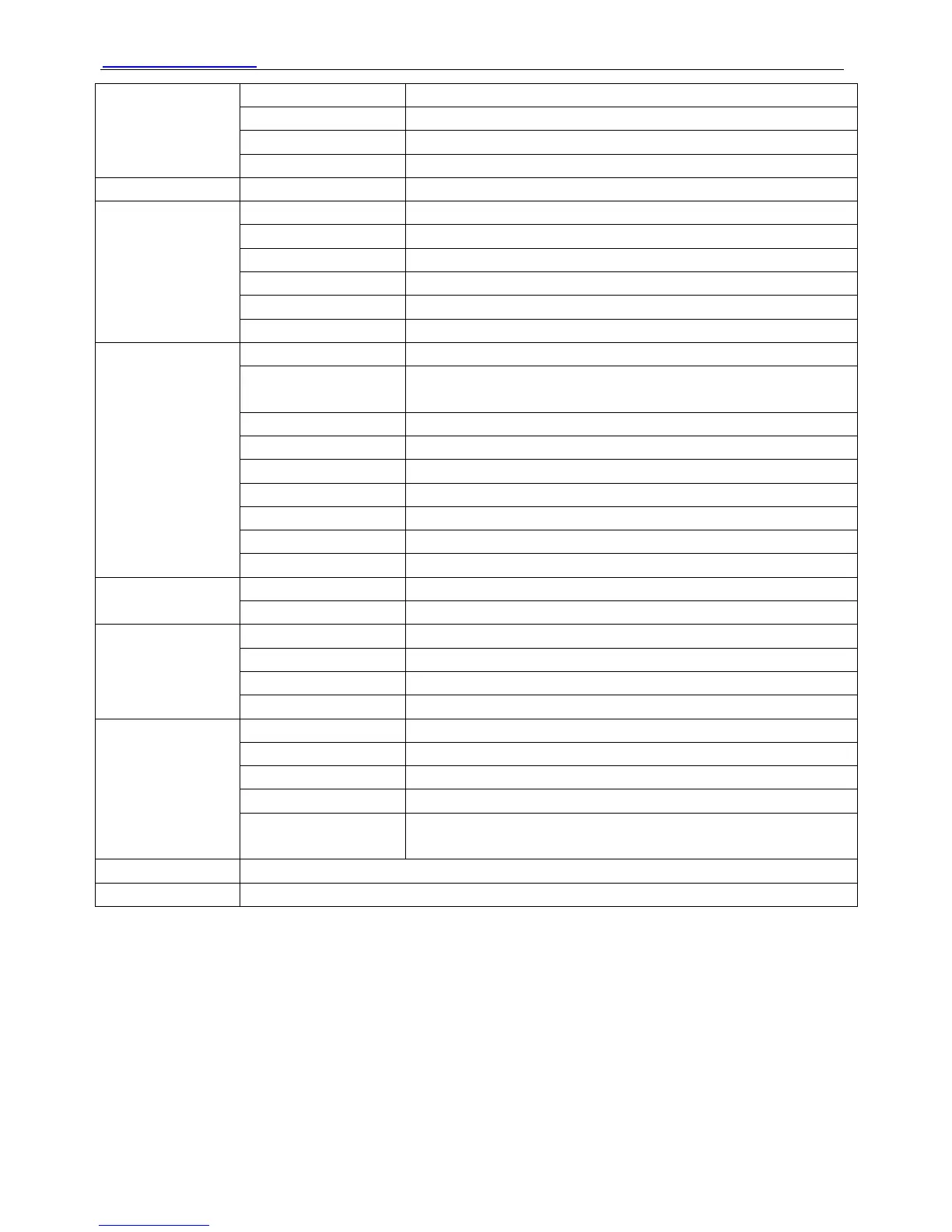
Image Sensor High Definition Color CMOS Sensor
Display Resolution 640 x 480 Pixels(300k Pixels)
Lens f: 2.8mm
Image Sensor
Mini. Illumination 0.5Lux
Lens
Lens Type Glass Lens
Image Compression MJPEG
Image Frame Rate 15fps(VGA),30fps(QVGA)
Resolution 640 x 480(VGA), 320 x 240(QVGA)
Flip Mirror Images Vertical / Horizontal
Light Frequency 50Hz, 60Hz or Outdoor
Video
Video Parameters Brightness, Contrast
Ethernet One 10/100Mbps RJ-45
Supported Protocol HTTP,FTP,TCP/IP,UDP,SMTP,DHCP,PPPoE,DDNS,UPnP,GP
RS
Wireless Standard IEEE 802.11b/g
Data Rate 802.11b: 11Mbps(Max.) 802.11g: 54Mbps(Max.)
Wireless Security WEP & WPA & WPA2 Encryption
Infrared Light 10 IR LEDs, Night visibility up to 8 meters
Dimension 110(L) x100(W) x108mm(H)
Gross Weight 705g (Color Box Size:200X124X189mm)
Communication
Net Weight 400g (accessories included)
Power Supply DC 5V/2.0A (EU,US,AU adapter or other types optional)
Power
Power Consumption 5.5 Watts (Max.)
Operate Temper. 0° ~ 55°C (32°F ~ 131°F)
Operating Humidity 20% ~ 85% non-condensing
Storage Temper. -10°C ~ 60° (14°F ~ 140°F)
Environment
Storage Humidity 0% ~ 90% non-condensing
CPU 2.0GHZ or above
Memory Size 256MB or above
Display Card 64M or above
Supported OS Microsoft Windows 2000/XP/Vista/Windows7/Mac
PC Requirements
Browser IE 6.0, IE7.0, IE8.0 firefox,goolge chrome,safari or other
standard browsers
Certification
CE,FCC
Warranty
Limited 1-year warranty
5 OBTAINING TECHNICAL SUPPORT
While we hope your experience with the IPCAM network camera is enjoyable and easy to use,
you may experience some issues or have questions that this User’s Guide has not answered.
Please contact your reseller and ask for help first, if they could not resolve your issue, please
contact our company



 To Next Page