WWW.FOSCAM.COM FI8908/FI8908W User Manual
It may ask you for user name and password again before you login the UI.
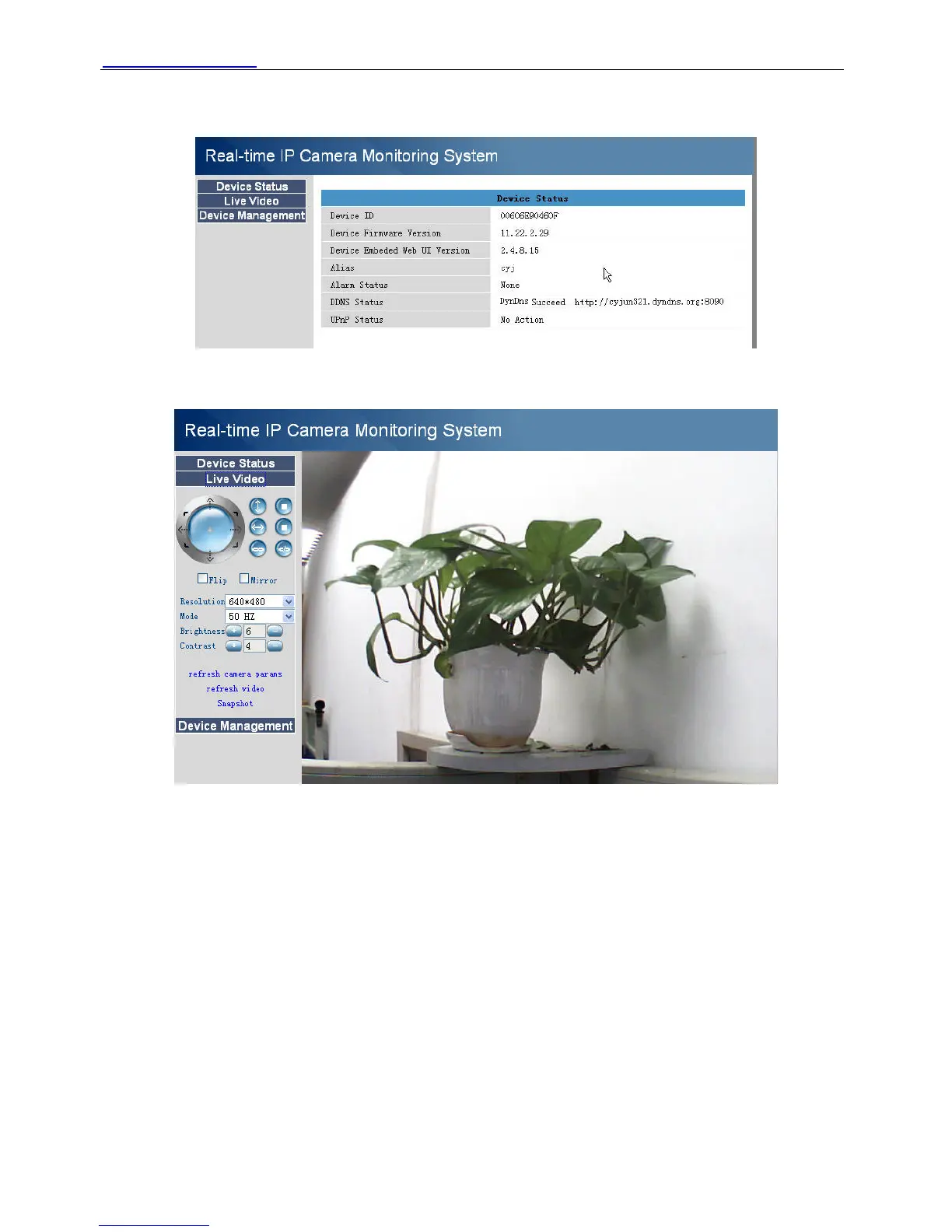
After you enter user name, you will see Device Status of the camera.
Figure 2.14
Click Live Video, you will see living video.
Figure 2.15
2.3 Device Status
For IE browser
If the camera is well connected. The light of the device status will show green.
Or it will show yellow. If it shows yellow, please check if the activeX is enabled or change another
port number to try again.
ShenZhen Foscam Intelligent Technology Co., Ltd
Tel: 86 755 2674 5668 Fax: 86 755 2674 5168
14



 To Next Page