WWW.FOSCAM.COM FI8908/FI8908W User Manual
3.2 Date & Time Settings
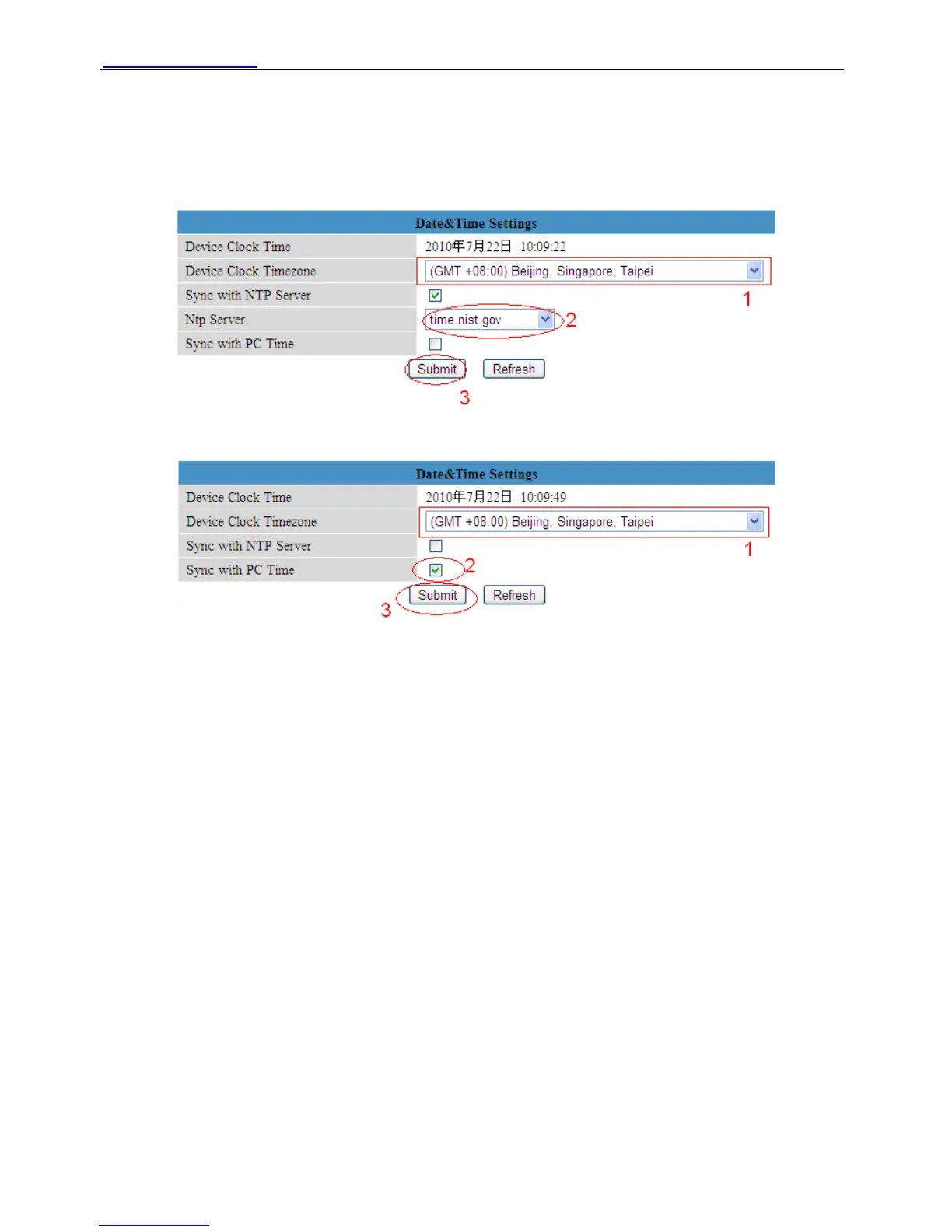
Choose clock timezone of your country. You can choose Sync with NTP Server (Figure 3.1) or
Sync with PC Time. (Figure 3.2)
Figure 3.1
Figure 3.2
3.3 User Settings
You can set permission for visitor, operator and administrator.
Click Submit after finish these settings. The camera will reboot.
ShenZhen Foscam Intelligent Technology Co., Ltd
Tel: 86 755 2674 5668 Fax: 86 755 2674 5168
20



 To Next Page