WWW.FOSCAM.COM FI8908/FI8908W User Manual
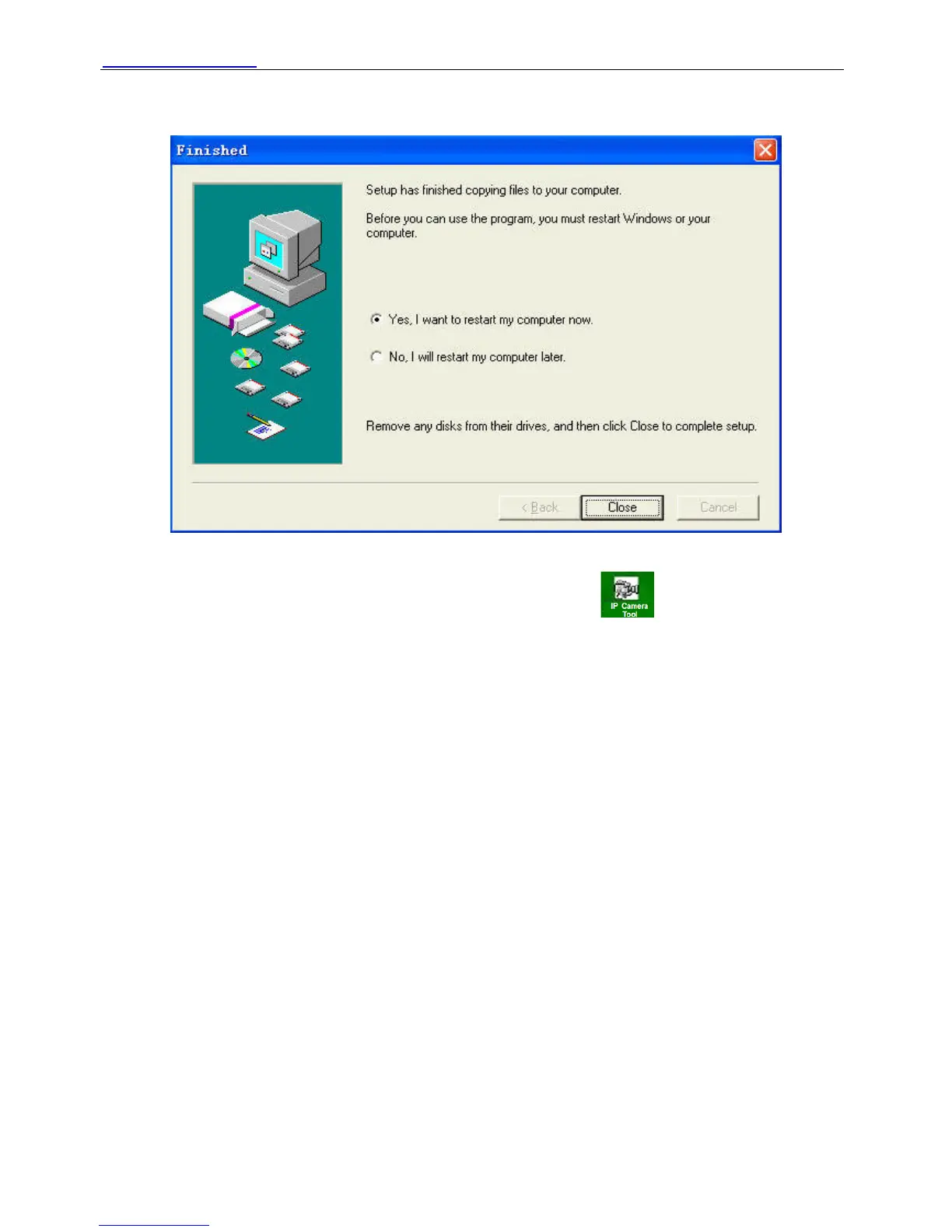
Figure 1.5
Figure 1.6
The computer restarts upon installation completion and an icon appears on the desktop
automatically.
NOTE: If you use Windows7 and could not find the icon on desktop after install the IP camera
tool, please check if the path of the camera port to is correct.
For example, as it was pointing to C:\Windows\System32\IPCamera.exe.
Please fix this by pointing the shortcut to the correct path
C:\Windows\SysWOW64\IPCamera.exe. After this you could use the shortcut without any
problems.
CAUTION: Before installing and using the product, please read the following precautions
carefully and make sure they are fully understood.
Use only the power adapter attached with the product. Use unauthorized power adapter may
cause damage to your IP Camera. IP Camera terminal shall be installed in an indoor
environment where the rain or snow could not pour it.
1.4.2 Hardware preparation
Follow the steps below to set up your camera hardware connections. Make sure to follow each
step carefully to ensure that the camera operates properly.
(1) Fix the antenna at the back of the camera.
ShenZhen Foscam Intelligent Technology Co., Ltd
Tel: 86 755 2674 5668 Fax: 86 755 2674 5168
5
(2) Plug the network cable into the camera and then into your Cable/DSL router.



 To Next Page