EasyManua.ls Logo

Foscam FI8916W - Page 50

Foscam FI8916W
79 pages
Print Icon
To Next Page IconTo Next Page
To Previous Page IconTo Previous Page
Loading...
49
w
w
w
w
w
w
w
w
w
w
w
w
w
w
w
w
ww.foscam.
ww.foscam.
ww.foscam.
ww.foscam.
ww.foscam.
ww.foscam.
ww.foscam.
ww.foscam.
us
us
us
us
us
us
us
us
Foscam
Foscam
Foscam
Foscam Digital
Digital
Digital
Digital Technologies
Technologies
Technologies
Technologies LLC
LLC
LLC
LLC
Telephone:
Telephone:
Telephone:
Telephone: 1-800-930-0949
1-800-930-0949
1-800-930-0949
1-800-930-0949
49
49
49
49
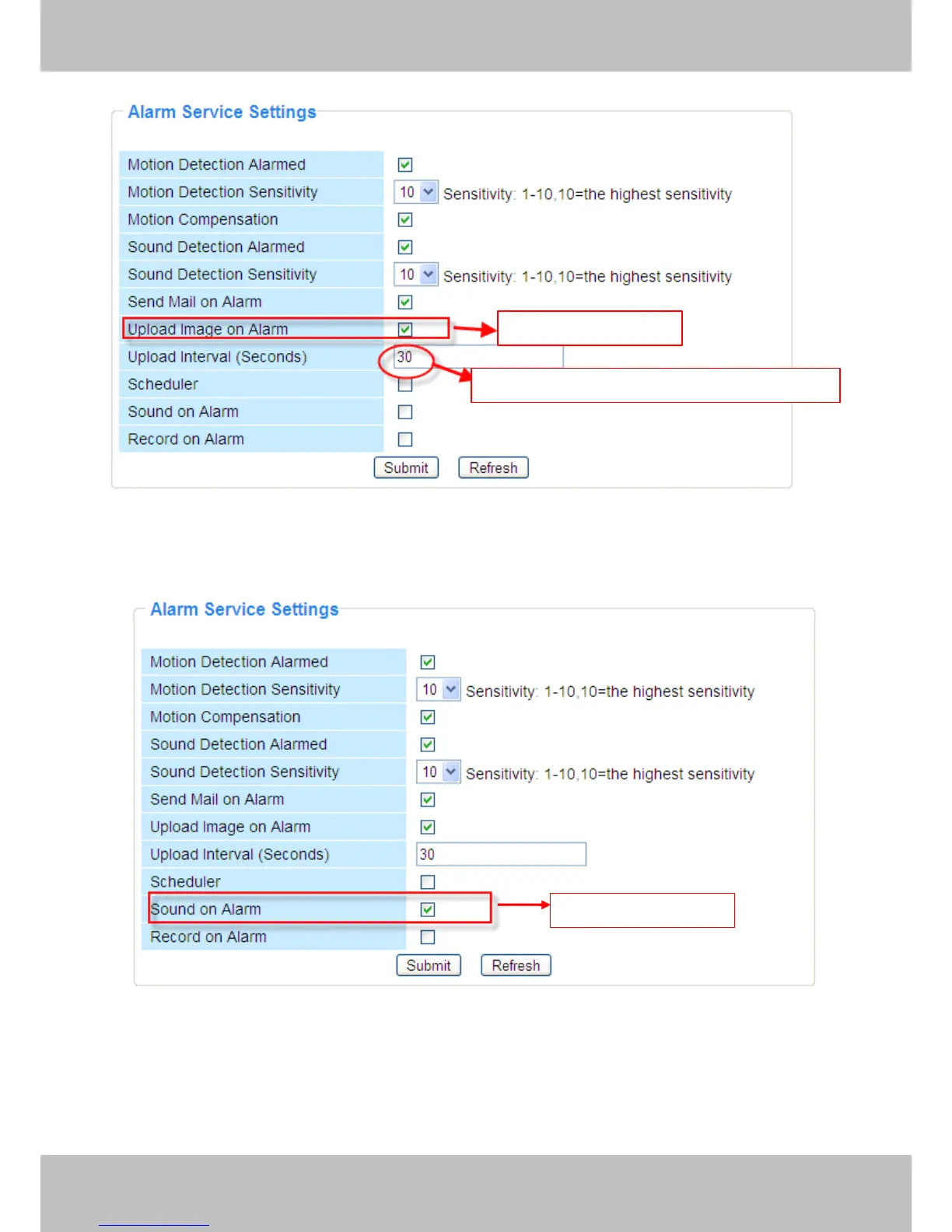
Figure 3.42
3)
3)
3)
3) You
You
You
You can
can
can
can hear
hear
hear
hear the
the
the
the beep
beep
beep
beep sound
sound
sound
sound when
when
when
when the
the
the
the alarm
alarm
alarm
alarm has
has
has
has been
been
been
been detected.
detected.
detected.
detected.
Figure 3.43
4) The
The
The
The camera
camera
camera
camera will
will
will
will record
record
record
record automatically
automatically
automatically
automatically for
for
for
for one
one
one
one minute
minute
minute
minute after
after
after
after motion/sound
motion/sound
motion/sound
motion/sound is
is
is
is detected.
detected.
detected.
detected.
You can find the recording file in the folder which you set previously . ( Figure 3.6)
Select
Select
Select
Select this
this
this
this option
option
option
option
Set
Set
Set
Set an
an
an
an interval
interval
interval
interval for
for
for
for images
images
images
images to
to
to
to upload
upload
upload
upload
Select
Select
Select
Select this
this
this
this option
option
option
option

Other manuals for Foscam FI8916W

Related product manuals