NVR User Manual
www.foscam.com
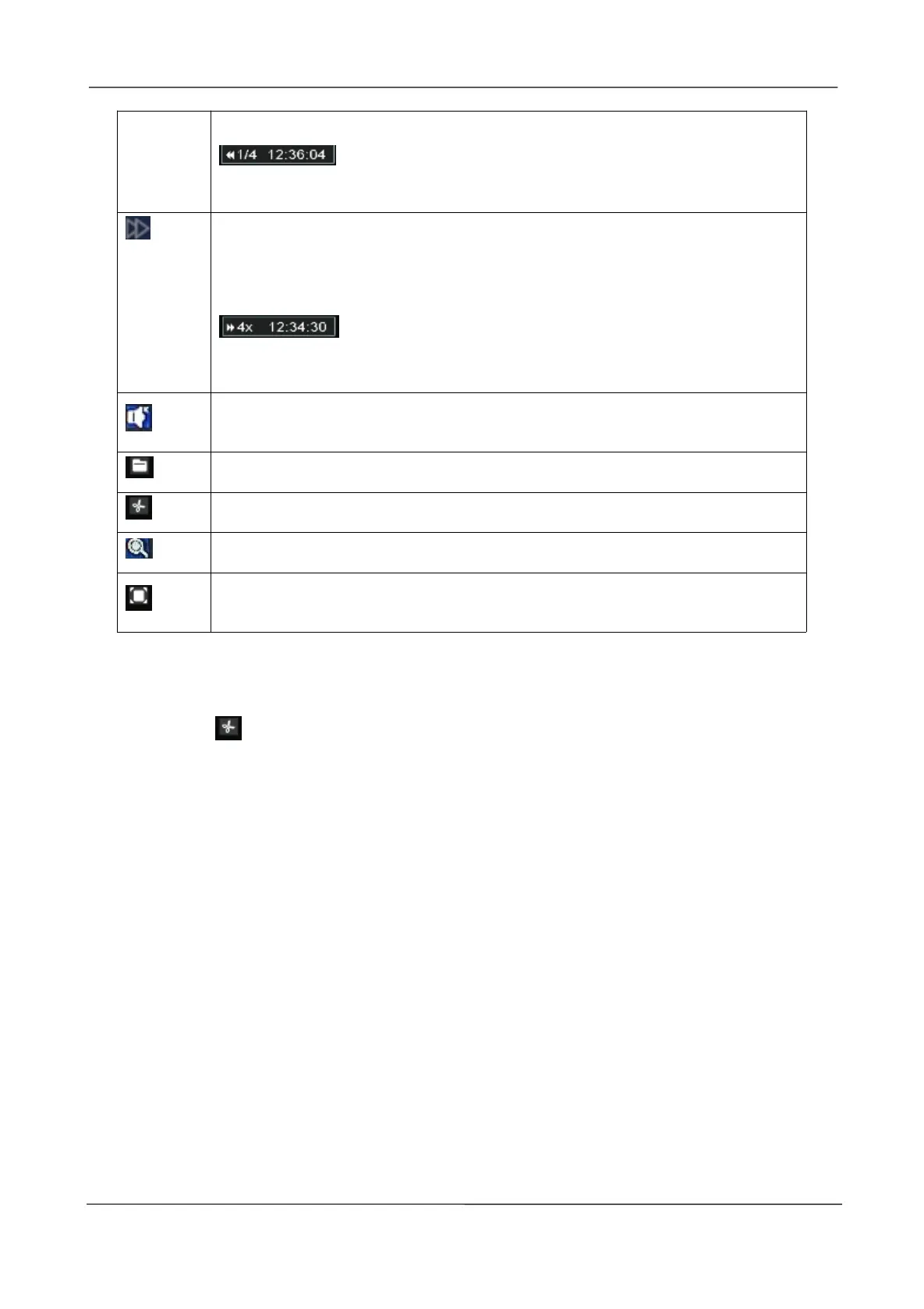
speed is displayed in the lower right of the fast backward icon. For example,
indicates the current fast backward speed is four times of the
normal speed.
Fast forward. The fast forward speed can be twice, 4 times, 8 times or 16 times
of the normal playing speed. Click this button. The multiple of normal playing
speed is displayed in the lower right of the playback page. For example,
indicates the current playing speed is four of the normal
speed.
Backup. Click this button and you will go to the backup page
Cut. See below the table for details.
Log. Click this button and you will go to the log page.
Cut
Step 1: Click , you will go to the Cut interface.
Step 2: Choose the Channel, Type, Date.
Step 3: Click Search to find the recordings available.
Step 4: Select Add Flag, then double-click left mouse to select the start time and end time.
Step 5: Insert USB flash drive to the USB port located at the rear of your NVR.
Step 6: Click Backup button to save the video information to the USB flash drive. Tips are available
after the backup is complete



 To Next Page