NVR User Manual
www.foscam.com
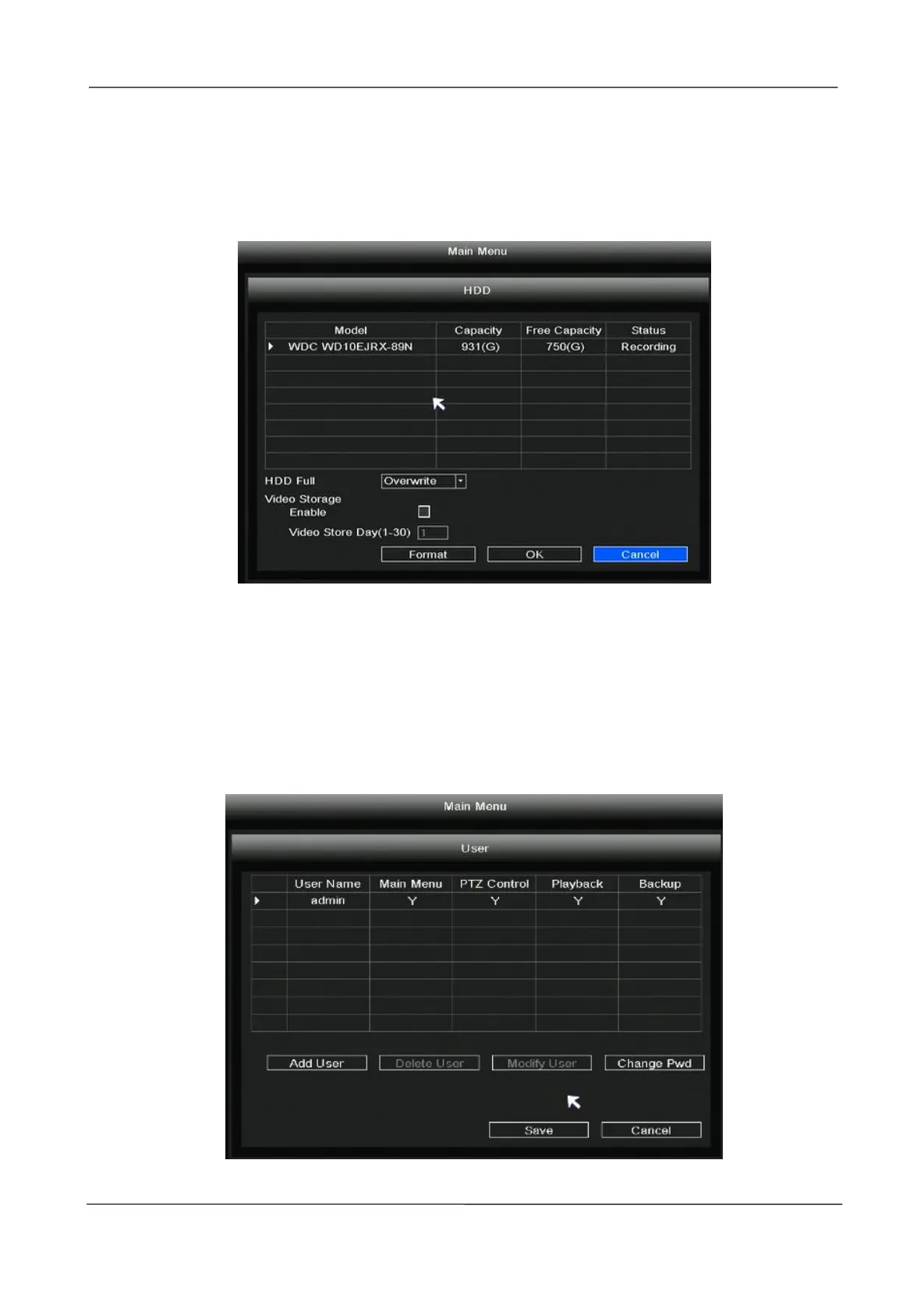
When the HDD is full, you can select the cycle cover the earliest recording or stop recording.
You can set the video storage time.
Click the Format button, you can also format the hard drive.
2.5.7 User
Right-click in live view mode and select “Main Menu > User” in the Main Menu interface. The User
interface is displayed.
You can add user, delete user, modify user and change password.
Add User



 To Next Page