NVR User Manual
www.foscam.com
Note
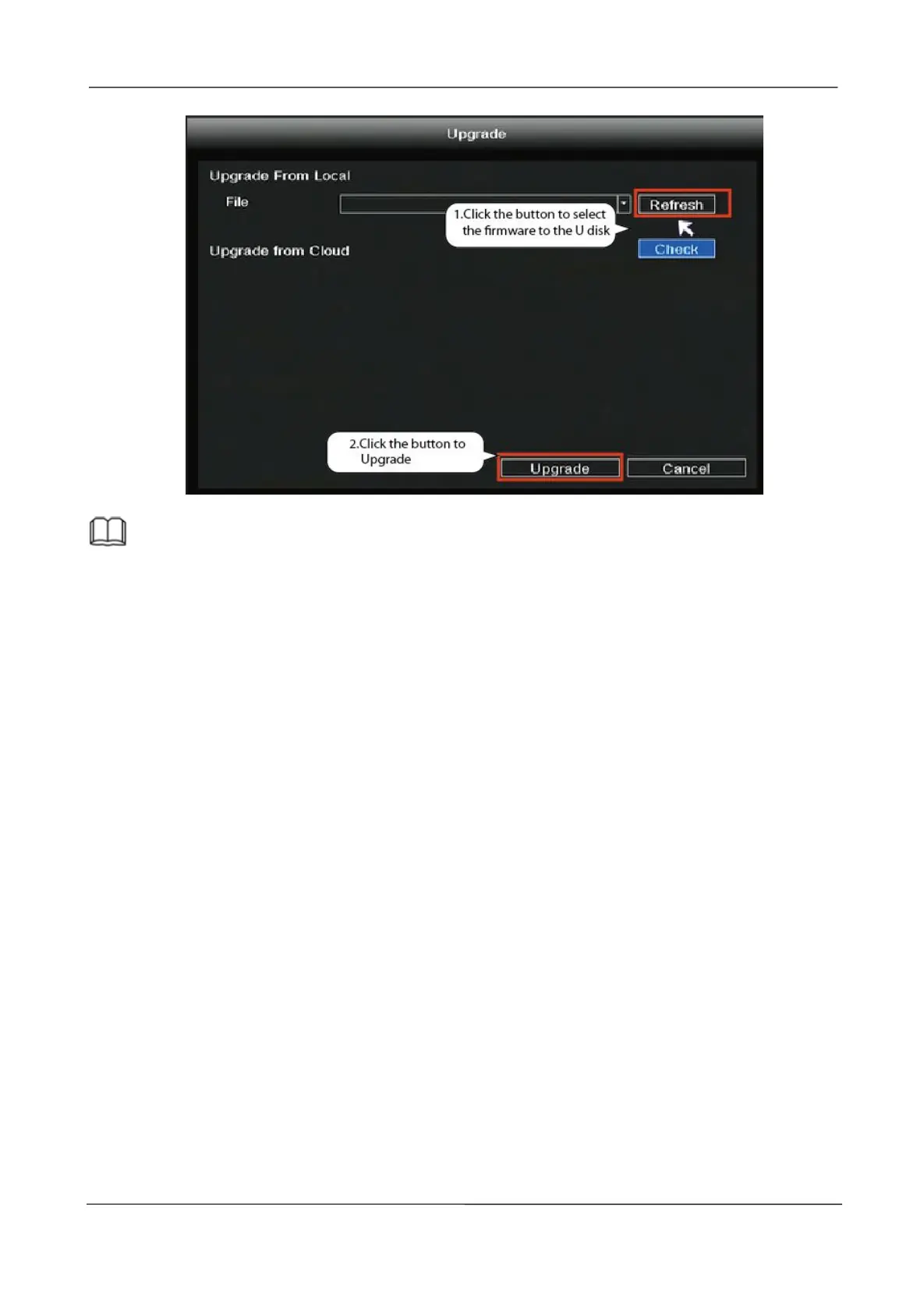
Don't shut down the power during upgrade. After upgrading, NVR restarts.
2.5.11 IPC Config
Right-click in live view mode and select “Main Menu > IPC Config”, you can set the Image, OSD,
Encode, Advanced, Maintenance for the IPC. For detailed operation, please refer to 2.4.7 IPC
Config.
2.5.12 Channel Config
Right-click in live view mode and select “Main Menu > Channel Config” to enter the Pair IP
Camera interface . please refer to 2.4.1 Channel Config.



 To Next Page