NVR User Manual
www.foscam.com
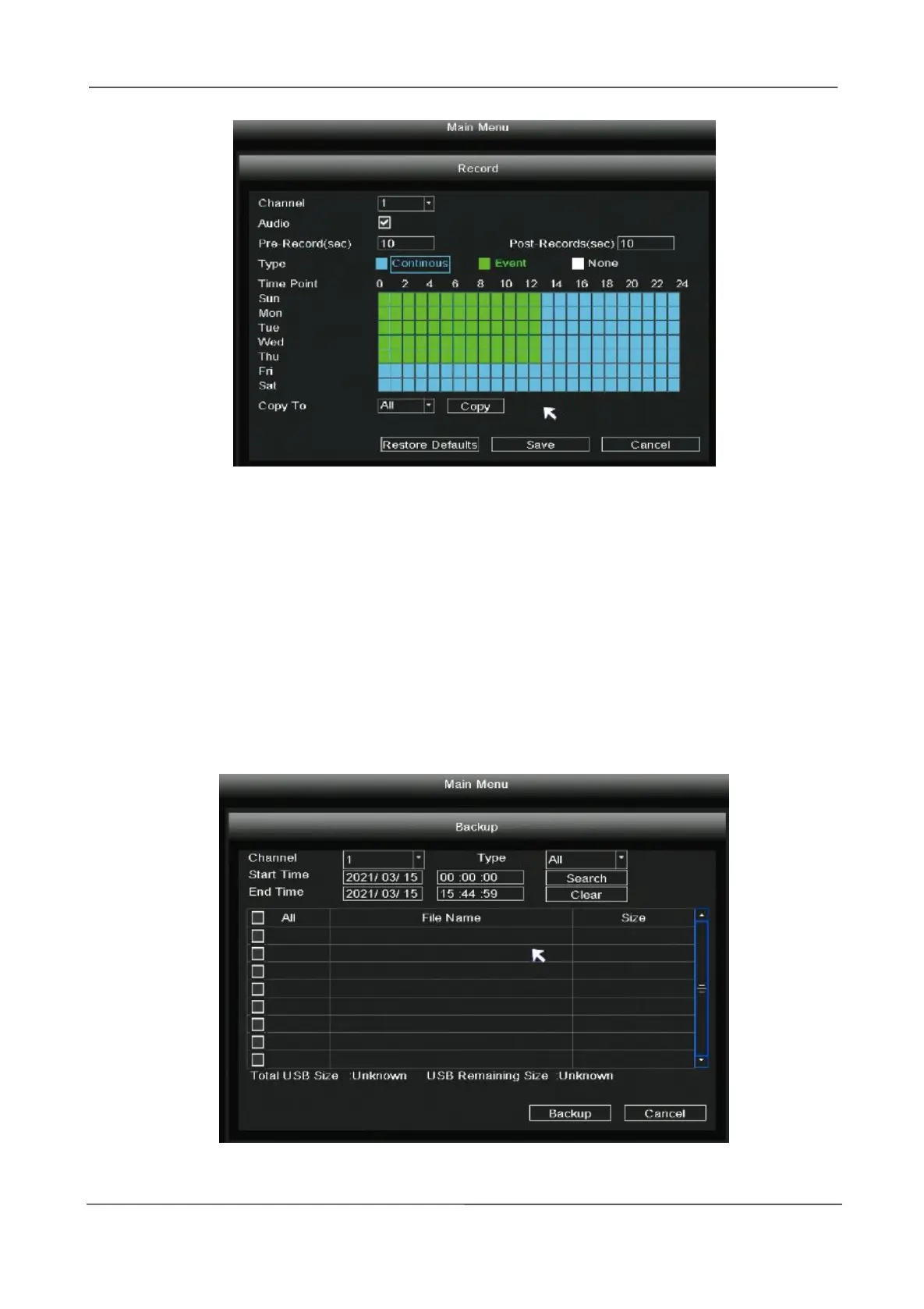
2.5.4 Backup
Step 1: Insert USB flash drive to the USB port located at the rear of your NVR.
Step 2: Right-click in live view mode and select “Main Menu > Backup” in the Main Menu interface.
The Backup interface is displayed.
Step 3: Choose channel, type and time, Click Search button.
Step 4: Select target file.
Step 5: Click Backup button.



 To Next Page