NVR User Manual
www.foscam.com
2.5.2 Display
Display
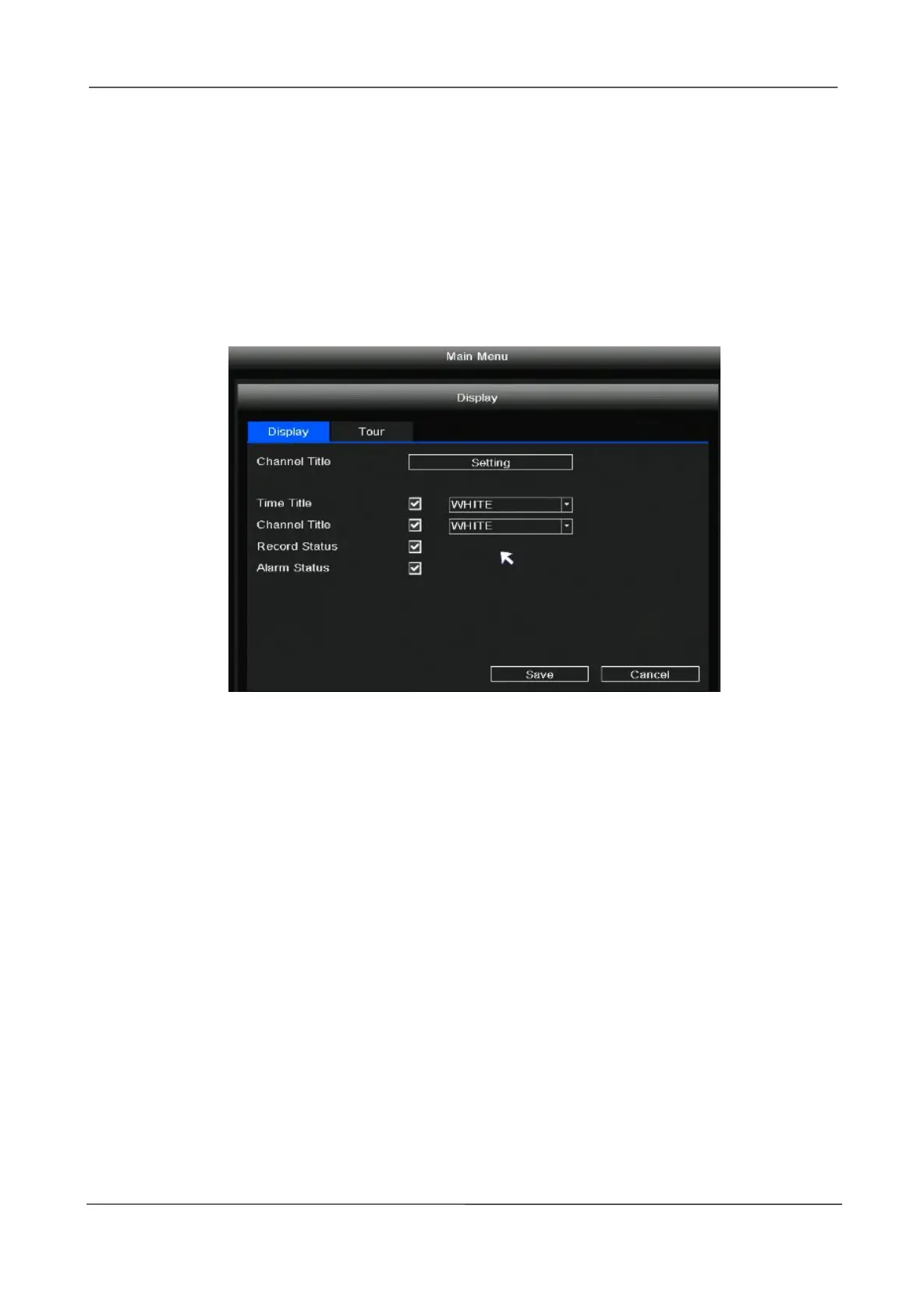
Right-click in live view mode and select “Main Menu > Display” in the Main Menu interface. The
Display interface is displayed. You can set the Channel Title, Time Title, Channel Title, Record
Status, Alarm Status.
Tour
Right-click in live view mode and select “Main Menu > Display > Tour” in the Main Menu interface.
The Tour interface is displayed.
After the user sets the Tour function, NVR will play several channels of video on the display at the
same time according to the interval time set by the user. After each channel plays for a few seconds,
it will automatically jump to the next group of channels for cyclic playback.
Step 1: Check the Enable.
Step 2: Set the Interval(sec).
Step 3: Click the add button to select which channel videos can be played within each group.
Step 4: Click Save button.



 To Next Page