NVR User Manual
www.foscam.com
Step 4: The system will send activation information to your mailbox, and you need to log in
to your mailbox to activate your account.
3.3 Add Device in Foscam App
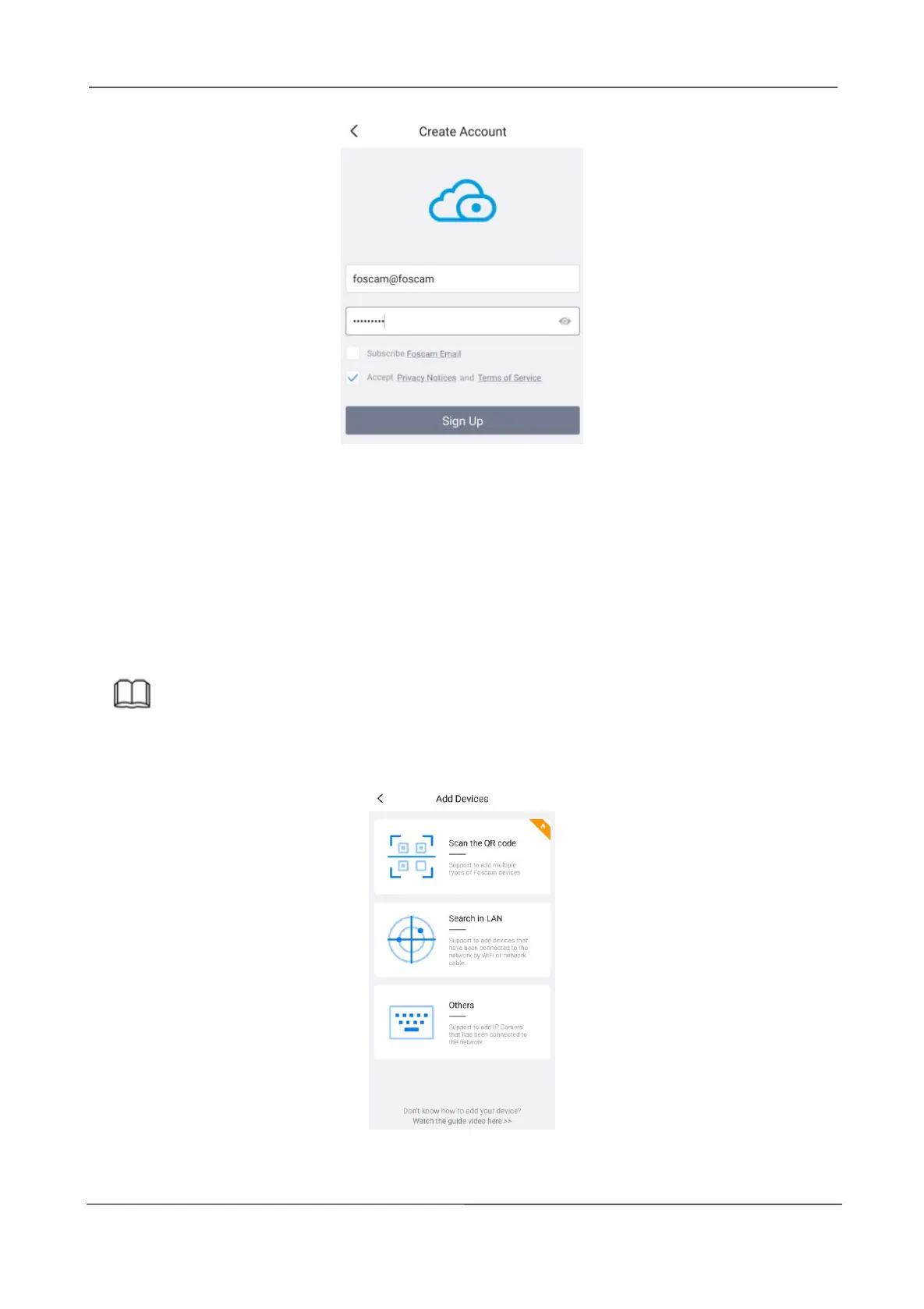
Open the foscam APP and please sign in if you have one already. After logging into Foscam
APP, select "+" icon on the upper right corner. The Add Devices interface is displayed.
Note
Please make sure that the NVR and your phone are both in the same Local Area Network
(LAN).
You have the following methods to add devices.
Select "Scan the QR code" and scan the QR code that labeled at the bottom of your NVR.



 To Next Page