NVR User Manual
www.foscam.com
2.4.8 Info
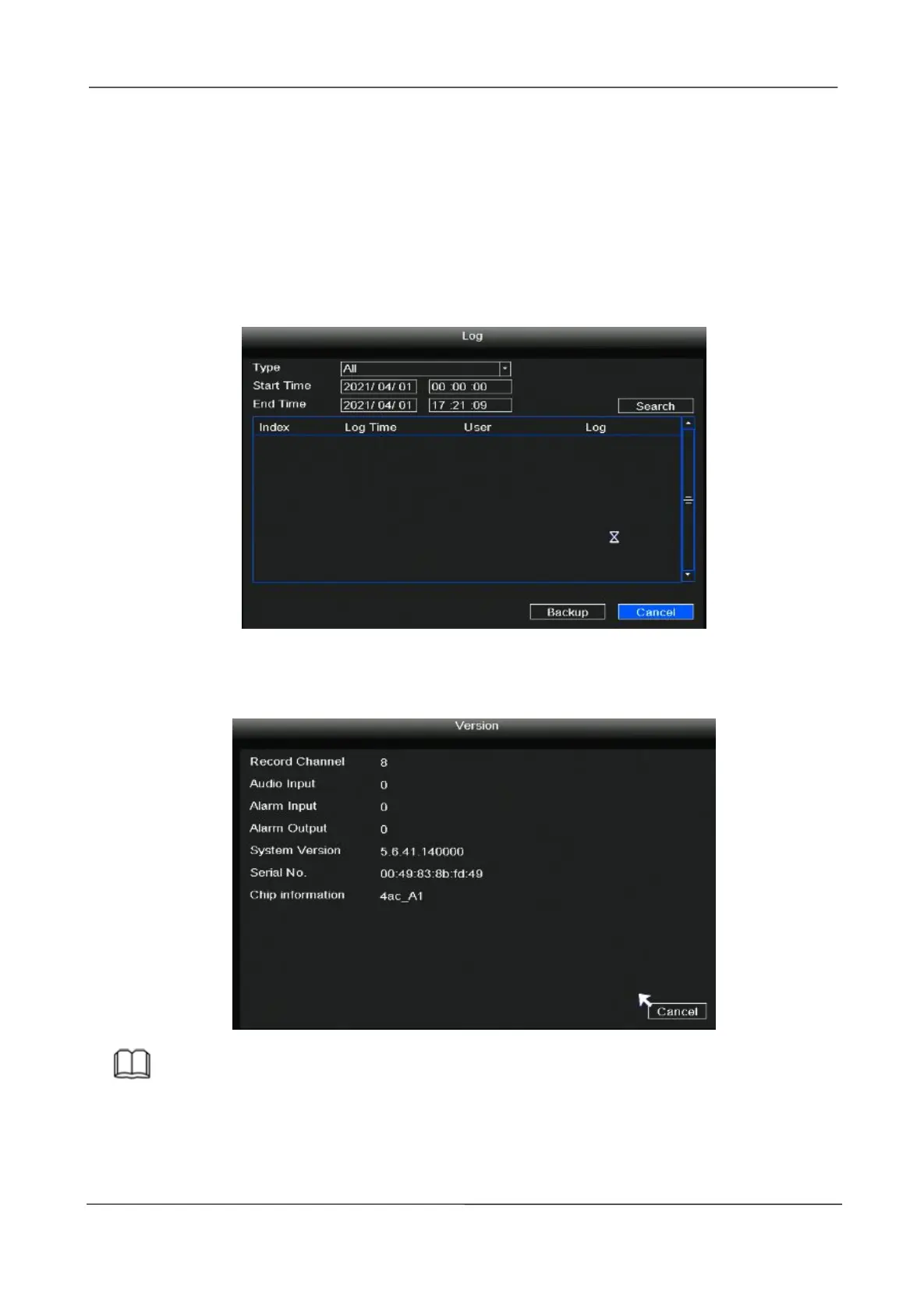
Right-click in live view mode and select “Info > log”, you can search the log information of the
NVR. The log record shows recording time and accessed information.
If you want to back up the log information, please insert USB flash drive to the USB port
located at the rear of your NVR, and then click the Backup button.
Right-click in live view mode and select “Info > Version”, you can view the version information
of the NVR.
Note
The data in the figure is only an example, please refer to the actual situation.



 To Next Page