NVR User Manual
www.foscam.com
2.5.1 Configuration
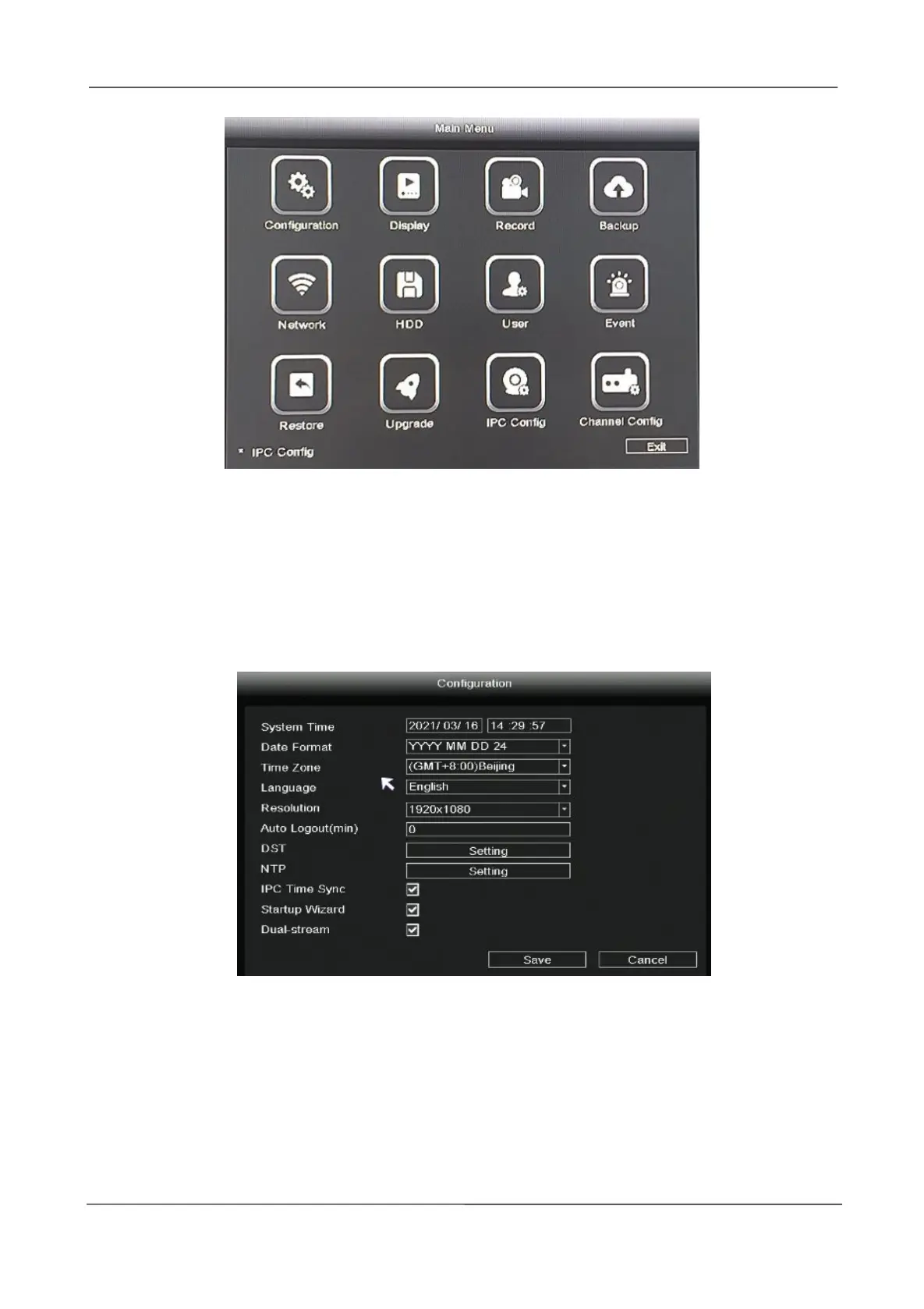
Right-click in live view mode and select “Main Menu > Configuration” in the Main Menu interface.
The Configuration interface is displayed. You can set the system time, date format, language,
resolution of the monitor and so on.
If you don't want to display the startup wizard every time you turn it on, please uncheck the Startup
Wizard checkbox.



 To Next Page