NVR User Manual
www.foscam.com
Close All ----- Click this button to close all the cameras
Full Screen ----- Click this button to enter full screen, then click to exit full screen.
Hide Bar ----- Click this button, Hide and show Pan / Tilt control Bar
4.5 Setup
Select the icon on the right side of the NVR list to do the following. Click Setup button,
goes to Device Settings control panel to make advanced NVR settings.
4.5.1 Basic
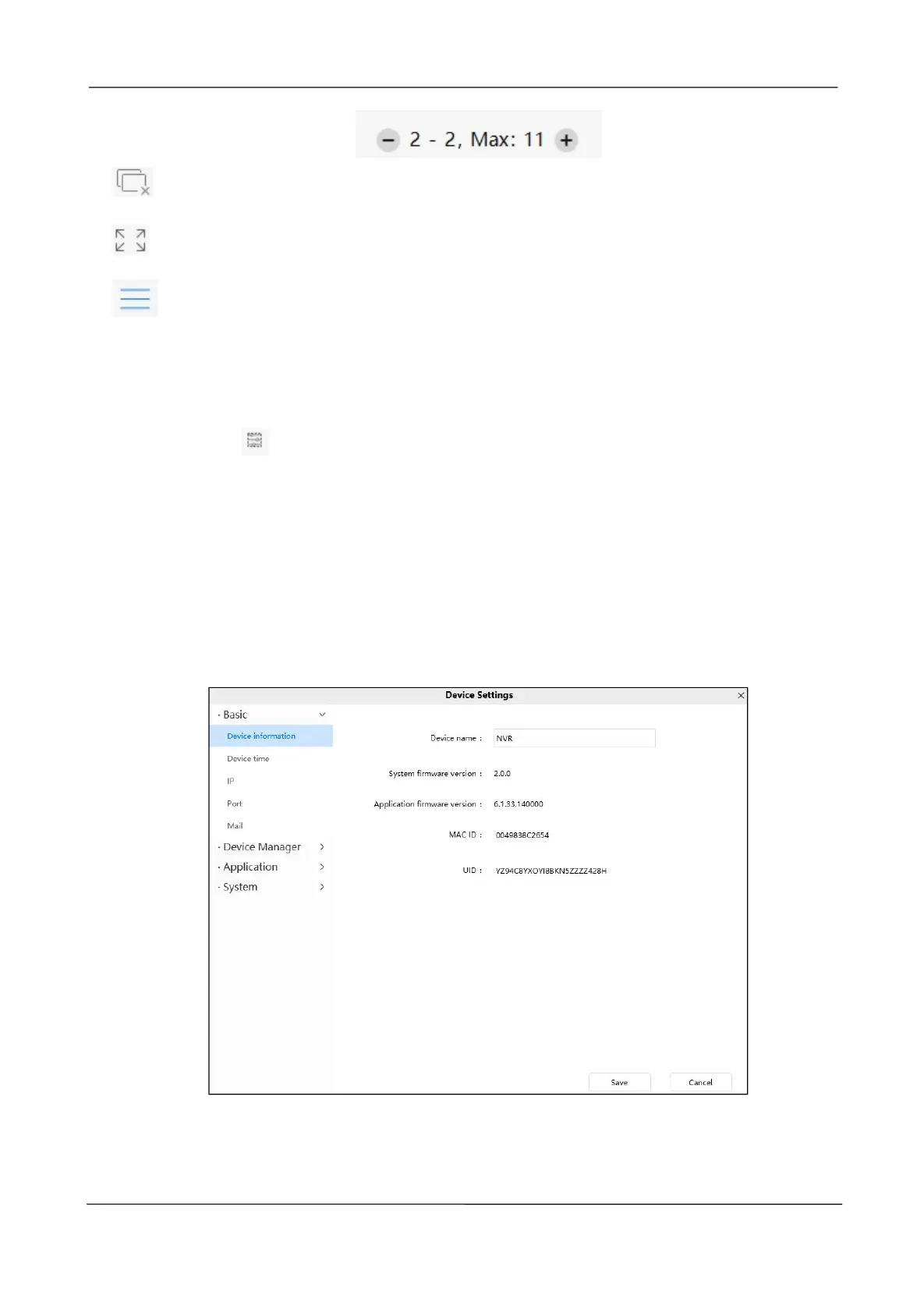
Device Information
You can modify the device name. You can also see the basic information of the NVR.
Device name: The Device Name is a unique name that you can give to your device to help
you identify it. You can define a name for your NVR here such as NVR1. Click Save to save
your changes. The alias name cannot contain special characters.



 To Next Page