NVR User Manual
www.foscam.com
3
Access the NVR in Foscam App
3.1 Download the Foscam APP
Please refer to the Quick Setup Guide if you install the NVR for the first time. You can start
to learn about software operation after finish quick installation.
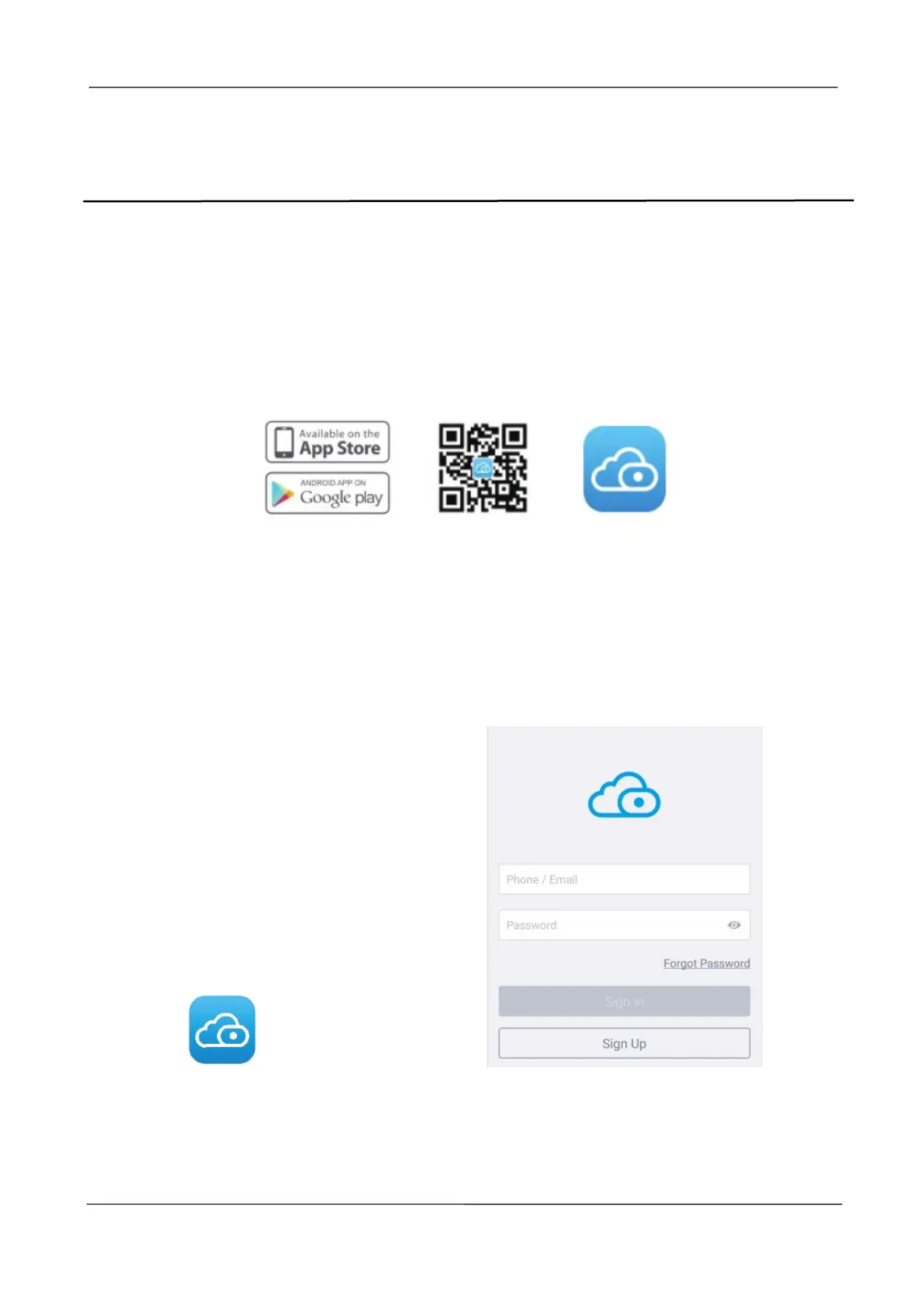
Scan the QR code below to download and install the Foscam APP.
3.2 Create A Foscam Account
You can create a Foscam account for the first time. Run the Foscam APP, and then register
for a Foscam account.
Step 1: Click Foscam app icon to enter the login page. Click Sign Up to create account.
Step 2: You need to choose your region, then enter the mailbox name and new password.
Step 3: Check Accept Privacy Notices and Terms of Service, and click Sign Up.



 To Next Page