NVR User Manual
www.foscam.com
2.5.3 Record
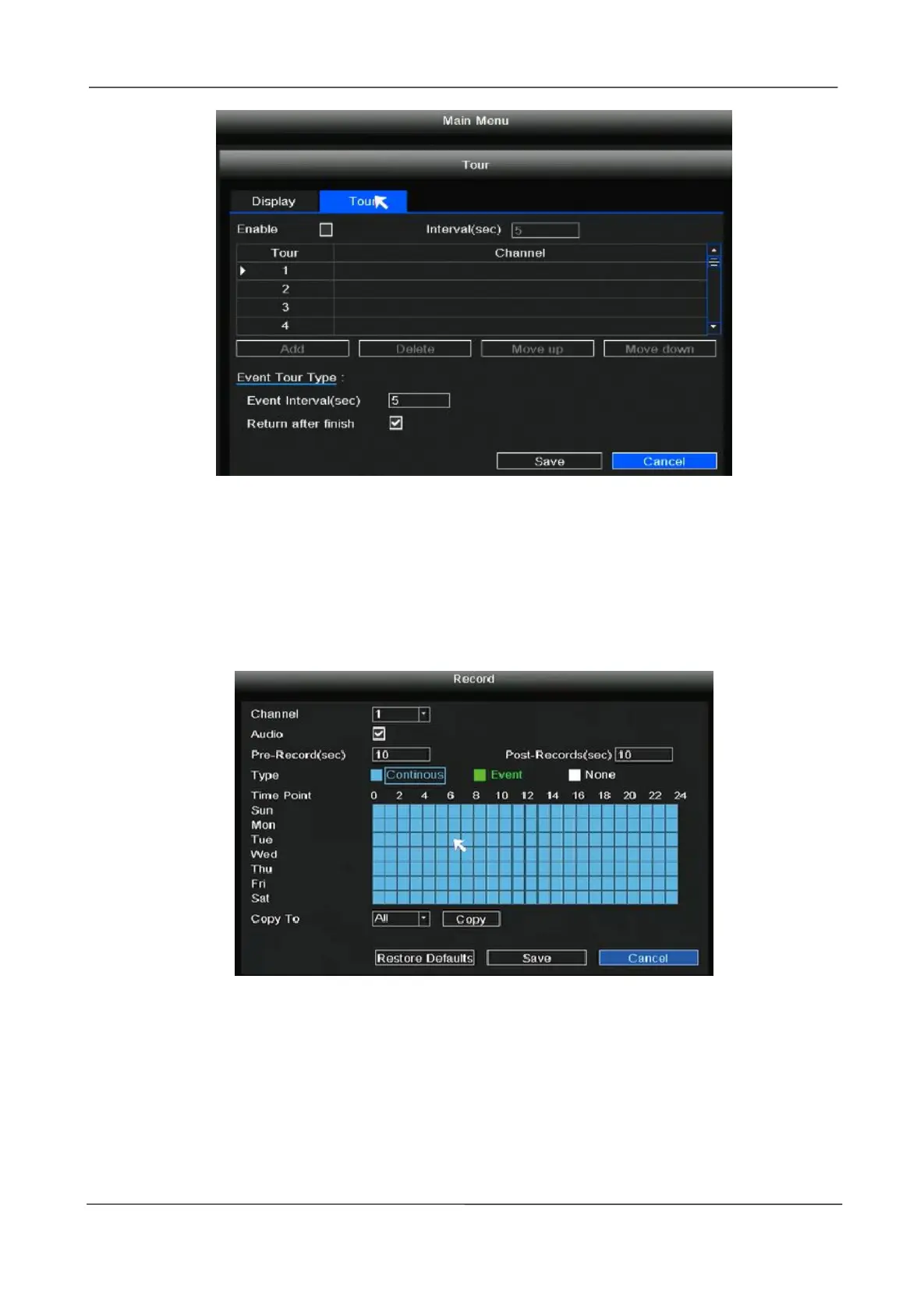
Right-click in live view mode and select “Main Menu > Record” in the Main Menu interface. The
Record interface is displayed. Choose recording channel, click Save button. (Actually, the Wi-Fi
NVR system have default set 24h scheduled recording).
If you want to modify it to alarm recording, please use the left mouse button to select the time (turned
to green), if the other channels operate in the same way, select copy.



 To Next Page