NVR User Manual
www.foscam.com
Mail Settings first. Make sure you have set E-mail in “Device Setting -> Basic -> Mail” interface.
If you select this checkbox, when the motion has been detected, the NVR will recording and store in
HDD.
If you select this checkbox, when the motion has been detected, the NVR will alert the buzzer.
8 Alarm Schedule
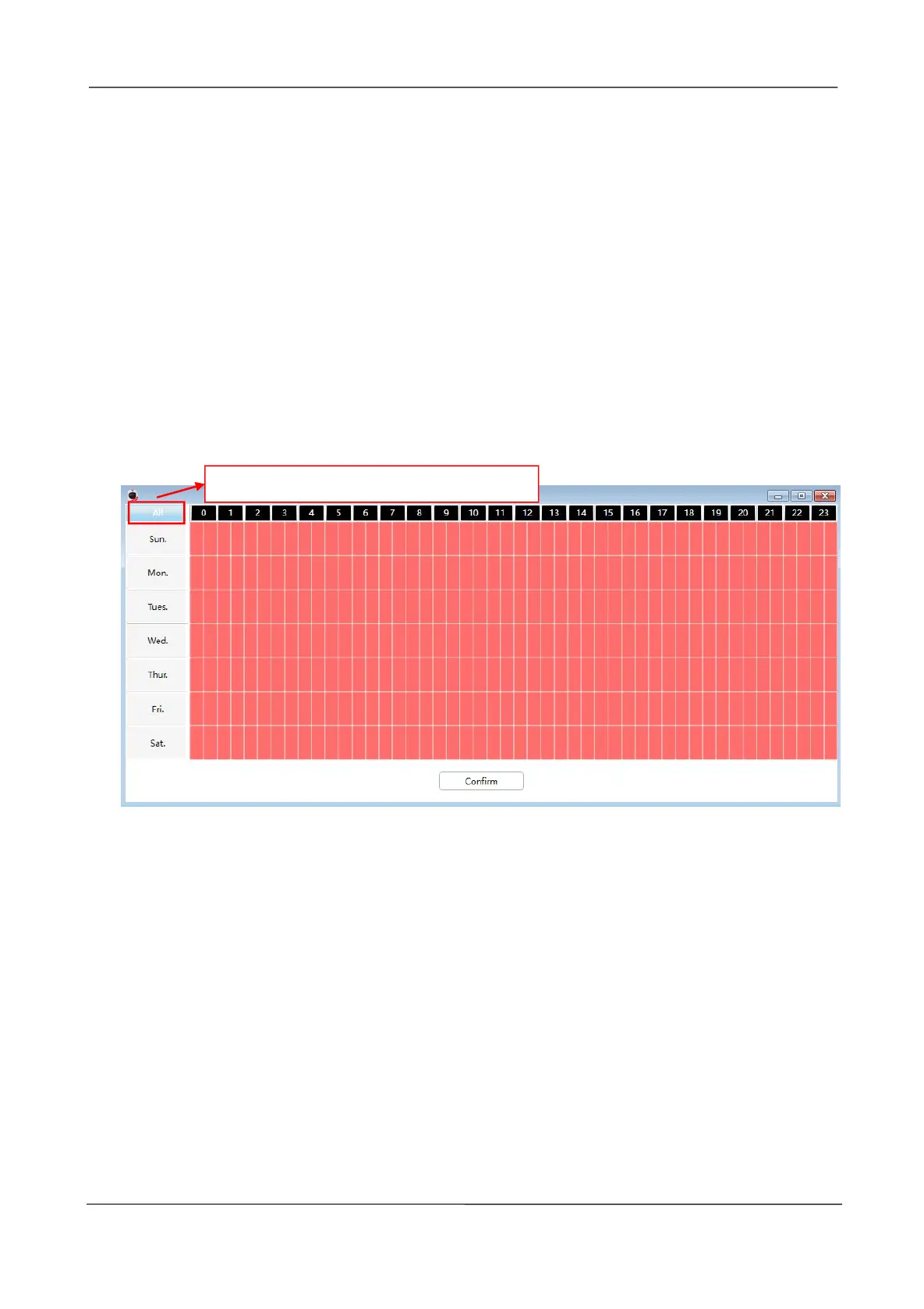
Alarm anytime when motion is detected.
Click the black button up the MON, you will see all time range turn red. When something moving in
the detection area at anytime, the NVR will alarm.
Specify an alarm schedule
Click the week day words, the corresponding column will be selected. For example, click TUE, the
all column of TUE turns to red, that means during Tuesday whole day, when something moving in
the detection area, the NVR will alarm.
Click this button and select all time range.



 To Next Page