NVR User Manual
www.foscam.com
Your current firmware version will be displayed on your screen.
Click Browse, choose the correct bin file and then click System upgrade.
Don't shut down the power during upgrade. After upgrading, you can see the upgrade result.
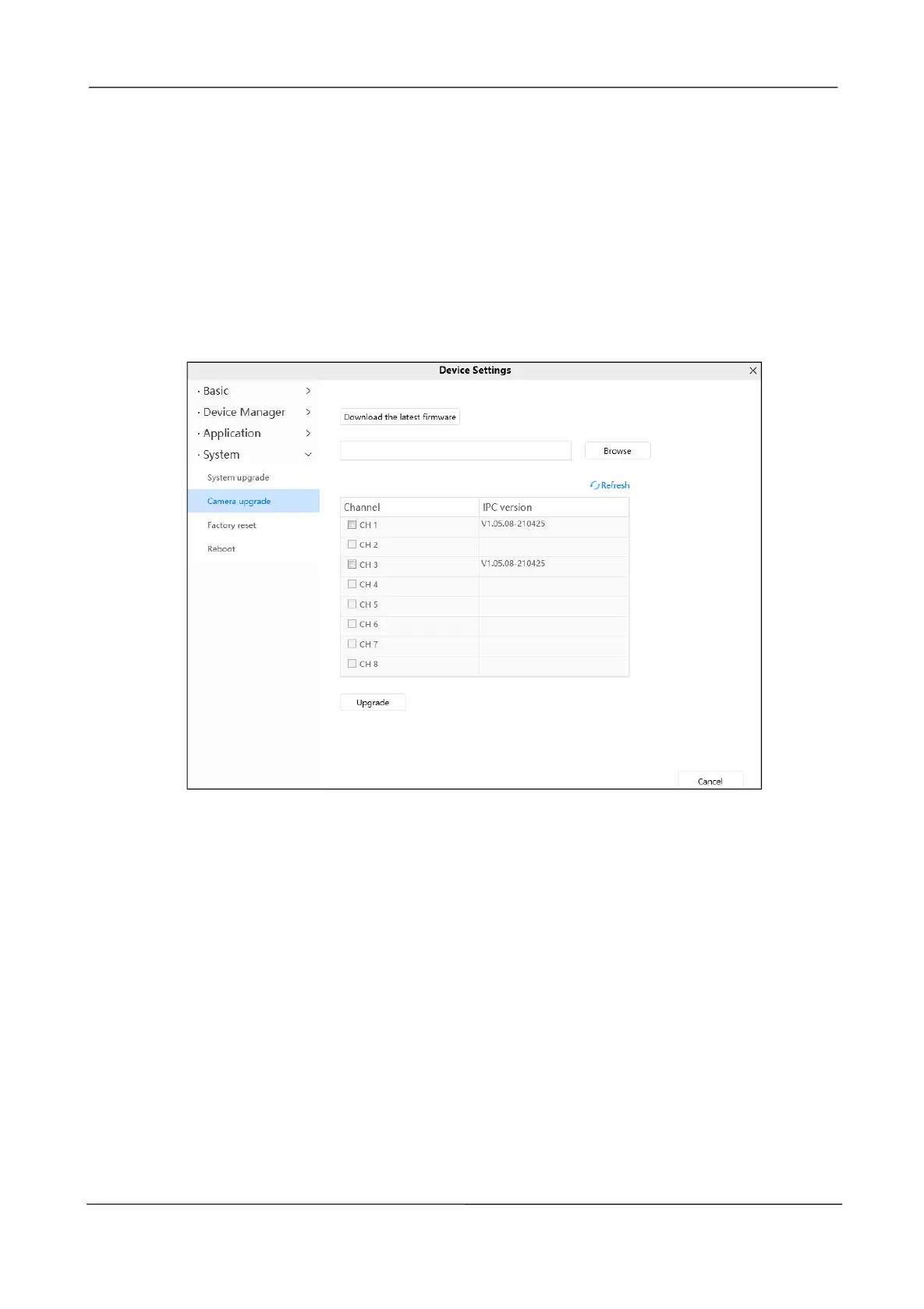
Camera upgrade
Click Download the Latest Firmware, you will see the following screen. And click Save to
save the firmware on your computer locally.
Your IPC current firmware version will be displayed on your screen.
Click Browse, choose the correct bin file and then click upgrade.
Don't shut down the power during upgrade. After upgrading, you can see the upgrade result.
Factory reset
Click Factory Reset button and all parameters will return to factory settings if selected.



 To Next Page