33
3
Load Optimal Defaults
Optimal defaults are the best settings of this motherboard. Always load
the Optimal defaults after updating the BIOS or after clearing the CMOS
values.
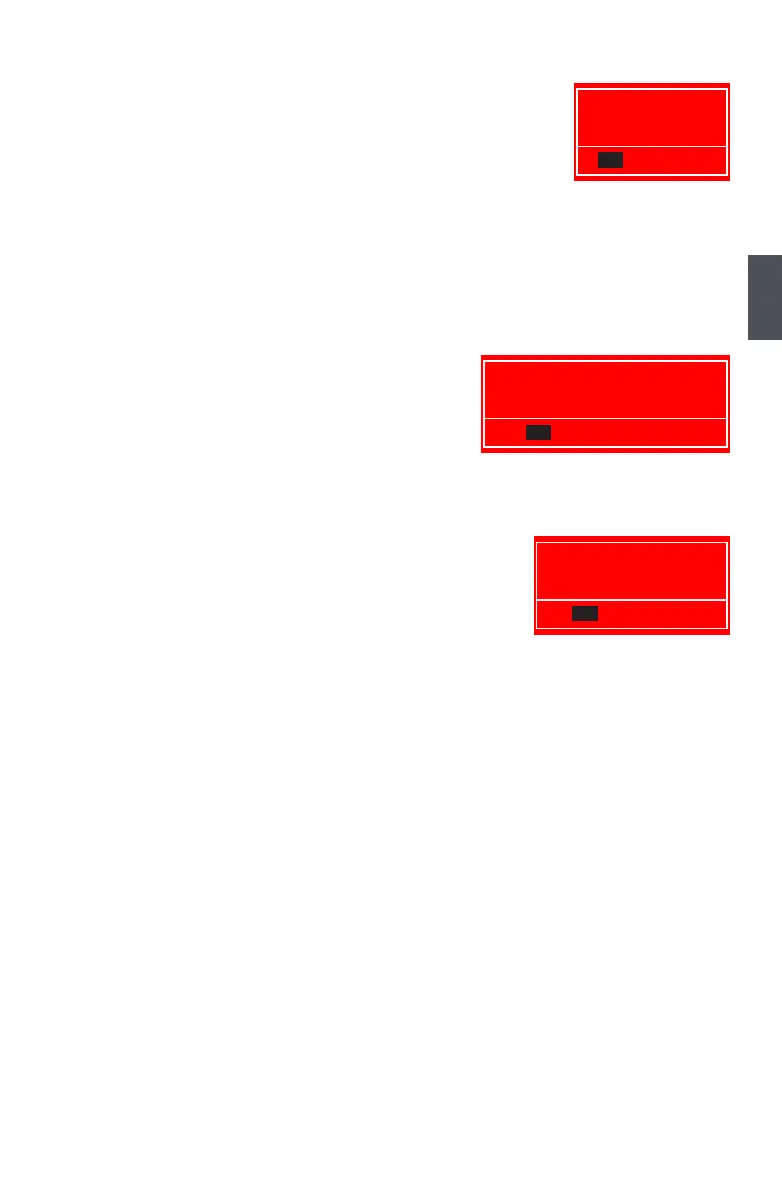
Select this option and press Enter, it will pop out a dialogue box to let
you load the defaults. Select <OK> and then press <Enter> to load the
defaults. Select <Cancel> and press <Enter>, it will not load.
By this default, BIOS have set the optimal performance parameters of system to improve the
performances of system components. But if the optimal performance parameters to be set cannot
be supported by your hardware devices (for example, too many expansion cards were installed),
the system might fail to work.
When you select this option and press <Enter>, a message
will be displayed in the center of the screen:
menu.
If you select this option and press <Enter>, the following message
will be displayed in the center of the screen:
Save configuration changes and exit setup?
Discard changes and exit setup?
Load Optimal Defaults?












 To Next Page