Foxtech DA16 Radio Control System User Manual
©
2018 FOXTECH All Rights Reserved
10
DA16 and Flight Controller Connection
UART Port Flight Controllers
TOPXGUN (T1-A), WOOZOOM (THEONE-A), BOYING (PALADIN), CHIAO (MATRIX), JIYI (K3-A),CFUAS
(C1-A) and other flight controllers under open source Mavlink agreement flight controllers such as PIX and
APM.
CAN Port Flight Controllers
EFY (FINIX200M)
DA16 ground station use A-USB, Micro-USB, Bluetooth (Optional) and WIFI (EFY flight controller only) to
connect with mobile device.
Connecting Methods
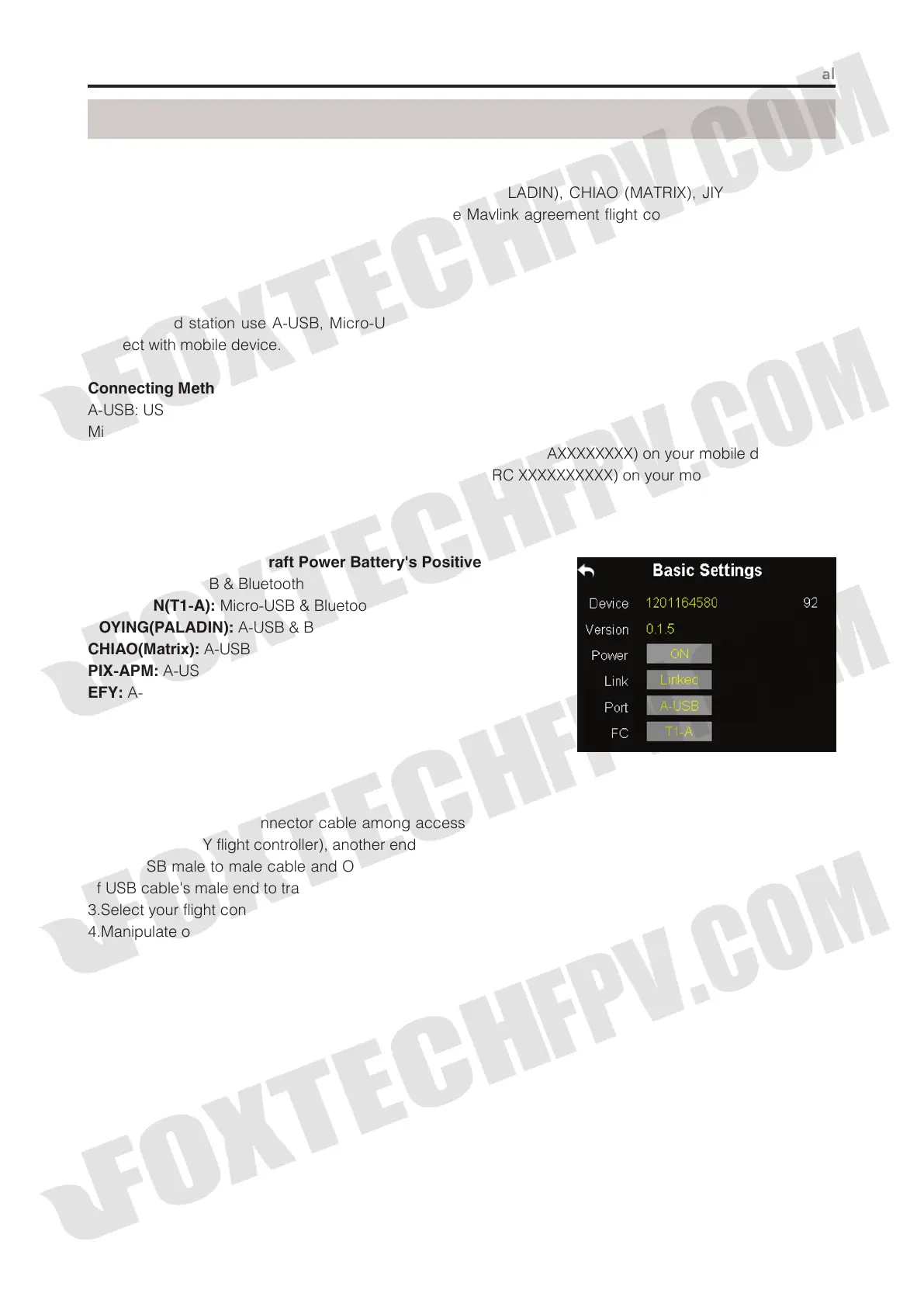
A-USB: USB Male to Male Cable + OTG Cable
Micro-USB: USB Cable + OTG Cable
Bluetooth: Search DA16 ground station bluetooth name (Default: 0AXXXXXXXX) on your mobile device.
WIFI: Search DA16 ground station wifi name (Default: EFY-RC XXXXXXXXXX) on your mobile device.
Connect This Pin to Aircraft Power Battery's Positive Electrode
JIYI(K3-A):
A-USB & Bluetooth
TOPXGUN(T1-A):
Micro-USB & Bluetooth
BOYING(PALADIN):
A-USB & Bluetooth
CHIAO(Matrix):
A-USB & Bluetooth
PIX-APM:
A-USB & Bluetooth
EFY:
A-USB & WIFI
Note: Bluetooth and WIFI are optional module,
neither of them is included in DA16's standard set.
Steps to Connect:
1.Find flight controller connector cable among accessories, connect its datalink end to air end’s UART port
(CAN port for EFY flight controller), another end to flight controller's datalink port;
2.Find USB male to male cable and OTG mobile device connector cable among accessories, connect one
of USB cable's male end to transmitter's USB port, another end to OTG cable's female end;
3.Select your flight controller and its connecting method on DA16 ground station;
4.Manipulate on mobile device to confirm connection.



 To Next Page