Foxtech DA16 Radio Control System User Manual
©
2018 FOXTECH All Rights Reserved
39
When you switch Micro-USB port mode to “Datalink”, transmitter can no longer communicate with
computer through the port. If you need communication with computer for firmware upgrading, please
switch it back to “Parameter”.
Do not turn on automatic linking when you are using more than one pair of datalink air end and
ground station at the same time.
Steps to Switch Transmitter Micro-USB Port Mode
In “System Settings” menu, tap on “Port Settings”; tap on “Micro-USB” to switch port mode from “Parameter”
to “Datalink”.
Automatic Linking
When datalink air end is powered on, the automatic linking function is turned on, and receives no signal from
datalink ground station in 20 seconds, datalink air end starts linking to ground station automatically.
Automatic linking function is to simplify procedure. We suggest users to turn on the function when datalink
air end is installed in aircraft body, thus they have no approach to air end’s linking button.
Baud Rate
In “Basic Set”, if your requiring flight controller type was not there in list, you can set a baud rate to match
your flight controller.
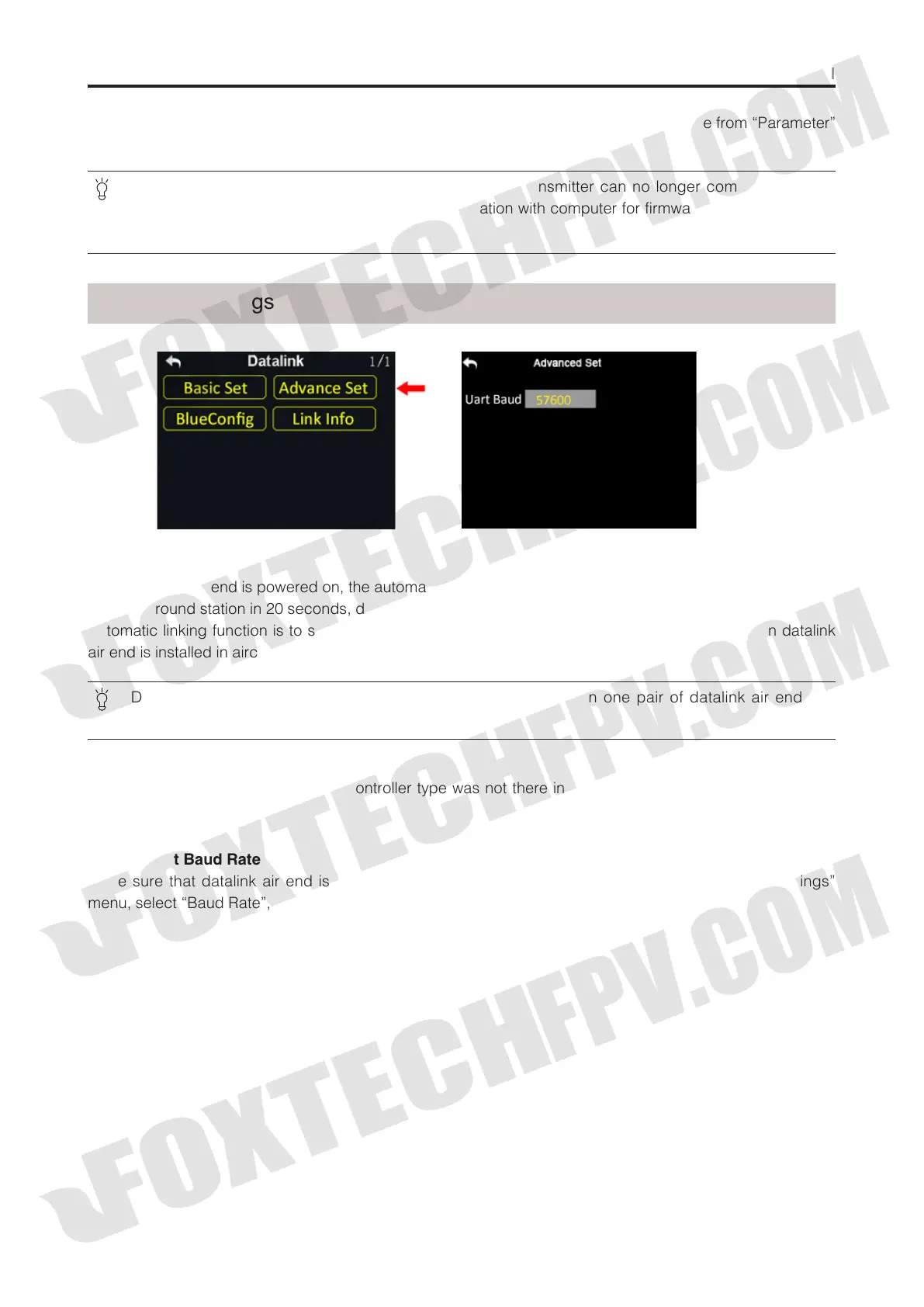
Advanced Settings
Steps to Set Baud Rate
Make sure that datalink air end is linked with ground station; in “Datalink Settings – Advanced Settings”
menu, select “Baud Rate”, tap on your requiring baud rate to finish.



 To Next Page