Foxtech DA16 Radio Control System User Manual
©
2018 FOXTECH All Rights Reserved
18
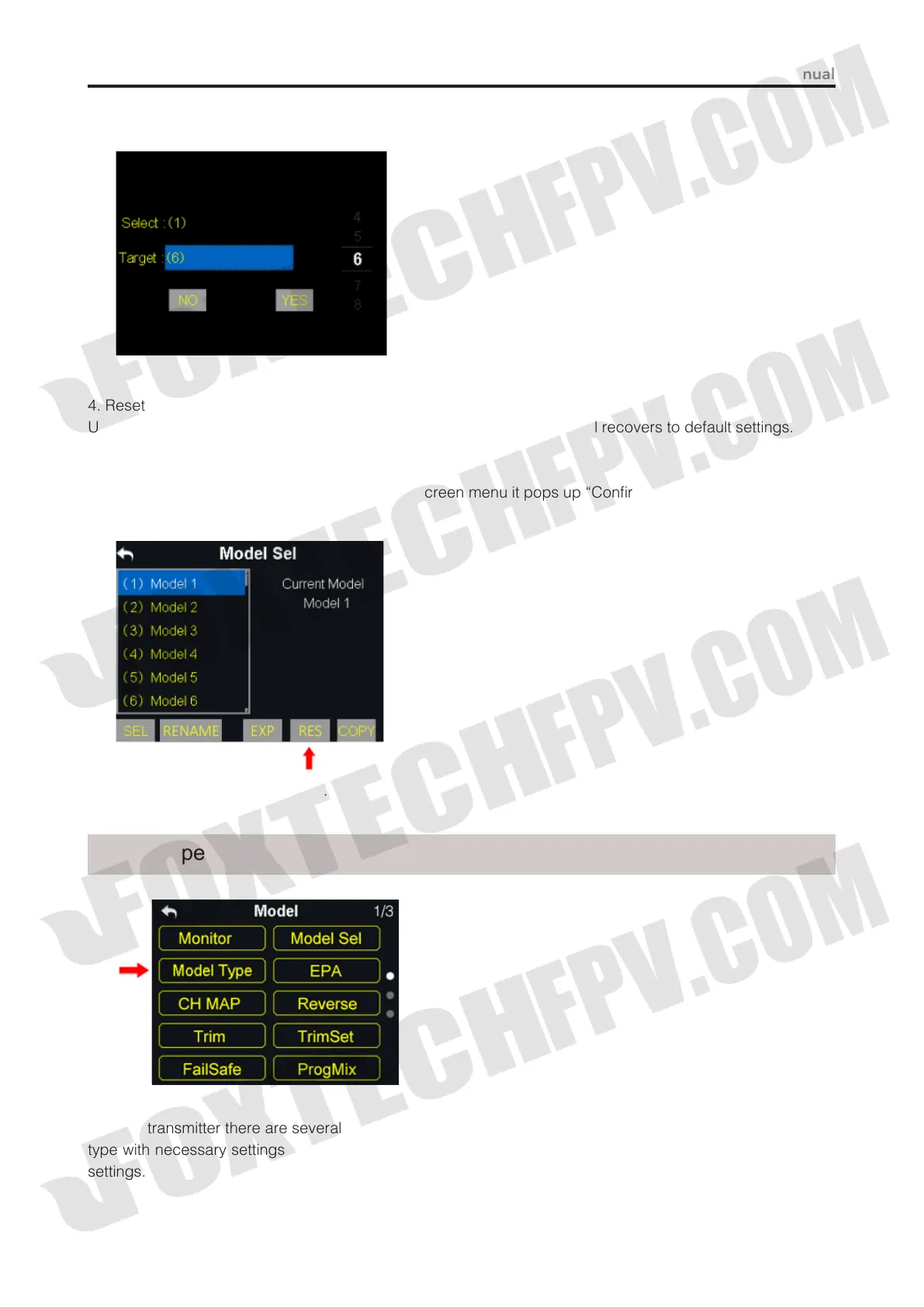
(2) Select a target model through turntable, then tap on “Yes” to finish copying.
4. Reset all Models
Users can reset former model data in model list, after resetting, the model recovers to default settings.
Steps to Reset a Model
(1) Tap on your requiring model, then “RES”, in screen menu it pops up “Confirm to reset the model” dialog;
(2) Tap on “Yes” to finish resetting.
In DA16 transmitter there are several default model types, Airplane, Multirotors and Multi Model, each model
type with necessary settings done in advance.Users need to select your requiring model and do advanced
settings.
Model Type



 To Next Page