Foxtech DA16 Radio Control System User Manual
©
2018 FOXTECH All Rights Reserved
15
Model Settings
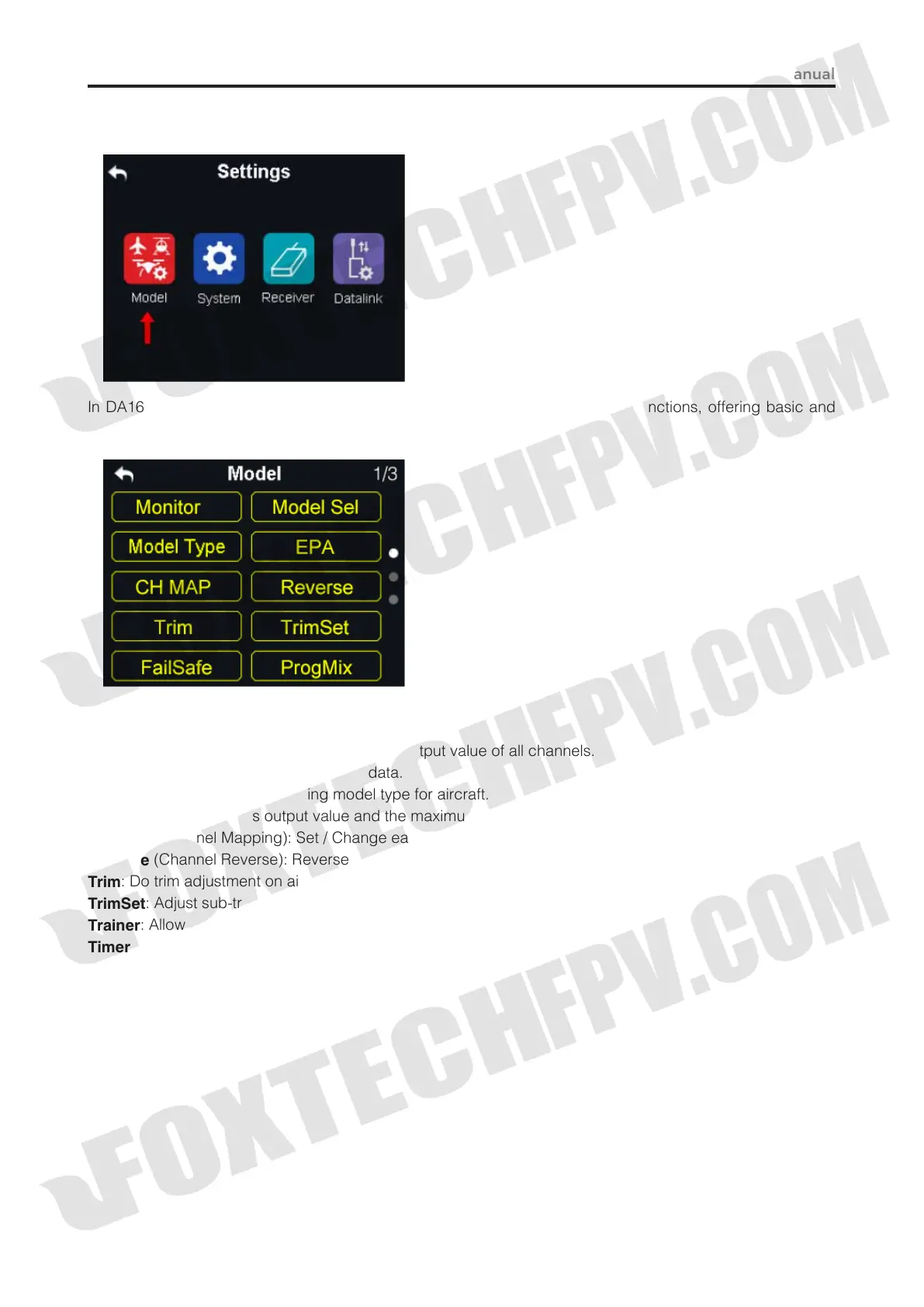
In DA16 transmitter’s “Model Settings” menu there are a series of transmitter functions, offering basic and
advanced settings for different kind of model devices.
General Functions
Monitor
(Channel Monitor): Display real-time output value of all channels.
Model Sel
: Select / Save a set of model data.
Model Type
: Choose the requiring model type for aircraft.
EPA
: Set each channel’s output value and the maximum / minimum limit.
CH MAP
(Channel Mapping): Set / Change each channel’s function.
Reverse
(Channel Reverse): Reverse a channel’s output direction.
Trim
: Do trim adjustment on aircraft’s flight attitude.
TrimSet
: Adjust sub-trim function’s stepping value.
Trainer
: Allows trainers teach their trainees on transmitter.
Timer
: Turn on / off timer function.
Low Vol Alert
(Low Voltage Alert): Aircraft low battery alert.



 To Next Page