The Effects
32
BAL -
Sets the output balance of the block.
PANL -
Controls the panning of the left output signal.
PANR -
Controls the panning of the right output signal.
BYP -
Sets the bypass mode.
Graphic Equalizer
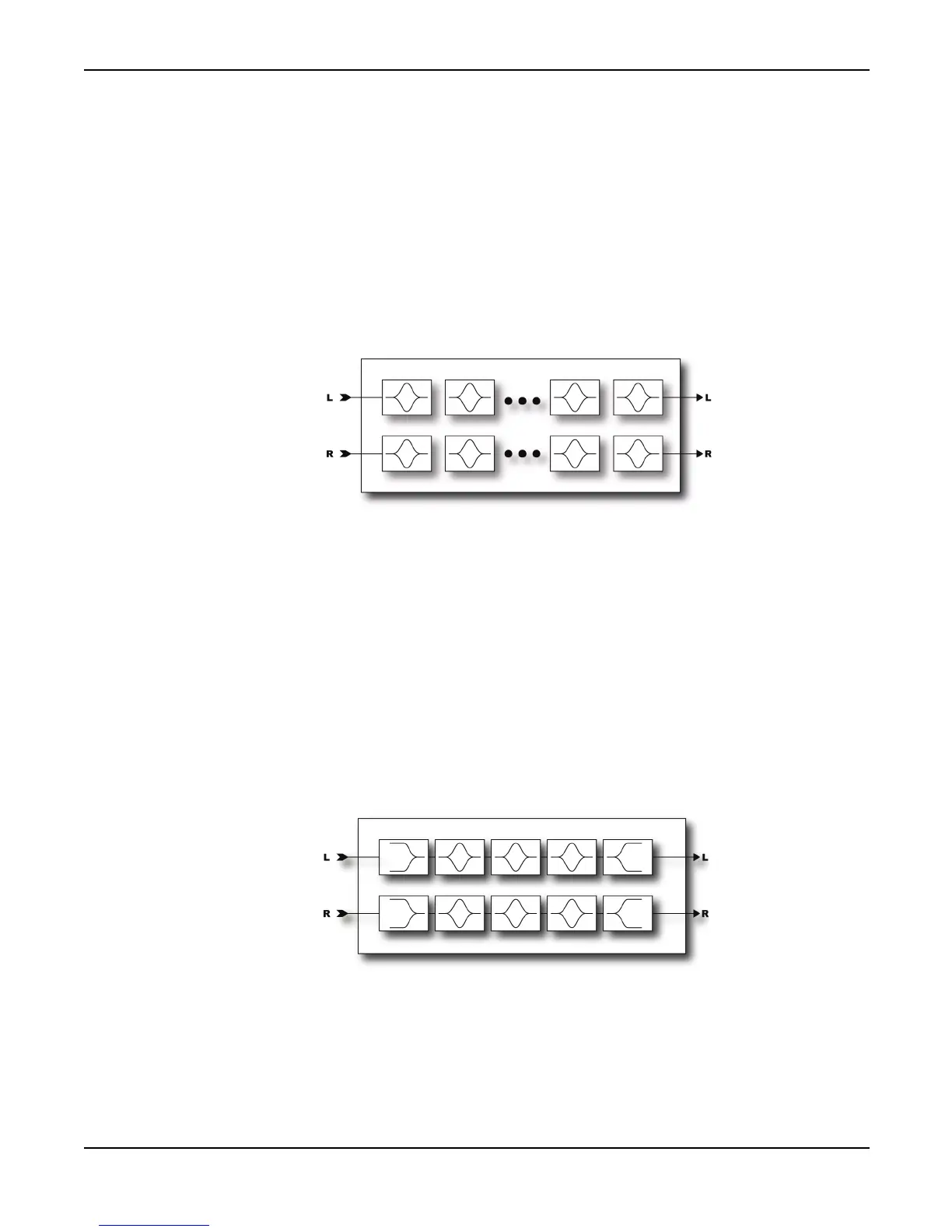
The Graphic Equalizer is an 8-band equalizer with band centers at 63, 125, 250, 500, 1000, 2000,
4000 and 8000 Hz. Each band can boost or cut up to 12 dB. Simply select the desired band with
navigation buttons and use the value dial to vary the gain.
The Graphic EQ can also be used as a booster. To use the EQ as a booster simply emphasize the
desired frequencies and set the level as desired. For a treble booster, for example, one might boost
the 2K, 4K and 8K by 6 dB or so and turn the level up 12 dB. The parametric equalizers (see below)
can be used in the same way by simply turning up the high-shelf gain and increasing the level.
Parametric Equalizer
The Parametric Equalizer is a 5-band parametric-type equalizer comprised of a low-shelf filter,
three bell filters and a high-shelf filter. To edit, select the band desired using the
PAGE
buttons. A
graphical display depicts the response.



 To Next Page