Getting Set Up
17
Recording
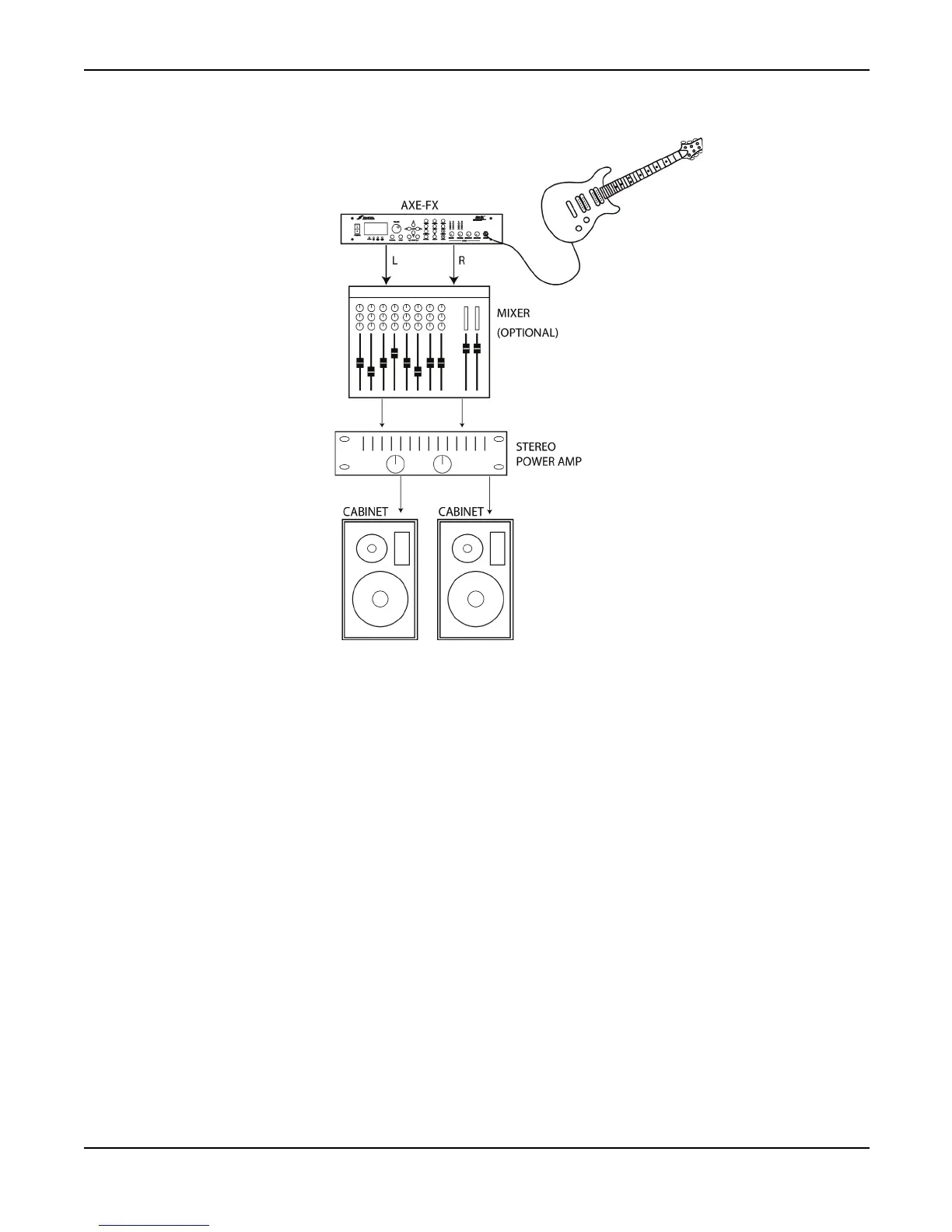
Using the Axe-Fx in the studio is straightforward. Simply connect the main outputs (analog or
digital) to a mixer, computer, etc.
I/O Configuration
Press the
I/O
button to access the
I/O
configuration menus. These menus allow you to configure the
audio, MIDI and pedals of the Axe-Fx.
Mode Configuration
The first page of the
I/O
menu configures the primary input source. Setting the INPUT SOURCE to
ANALOG FRONT
or
ANALOG REAR
configures the unit to slave all clocks to the internal 48 kHz
word clock. Setting to
DIGITAL
selects the
DIGITAL
input as the main input and slaves all clocks
to this bit stream.
The Axe-Fx can only run at 48 kHz. If you connect a digital source to the unit be sure that its sample
rate is 48 kHz.



 To Next Page