The Effects
27
The Effects
The following sections describe the individual effects and their adjustable parameters.
Noise Gate
The Noise Gate is not a routable effect. It is always connected directly to the main inputs. To edit
the effect go to the
GATE
page in the
LAYOUT
menu. The Noise Gate is always active but can be
defeated by simply turning the
THRESH control fully counter-clockwise.
The Noise Gate is a downward expander. Any signal below the threshold is reduced by the
expansion ratio. This provides smooth transitions rather than abrupt open/close style gating.
Parameters
THRESH - Threshold control. This sets the level at which the Noise Gate will start its downward
expansion. If the input signal drops below this level it will be attenuated by an amount controlled
by the ratio.
RATIO - Sets the downward expansion ratio. For example, if the threshold is set to -50 dB and the
input level is -60 dB and the ratio is 2.0 the input will be attenuated by 20 dB.
RELEASE - Release time control. Sets the rate at which the Noise Gate attenuates the signal once
the threshold has been crossed. Higher values will make the signal gradually fade once it drops
below the threshold.
ATTACK - Attack time control. Sets the rate at which the Noise Gate opens the gate.
Compressor
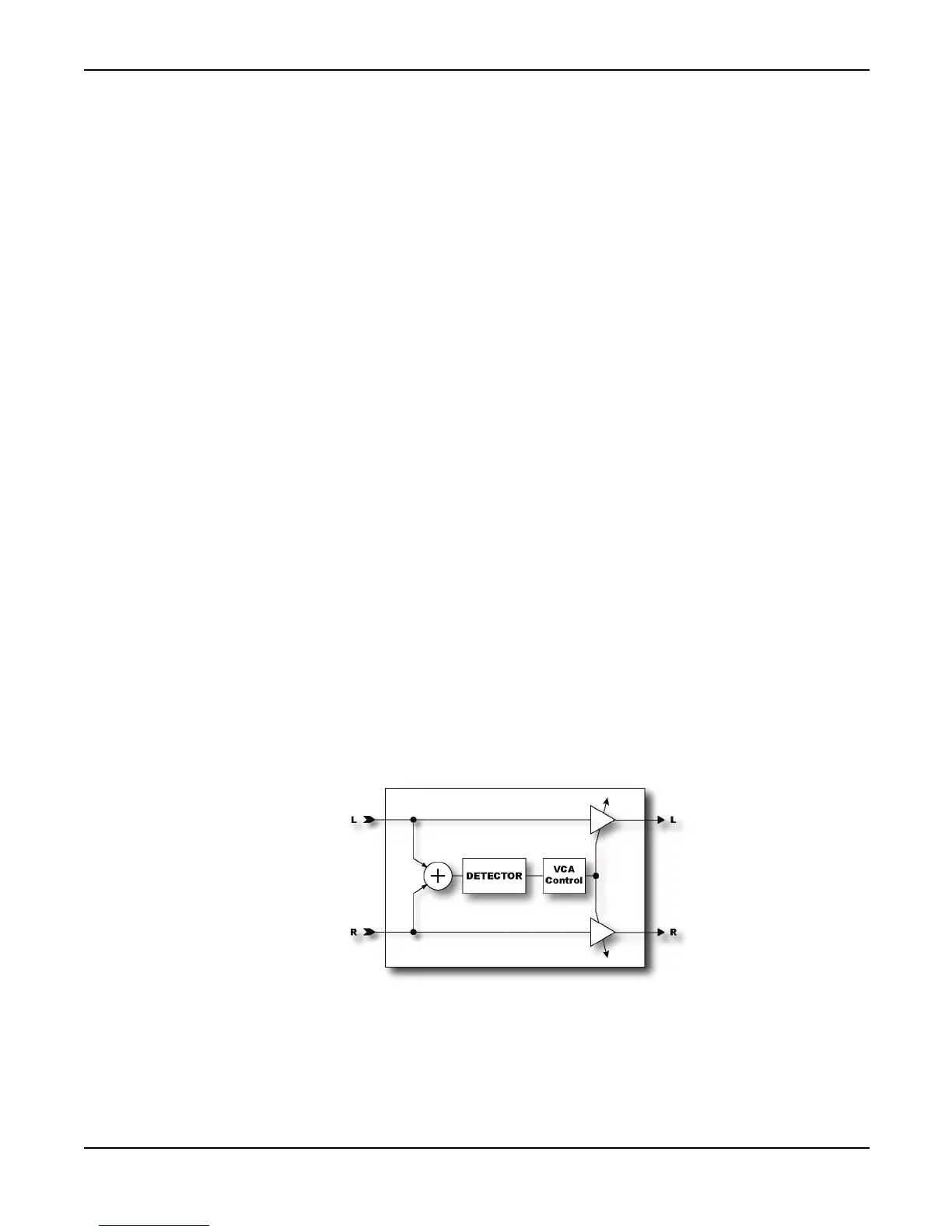
The Compressor reduces the dynamic range of the signal by lowering its gain when the input power
exceeds a threshold. It is best placed at the start of an effects chain and is most effective when used
with clean settings. Using a Compressor with high-gain distortion can lead to excessive noise or
squealing. The Compressor can also be placed near the output of an effects chain if desired to even



 To Next Page