Franka Emika GmbH ©October 2018
111
Guiding
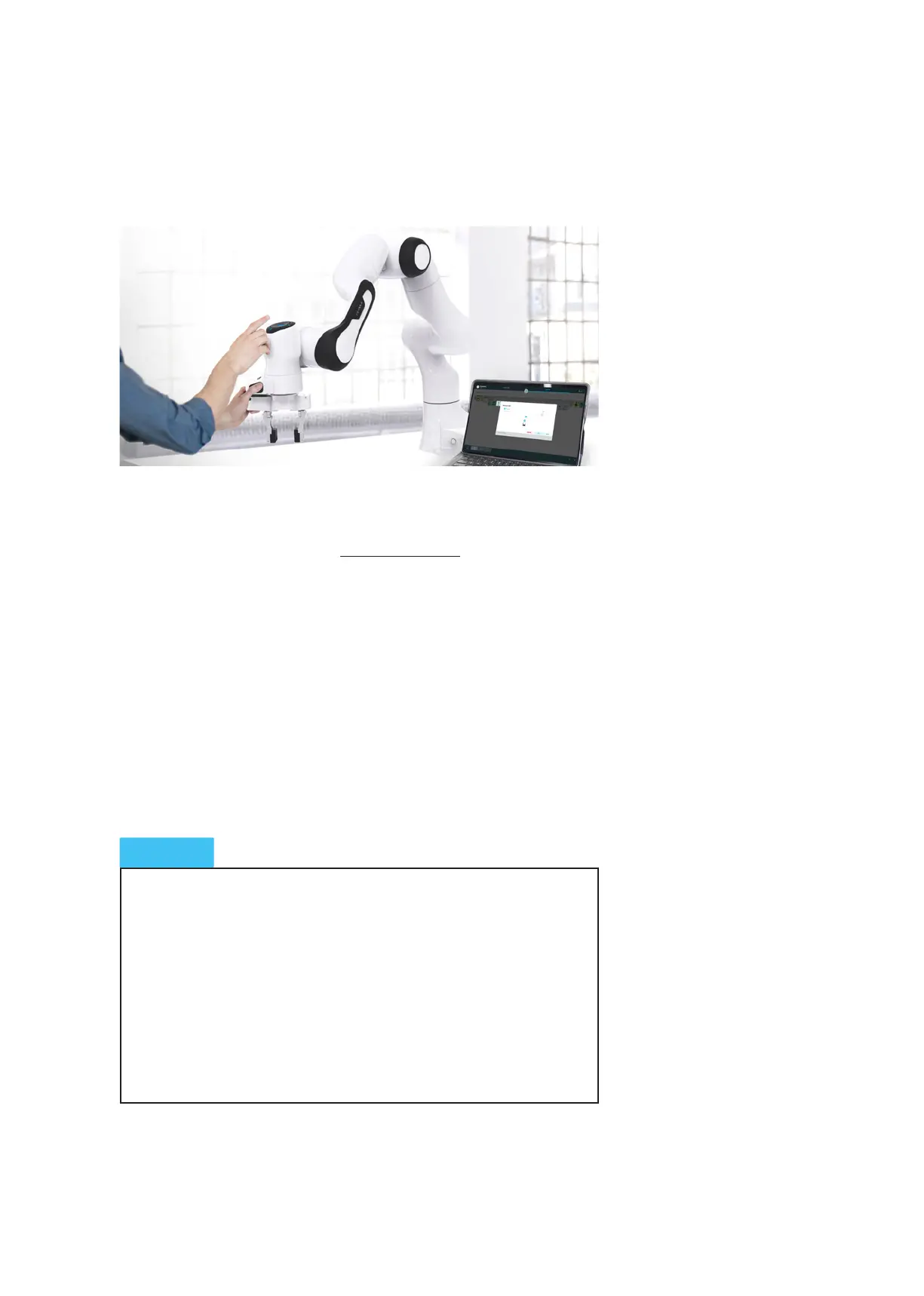
Now the Arm can be guided. To guide the Arm:
• half-press the Enabling Buon on the grip and addionally press the guiding
buon. Panda from now on is lit connuously white. For improved usability,
we turn o the middle status light of the Pilot.
• as soon as you release any of the two buons, the Arm remains sll
• as soon as you press the enabling buon too hard, the Arm equally remains
sll (panic funcon of the enabling buon)
• try this out for yourself now!
The guiding mode buon is located on the top of the grip. With this buon, or
directly in Desk, dierent guiding modes can be selected. Which mode is cur-
rently selected is indicated in the sidebar of Desk. A guiding mode limits certain
movements of the Arm to facilitate easy operaon.
Panda allows you to switch guiding modes. They are used for liming prede-
ned movements during guiding. A guiding mode can for example only allow
the Cartesian direcons X, Y and Z, while rotaons around these axes are
locked. If the locked direcons and rotaons are overstressed by the user by
force, this can damage Panda.
Therefore:
• if, during guiding by hand, one direcon feels as if it is locked and the
base is lit white, it should be checked, if the correct guiding mode has
been congured. Any forcing of locked direcons is to be avoided.
• if Panda is lit, for example, “pink”, then Panda is receiving conicng
release signals and therefore does not allow itself to be led by hand.
NOTICE
Switching between guiding modes



 To Next Page