Franka Emika GmbH ©October 2018
121
An app for everything
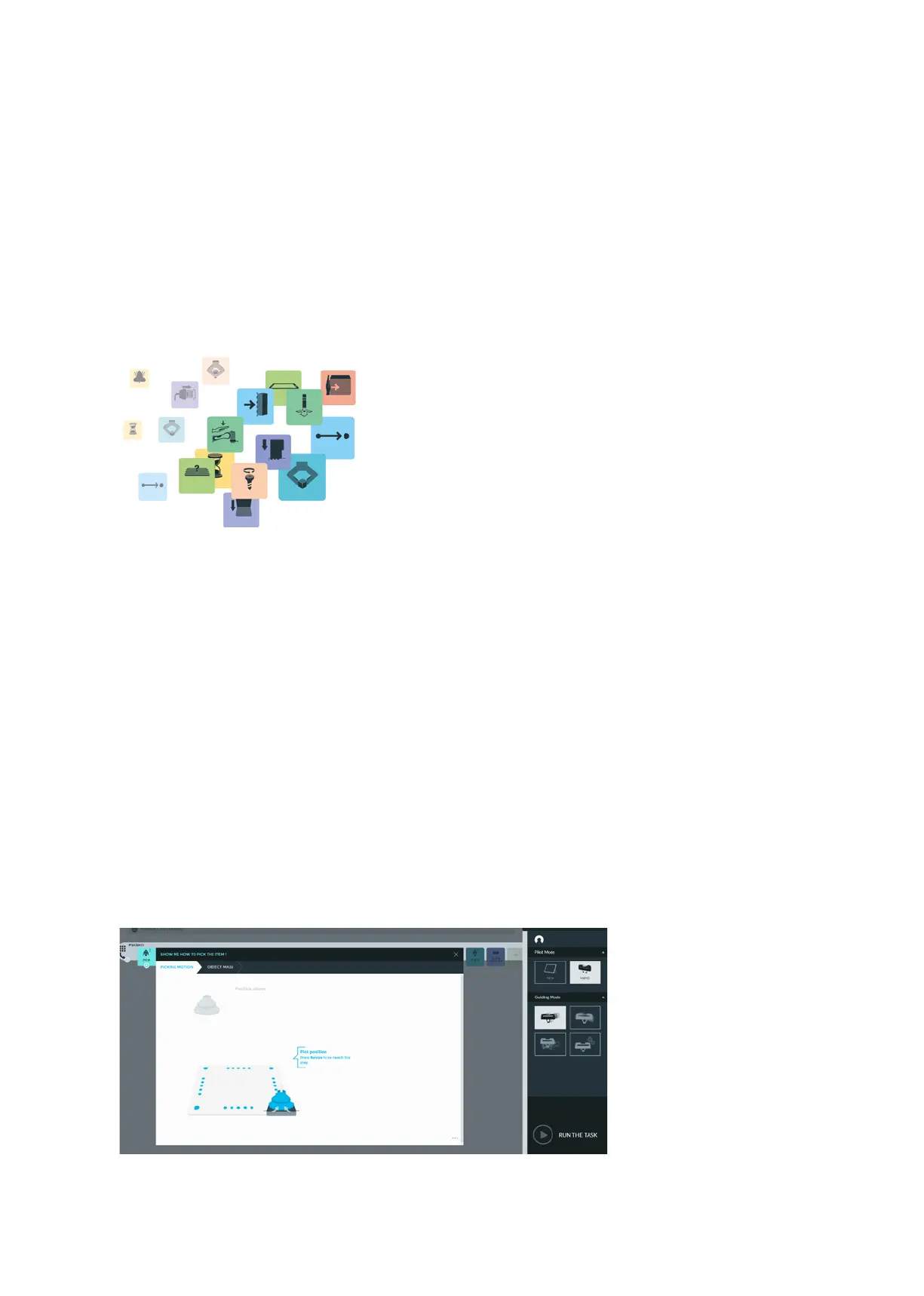
Apps are modular robot programs, each represenng a paral step of a robot task.
They can be purchased in the Franka Store and can be parametrized in Desk to form
enre automaon tasks. These apps can encompass diering scopes from the highly
complex to the very simple. When selected in Desk, each App opens a context menu
in which the user is interacvely lead through the process parameters.
Aer creang a Task in Desk, all Apps need to be taught, this means that all
necessary parameters of the Apps need to be congured so that Panda knows
how to execute the App.
If not all Apps of a Task have not yet been fully parametrized.
Teaching
You can set the parameters for individual Apps in the context menu. The context
menu of an App comprises one or several steps. Each step can be divided into sub-
steps. For example, for many Apps where a pose is needed, usually two poses are
taught. The actual pose for carrying out an acvity and a transional pose, which
is used for assuring movement in the operang area without risk of collision. These
two poses are normally taught in one step, yet they are individual sub-steps.
App dialog window



 To Next Page