Franka Emika GmbH © October 2018
120
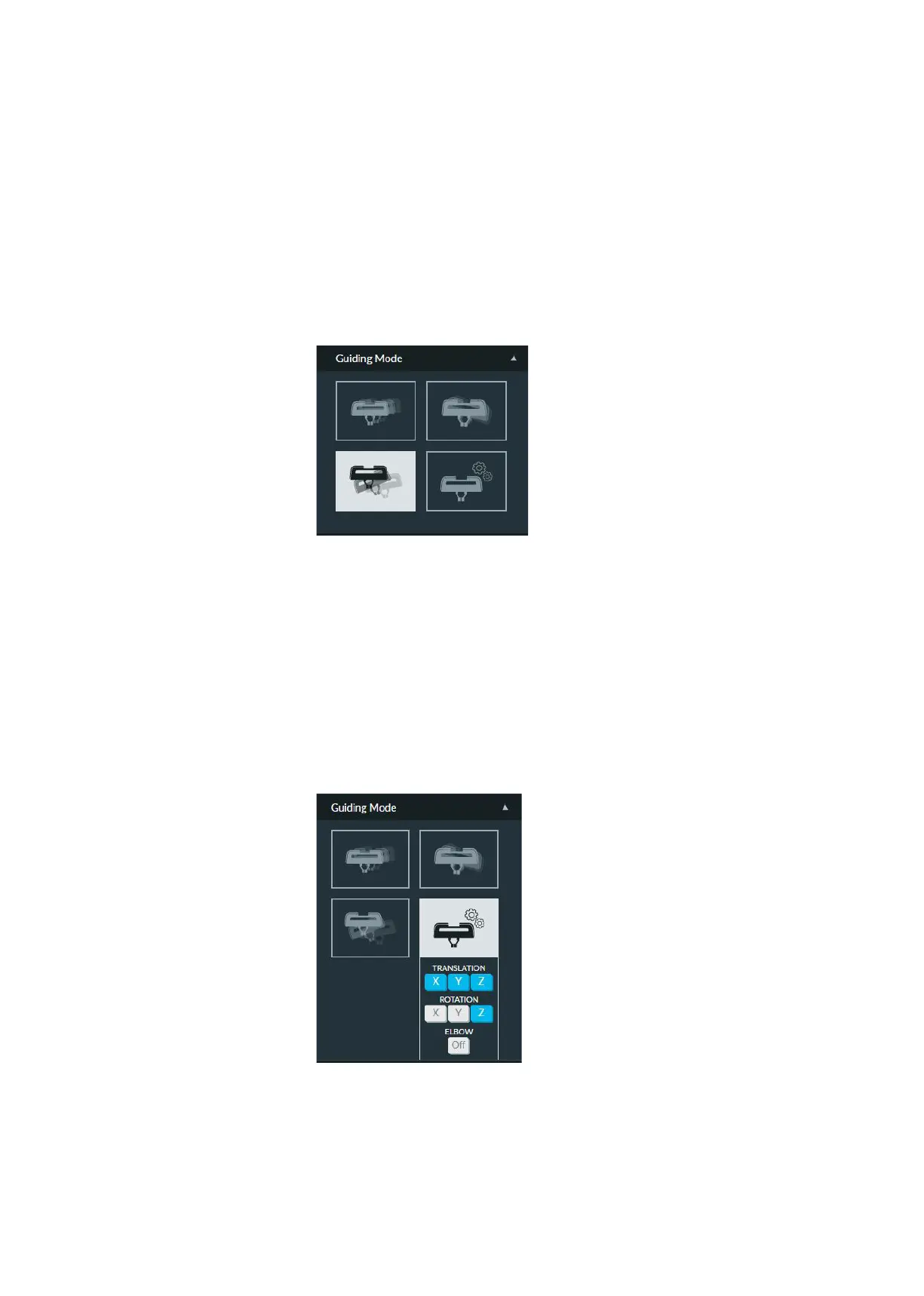
• Translaon: in guiding mode, the Arm can only be moved to change the
Cartesian posion of the end eector; its orientaon remains as it was before
entering the guiding mode
• Rotaon: in guiding mode, the Arm can only be moved to change the Car-
tesian orientaon of the end eector; its posion remains as it was before
entering guiding mode. The reference coordinate system for this rotaon is
the predened coordinate system of the end eector
• Free: the Arm can be moved completely freely, all 7 joints can be moved freely
• User: the user can freely dene the guiding behavior in this mode, meaning
that it is possible to dene for each Cartesian translaon and rotaon axis if it
is movable or immovable
In guiding mode, movements of the Arm follow the corresponding guiding con-
guraon, which is displayed in the sidebar. The guiding conguraon can be
changed by pressing the guiding mode buon on top of the grip. You can also
select the desired conguraon from the sidebar.
Guiding mode
INTERACTING & PROGRAMMING



 To Next Page