Franka Emika GmbH ©October 2018
119
Conguring a TaskBy clicking on the “+” symbol in the task area, a new task is created and selected.
A new task is created with an empty meline.
The program procedure will then be created, in which apps are moved using Drag-
and-Drop from the App Area (3) into the Timeline Area (2) to the desired posion.
The execuon takes place from le to right.
Apps may be removed from the meline by dragging an app from the meline
areas back into the app area. Re-arrangement of the task using Drag-and-Drop is
equally possible.
Groups
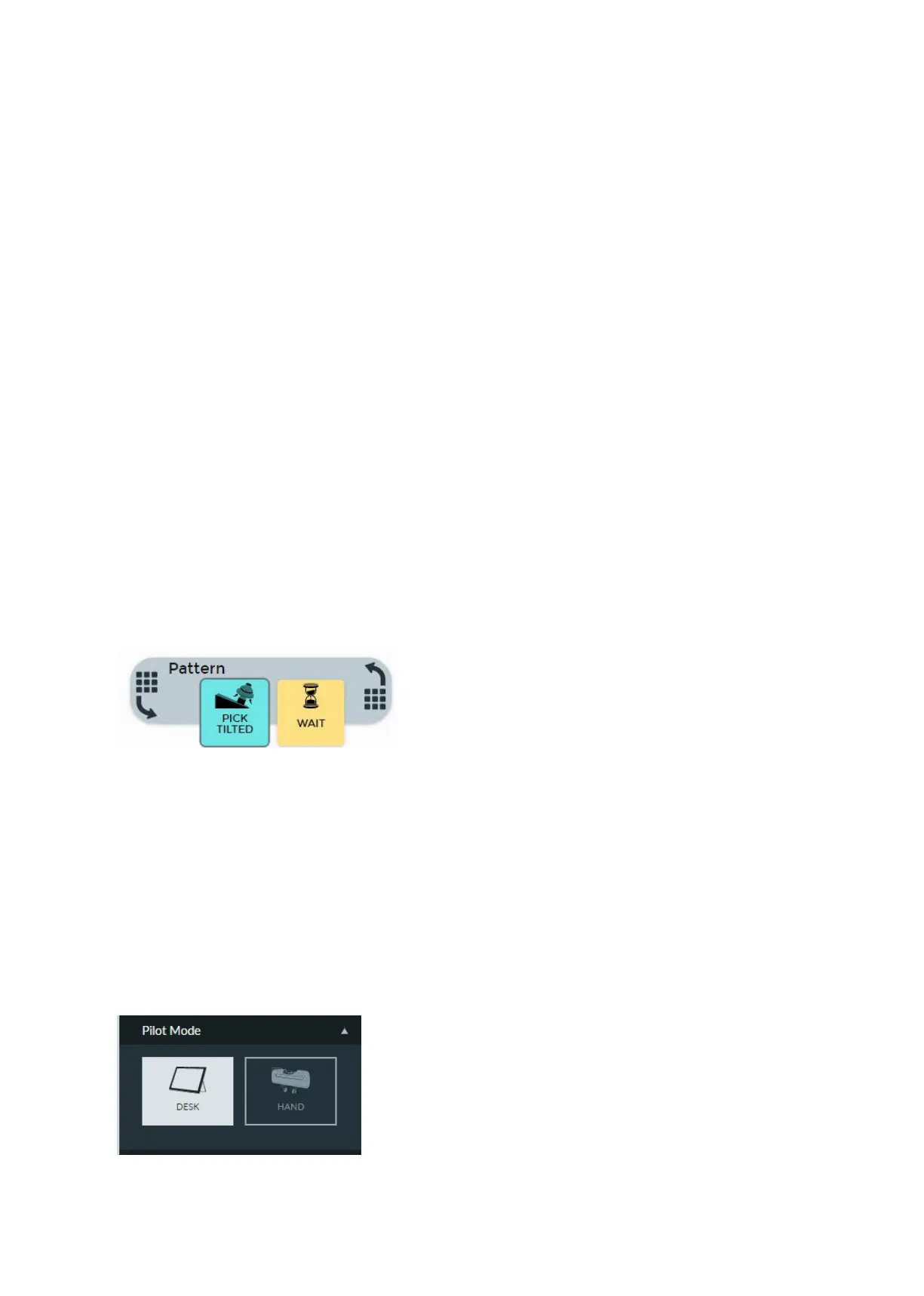
One parcular variant of apps are so-called Groups, such as, for example, Paern,
Repeat or Relave. In contrast to normal apps, which implement certain funcon-
alies, Groups modify the execuon and teaching behavior of those apps con-
tained within them. Firstly, a Group is dragged into the meline area. Thereaer,
other apps may be dragged into these. The “Repeat” Group executes, for example,
all the apps contained in them repeatedly according to the Group conguraon.
Groups such as “Paern” or “Points” allow the execuon of the same app repeat-
edly at dierent points.
Hand mode: In this mode, the ngers of the Hand can be steered via the direc-
onal buons of the Pilot’s Disc:
• keep the “le” buon pressed to slowly open the Hand
• keep the “right” buon pressed to slowly close the Hand
• press the “down” buon once to open the Hand to full width
• press the “up” buon once to make the Hand grasp something, meaning that
it closes around a grasped object and holds it with its holding force.
Desk mode: using the direcon buons on the disc of the Pilot you can navigate
in Desk and the context menus of Apps in the meline.
Funconalies of Pilot’s Disc



 To Next Page