Franka Emika GmbH © October 2018
106
The conguraon and programming environment of Panda runs on all modern
browsers. However, we recommend using Chrome, Chromium or Firefox. No
further soware is necessary:
• To open the inial conguraon interface, an interface device must be con-
nected via Ethernet cable to the X5 connector on the base of the Arm (see in
chapter: Mounng & Installaon).
• The interface device must obtain the IP address automacally via DHCP.
• Once Panda has been switched on, the interface device will automacally be
assigned an IP address.
• Then the URL “robot.franka.de” can be entered and opened in a web browser.
All persons working with Panda must have read and understood the doc-
umentaon (in parcular the chapters on safety), be able to comprehend
any risks associated with the roboc system and act with adequate care. In
contrast to a regular user, the admin has extensive rights to edit IT and safety
sengs of Panda! Please refer to chapter: Safety Concept/ Sta.
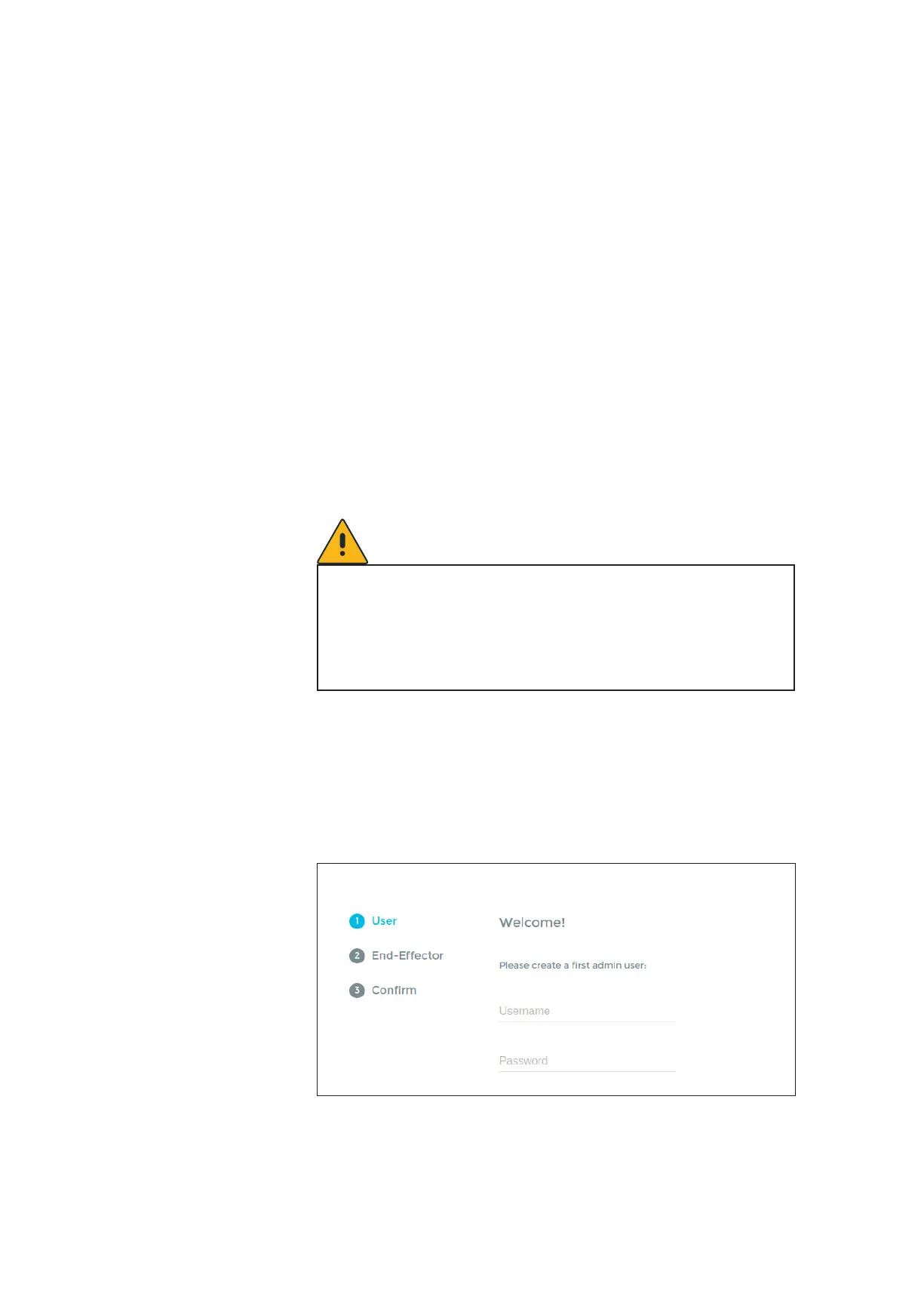
When rst starng Panda or aer reseng the Control to default set-
ngs, the inial conguraon is shown in the web browser when you
enter the URL “robot.franka.de”:
Conguring Panda



 To Next Page