Franka Emika GmbH © October 2018
128
NOTICE
WARNING
Cleaning
Improper use of liquid cleaning agents and devices that are not correctly
disconnected from the mains supply before cleaning can cause fatal accidents
by electric shock.
Therefore:
• never clean devices that have not been safely disconnected from the
mains supply
• never use liquid cleaning agents for cleaning the devices
• do not switch on devices that have not fully dried
The following things need to be kept in mind while cleaning:
• Cleaning may only be carried out by qualied users.
• Arm, Control and Hand
• Cleaning of components is only permissible when Panda is safely discon-
nected from the power supply (control disconnected from the mains)
• Switching o and unplugging the device is to be carried out by qualied
users
• Do not spray any liquids directly onto the device
• Do not use any cleaning chemicals
• The components may only be cleaned using a damp, enrely wrung out
cloth or using a dry cloth. Make sure that no moisture enters the devices.
• Do not apply great force to the Arm. The parts to be cleaned are to be
supported manually, as not to overload and possibly damage the Arm.
• Restarng is only permied when all surfaces have dried completely.
Improper cleaning may cause material damage to the devices.
Updates
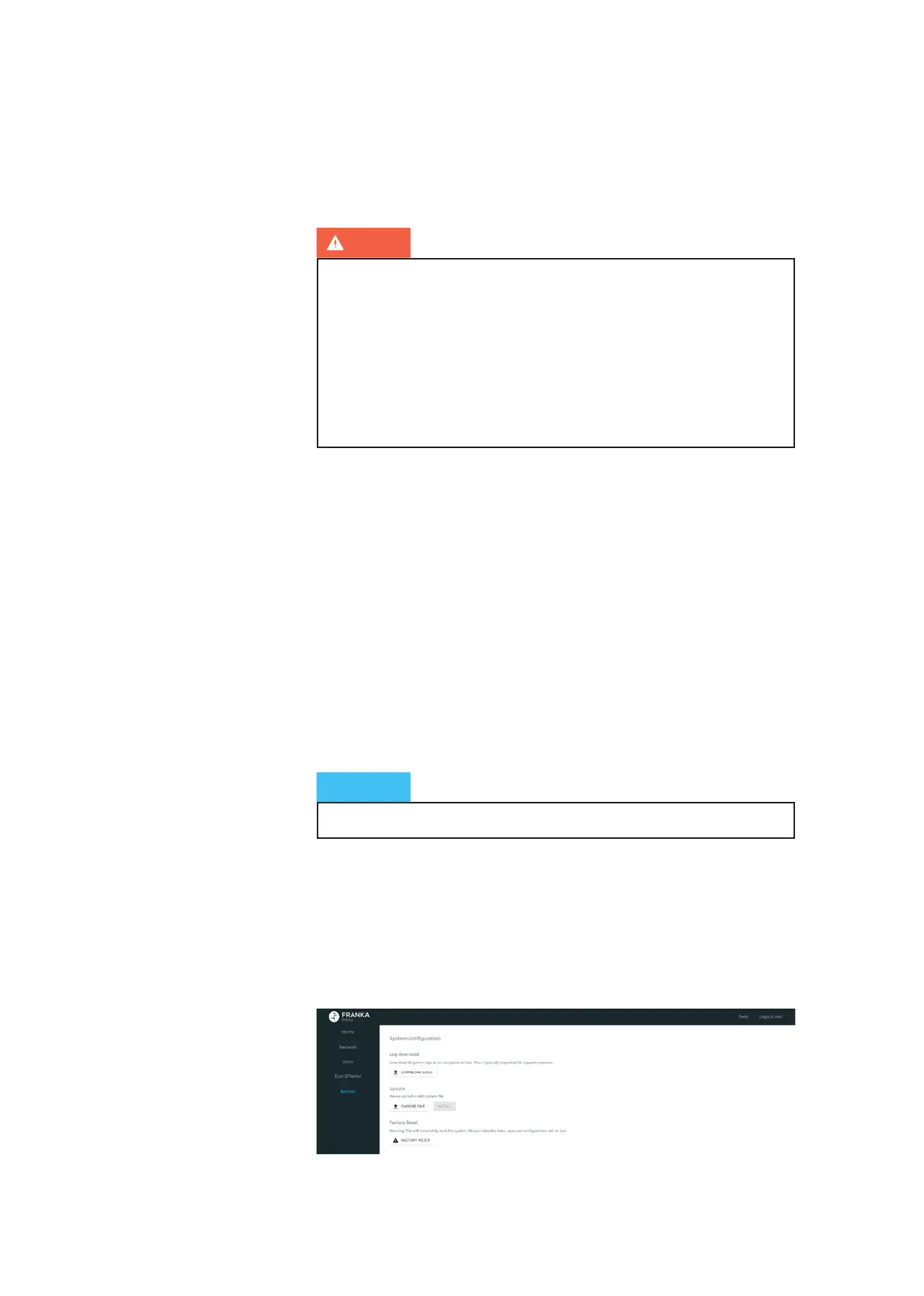
System updates are imported via the admin interface under “System”. Click on
the ‘Upload’ buon to select an update le. Aer the le has been successfully
uploaded, the update can be installed by clicking the ‘Install’ buon. For this pur-
pose, the system will reboot. The system restarts and the electricity supply to the
robot must not be disconnected.
System updates



 To Next Page